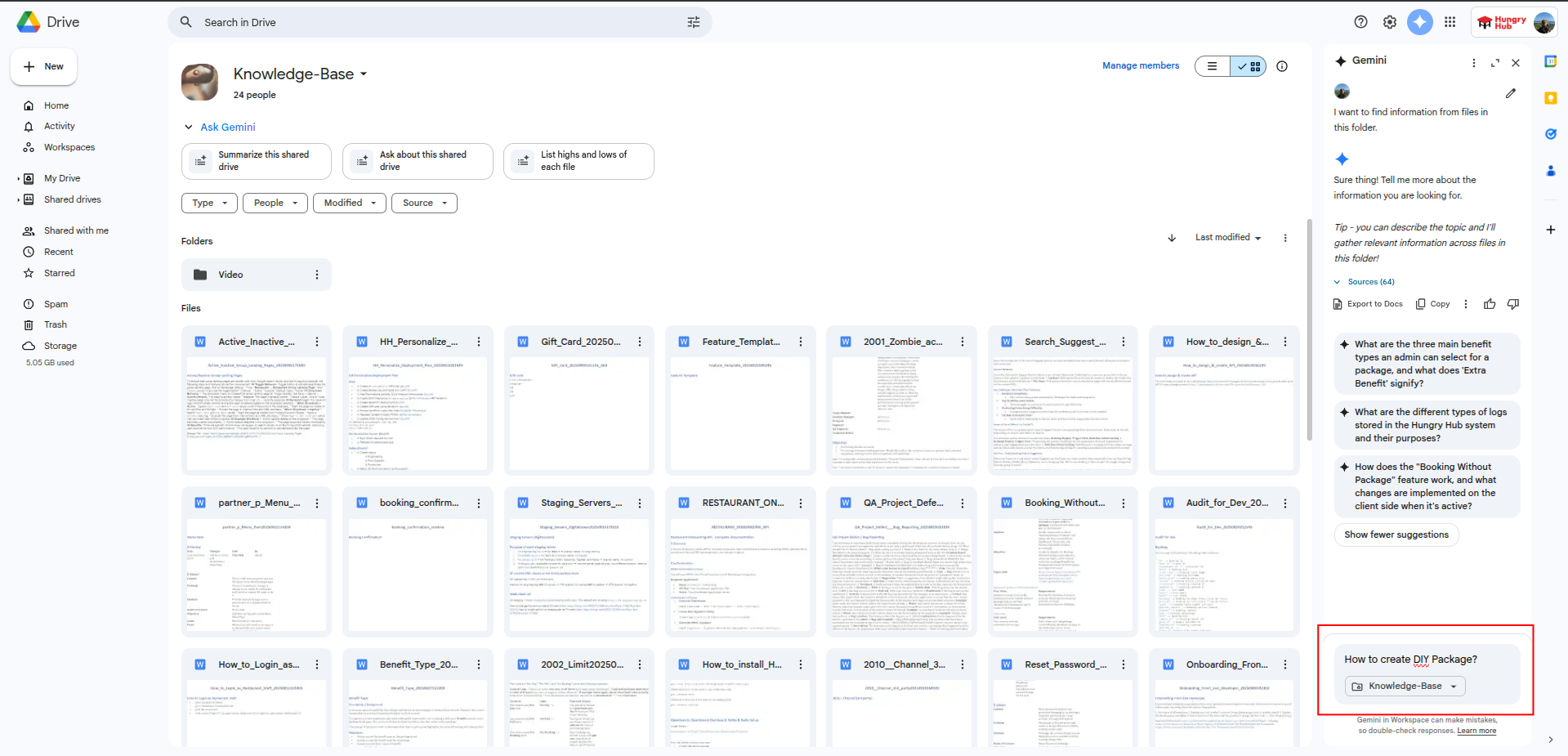
How to use GEMINI on Google Drive
-
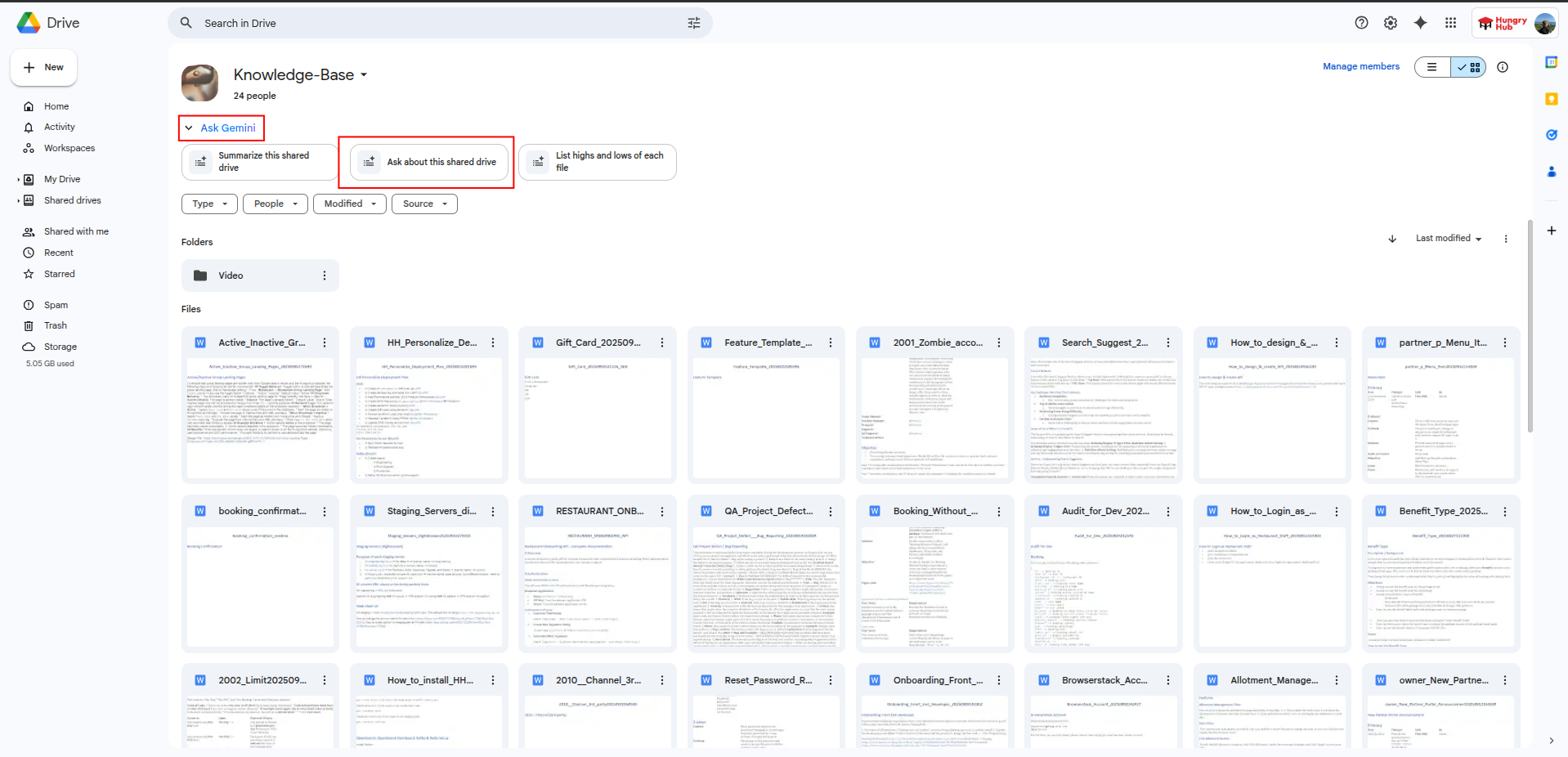
Open the Knowledge-Base drive on your shared drive https://drive.google.com/drive/u/1/folders/0APjft64d1c58Uk9PVA
-
Click the Gemini icon on the top left
-
Type your question you want to ask or the doc name you want to search