How to test/set location in WEB using add-on
Fake location is very useful to test the feature which relates to location. Example feature:
- Near Me
- Search map
Useful tool:
- Change Geolocation (Location Guard)
- Thailand Lat long: https://www.latlong.net/country/thailand-221.html
How to use:
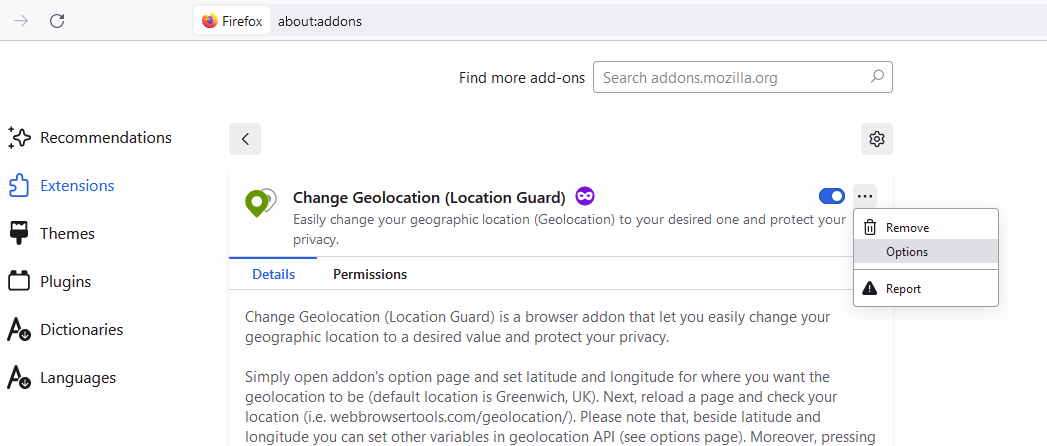
- Install the add-on on the browser, open the add-on and go to settings. example on Mozilla:
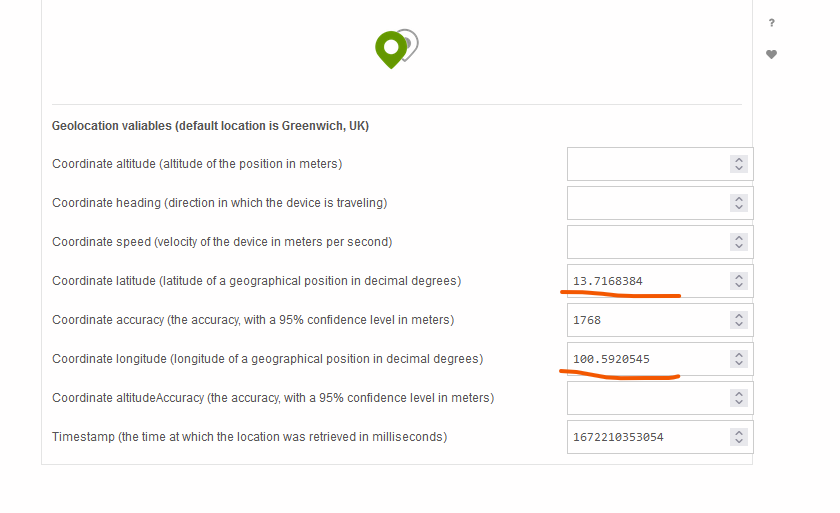
- Fill the lat and long according to the place on your wish. You can set the location according to the https://www.latlong.net/country/thailand-221.html
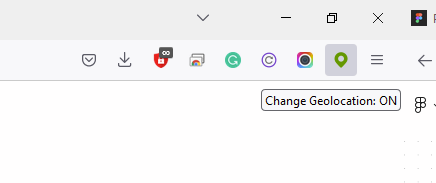
- Turn on the add-on by clicking the icon on your browser bar.