Restaurant Groups
Features
Search Feature

You can search restaurant groups by their names.
Add New Group Button

You can add a new restaurant group by clicking this button, and it will redirect you to the create restaurant group page.
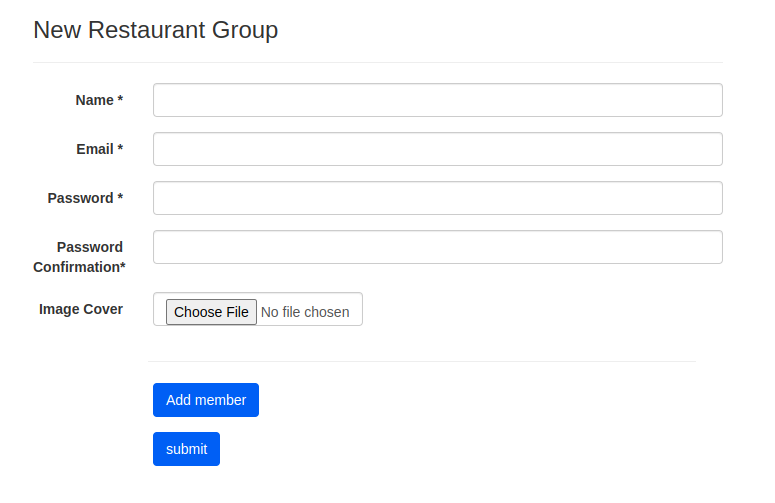
- Insert Name, Email, Password, and Password Confirmation.
- Upload an image cover (optional).
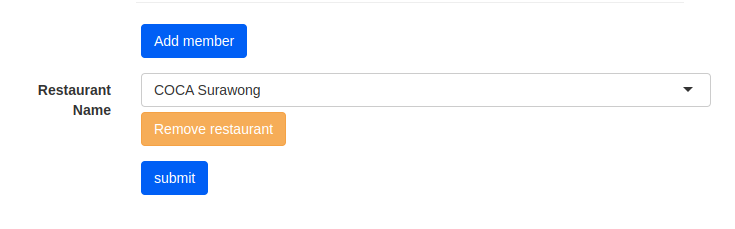
- Pick restaurant group members by clicking Add member.
- Pick the restaurant.
- If you are done adding the information, click Submit.
Restaurant Groups Table
- ID -> restaurant group ID
- Name -> restaurant group name
- Total Branch -> number of restaurants in the group
- Action:
- Login -> login to restaurant group dashboard
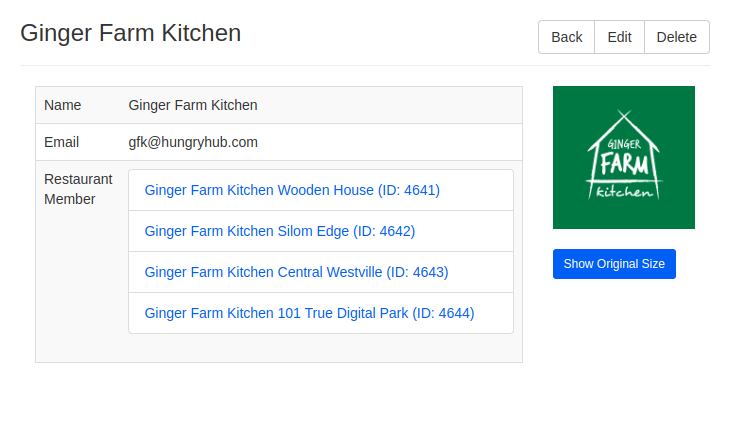
- Show -> You will be redirected to restaurant group details page
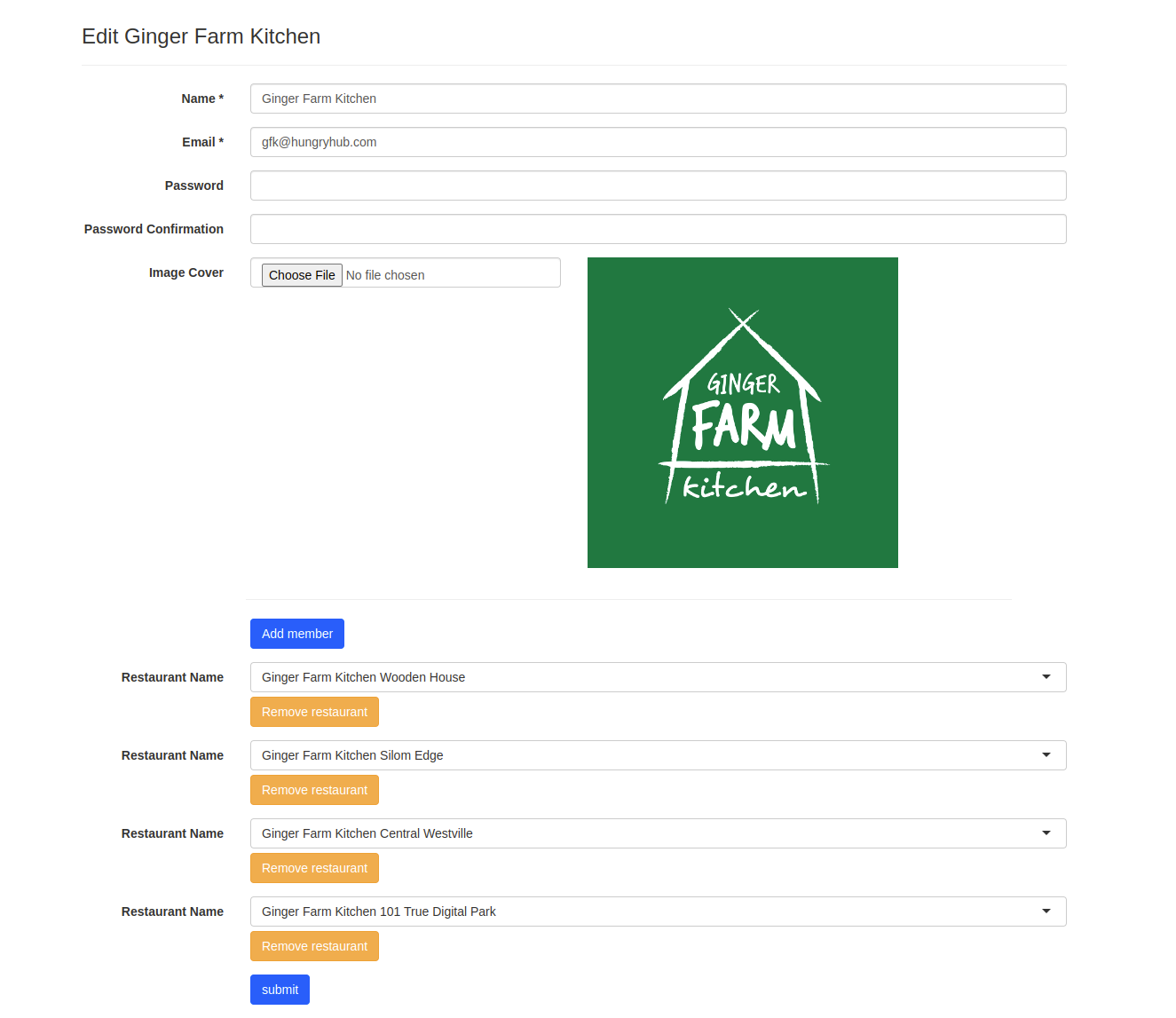
- Edit -> You will be redirected to restaurant group edit page
- Delete -> delete the restaurant group