Restaurant Group Landing Page
Features
Admin Dashboard
Search Section
You can search Group Landing Pages by ID or title.
Add Group Landing Pages
You can add a new Group Landing Page by clicking this button. It will be redirected to a new page.
Fill the form:
- Group Type: Pick the group type that you want to create the landing page for.
- If you pick group type Branch, RestaurantTagGroup, or RestaurantTag, choose the specific group.
- Title in Thai and English
- Description in Thai and English
- Footer description in Thai and English
- Images
Group Landing Pages List
This list is displayed based on selected admin language:
- ID
- Title
- Footer Description
- Group Type
- Action:
- Link as User: It will be redirected to Group Landing Page on Hungry Hub website.
- Edit: You can edit the Group Landing Page.
- Delete: You can delete the Group Landing Page.
Client Side
How to identify whether it is a Group Landing Page
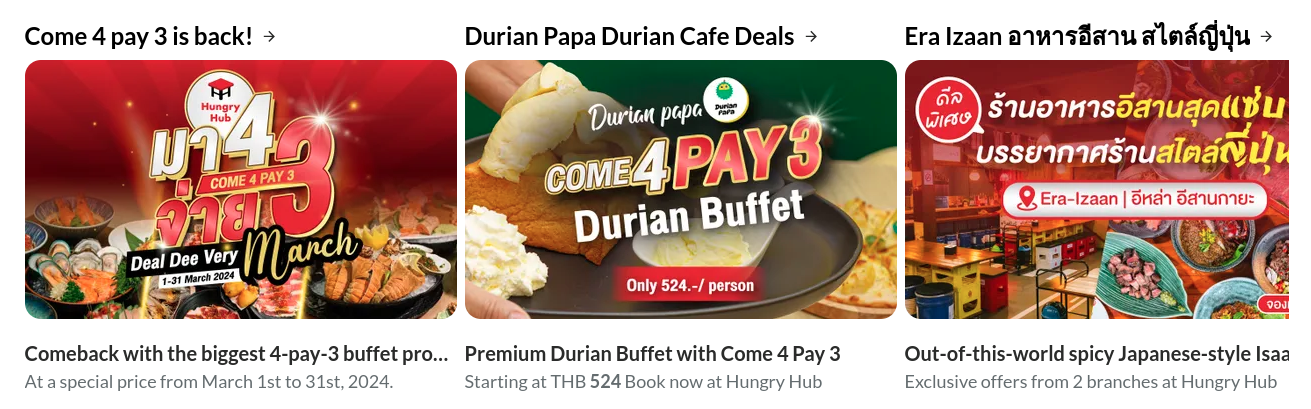
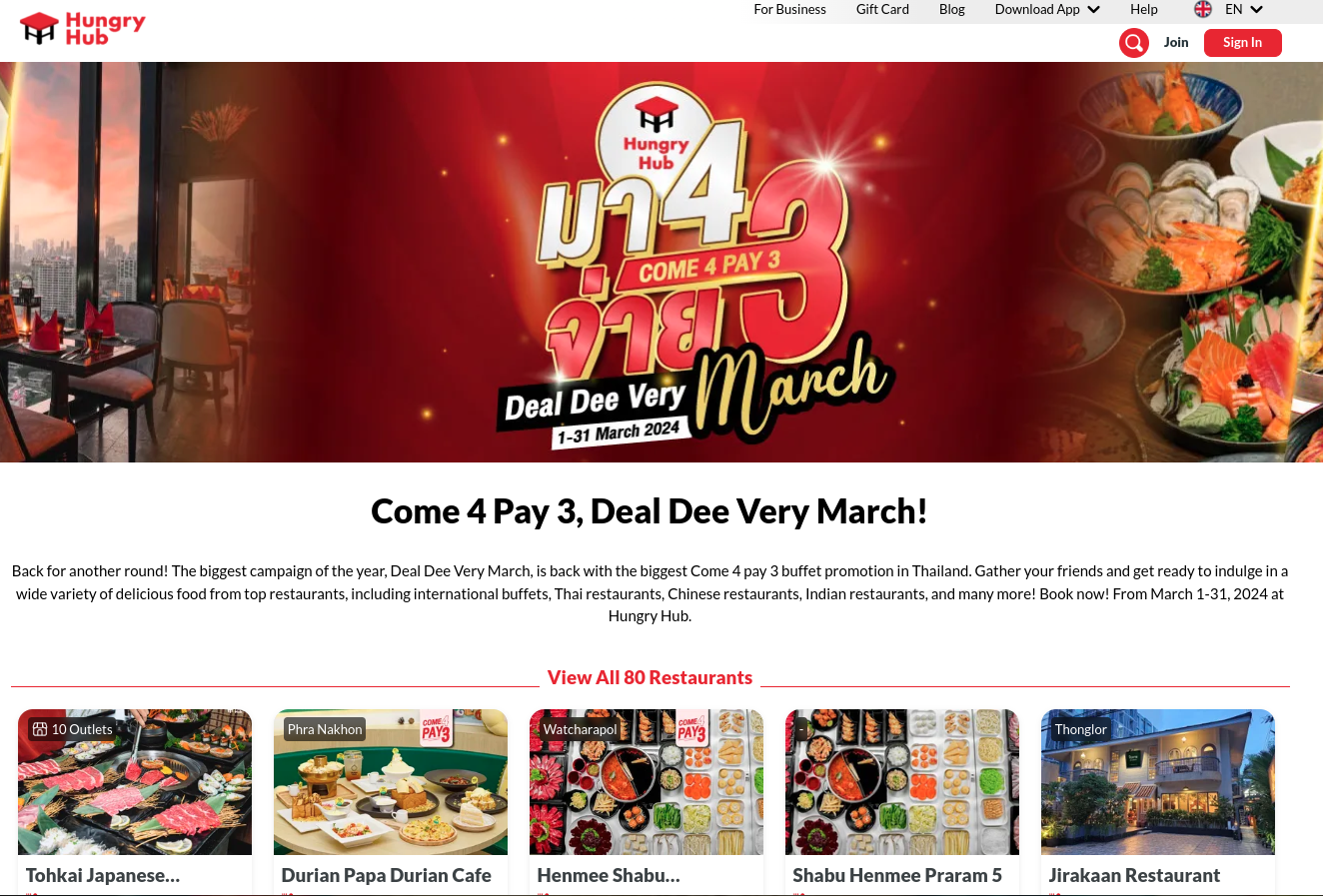
- If the restaurant card shows this icon, it means it is a restaurant group. If you click it, it shows a Group Landing Page view (not search page).

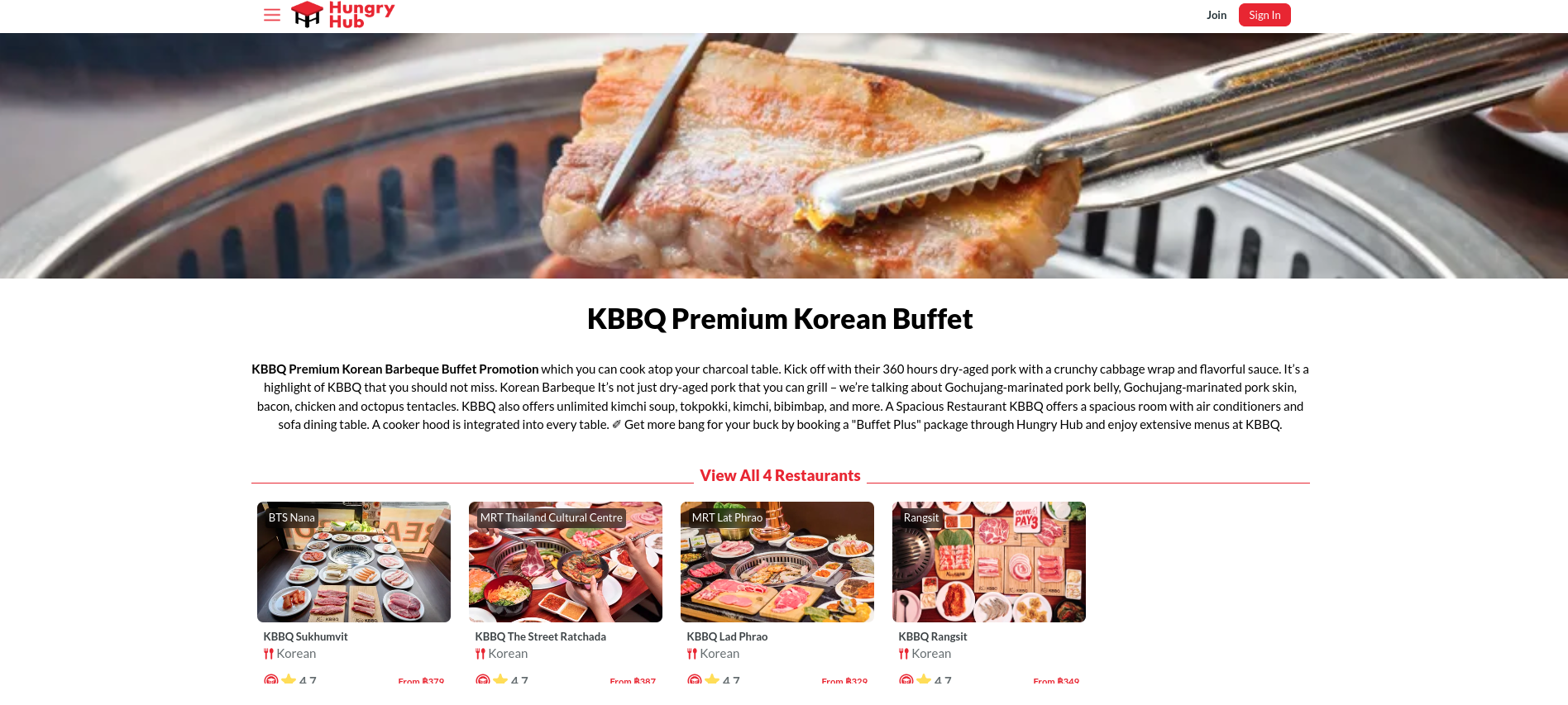
- If you click the promotion banner and it redirects to this page, it is a Group Landing Page. If the banner does not have Group Landing Page data, it will be redirected to search page.