Guidelines to Test HungryHub x TableCheck Integration
This document explains TableCheck Booking Integrations with the HungryHub system
Accept Status Values from TableCheck Webhook
- ACCEPTED · Booking information was updated by the restaurant or admin, support booking date/booking time/ seat update
- ARRIVED · Given that the restaurant or admin confirmed Customer attendance
- NOSHOW · Given that the customer did not attend the reservation, the booking was marked as a no-show by the restaurant or admin
- CANCEL · Booking was canceled by the restaurant or admin
Explanation of each TableCheck reservation status: https://support-restaurants.tablecheck.com/hc/en-us/articles/900001299983-Reservation-Statuses
Here is an important remark from TableCheck about the general rules of reservation status change for partners.
- The status change can only be performed by the tablecheck side. In this case, HungryHub can only make status changes related to cancellations
BIG GROUP BOOKINGS
Tablecheck support manual confirmation of reservations but it applies to all reservations for the restaurant. so, we have switched-off Big Group bookings for Tablecheck restaurants instead.
How to Test the Integrations?
- Create a new reservation via HungryHub client side
- Login into the restaurant Tablecheck support manual confirmation of reservations but it applies to all reservations for the restaurant. so, we have switched-off Big Group bookings for Tablecheck restaurants instead.(owner) dashboard using the given account
- update (date, time, party size), cancel, mark as no show, or mark arrived the reservation in the restaurant dashboard then the HH system will send the changes of reservation to TableCheck
- TableCheck check the reservation detail on their system and the changes should be changed as expectedTablecheck support manual confirmation of reservations but it applies to all reservations for the restaurant. so, we have switched-off Big Group bookings for Tablecheck restaurants instead.
- update (date, time, party size), cancel, mark as no show, or mark arrived the reservation in the TableCheck dashboard then the TableCheck system will send the changes of reservation to HungryHub webhook
- HungryHub check the reservation detail on their system and the changes should be changed as expected
Restaurant Account for Testing
Restaurant owner account that can be used to test the integrations of TableCheck with the HungryHub system.
Restaurant ID: 1124 - Tailor Asok
Owner Account for Testing:
url: https://hh-ballbot.my.id/dashboard/v2/owners/sign_in?locale=en
email: tailor@hungryhub.com
password: tC1234!
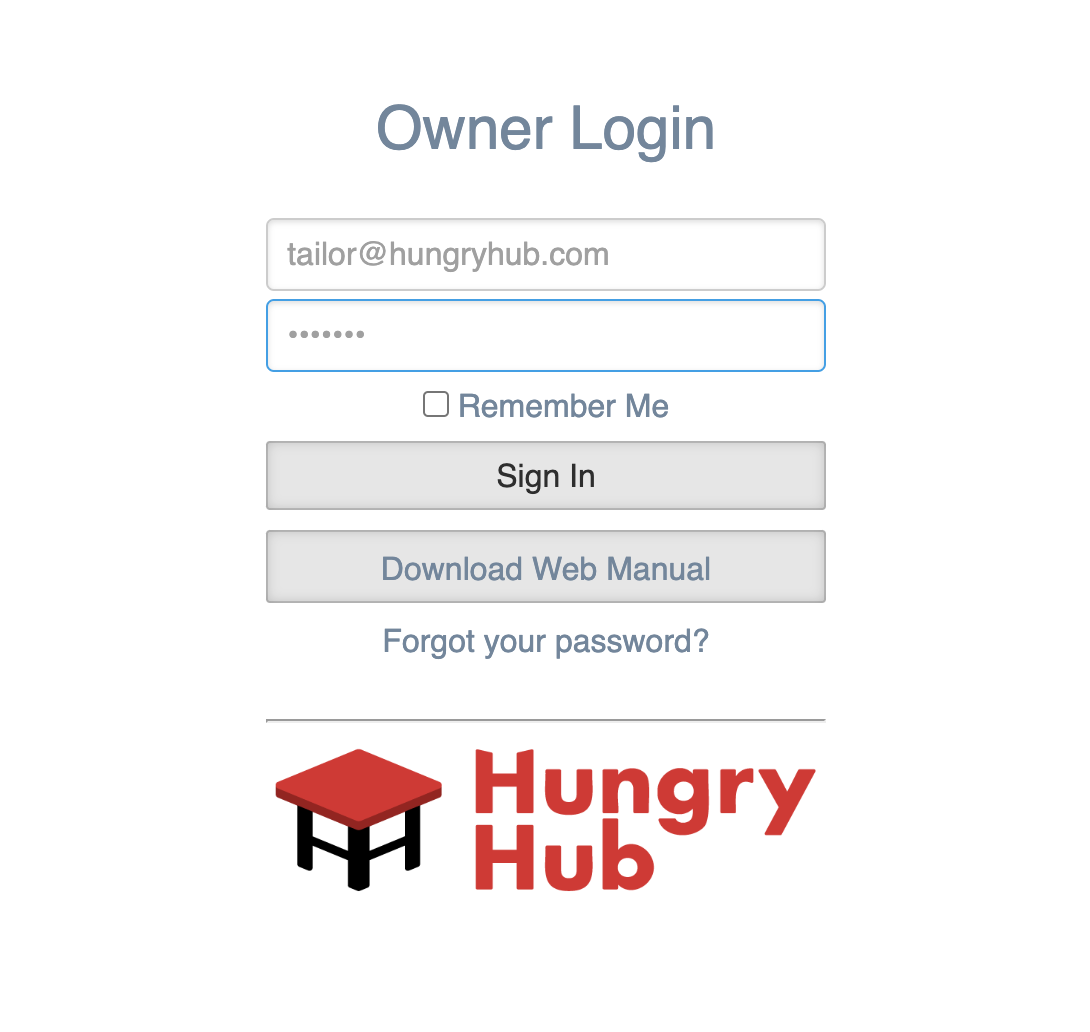
You can log in to the restaurant dashboard using the Login URL and fill out the email and password.
Example:
Once you already logged in then you can go to the Bookings menu and see the list of the reservations
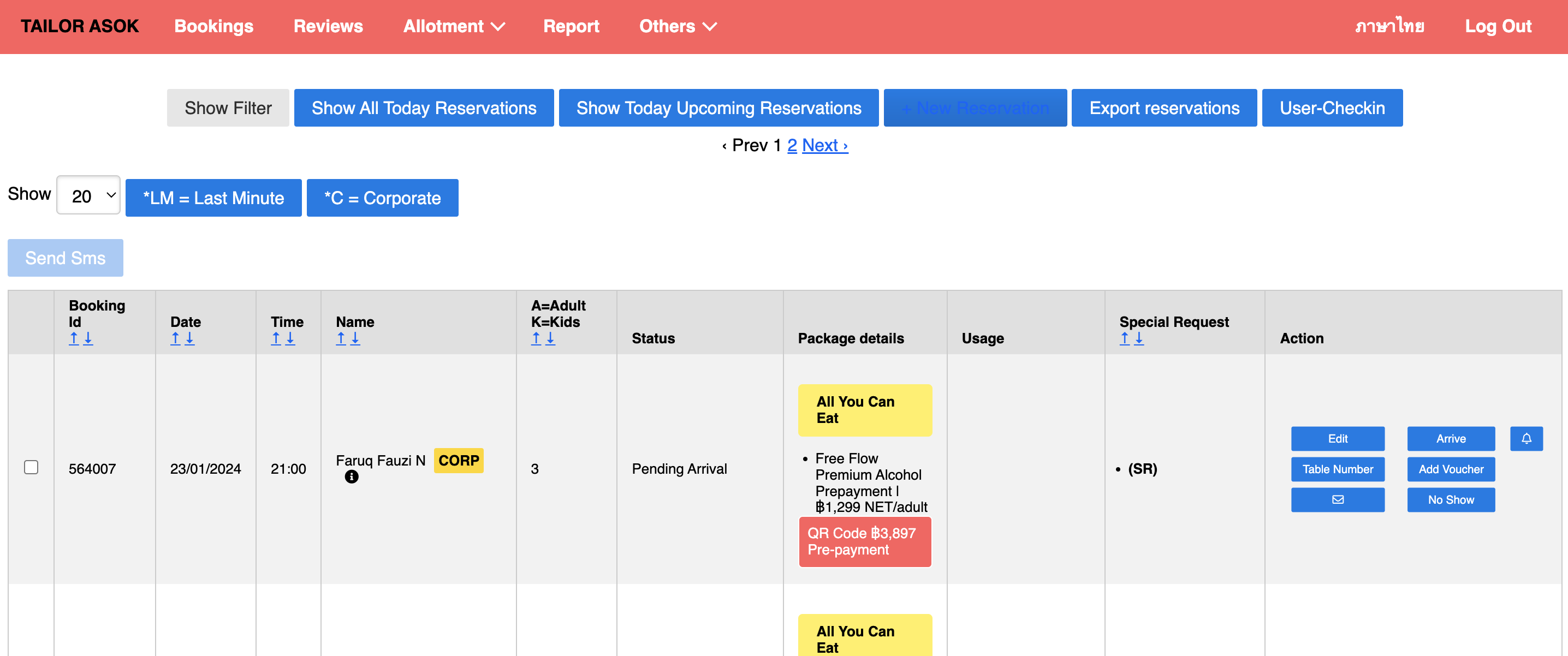
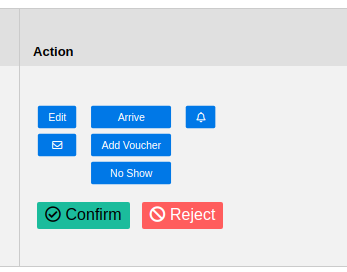
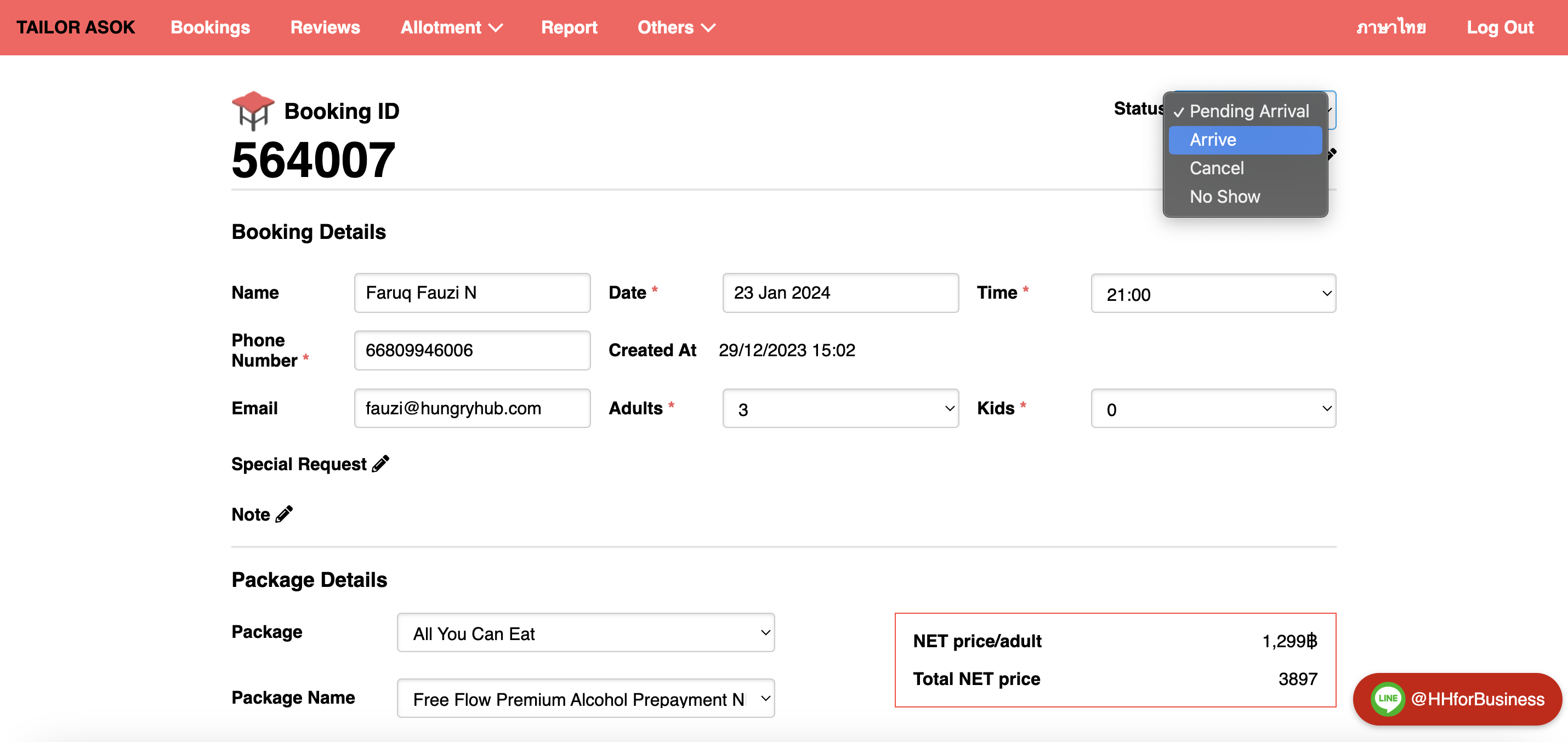
Now you can edit, cancel, mark no show, and mark as arrived the reservations (ref. see the reservation status matching suggestion section)
edit page:
Notes:
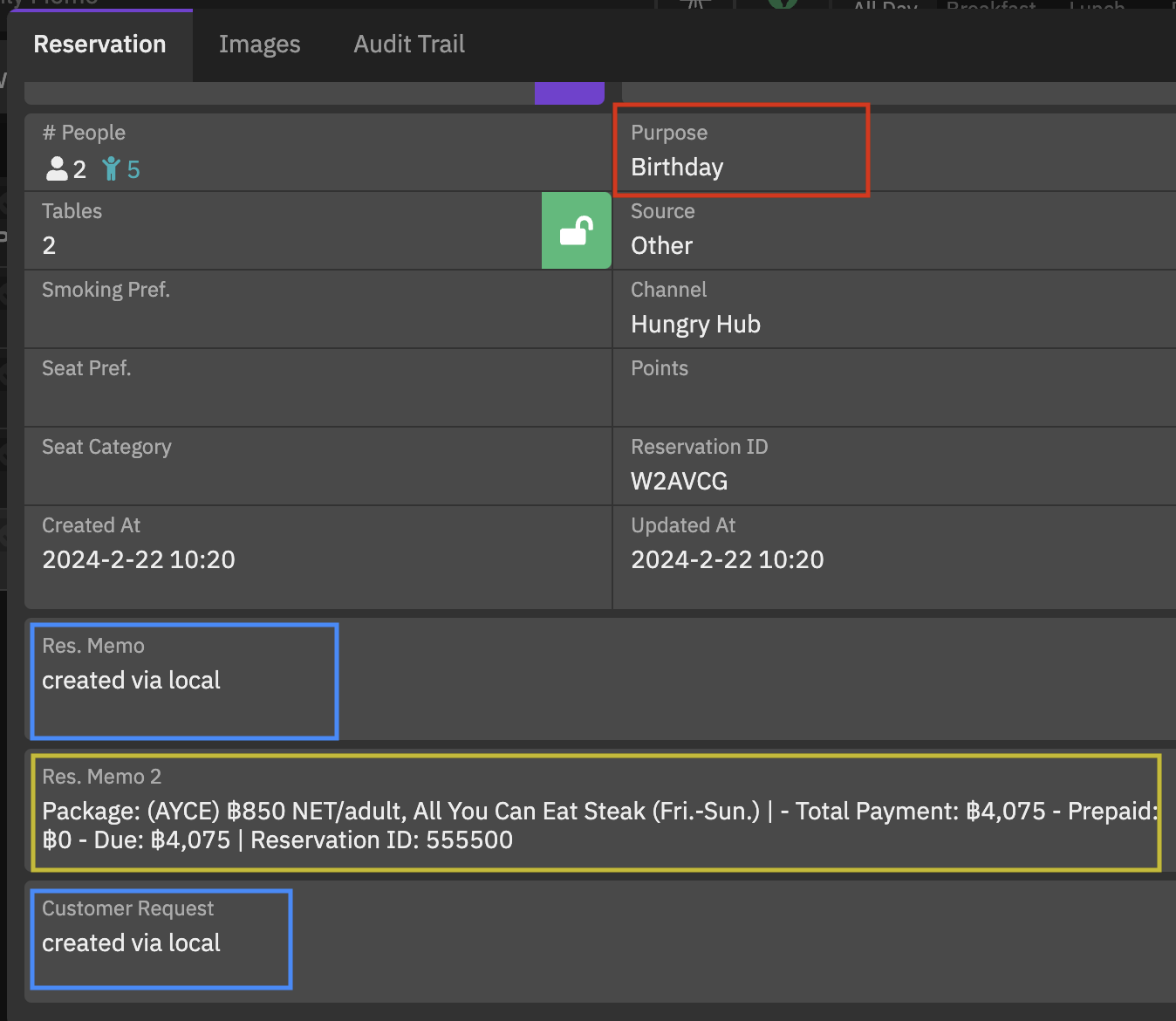
- Special Requests on HungryHub: will be stored on TableCheck in a section called Res. Memo & Customer Request.
- Package Details, Payment Method, Reservation ID, etc. on HungryHub: Additional information about your reservation, such as package details, payment method, and reservation ID number, will also be stored on TableCheck in Res. Memo 2.
- Dining Occasion on HungryHub: The purpose of your reservation, for example, whether it's for a business meeting or a birthday celebration, will also be stored on TableCheck as Purpose.
TableCheck has 3 messages response from API to indicate the reservation failed to create/update
- No tables are available for current selection: indicate that the requested inventory is not available
- Selected time occurs in the past: indicate that the chosen time has already passed
- Reservation could not be updated: typically relates to an incorrect payload, such as containing non-standard characters like Thai characters, etc
Notes that we send the request to TableCheck API.
For phase-1, if changes related to date, time, or party_size are made on the tablecheck side, there is a possibility that these data changes may fail to be executed on the HungryHub side because HungryHub will perform checks based on its own inventory.