How to test Mobile App
Preparation
Ask the PIC (Tompi or Saiqul) to add your HH email as tester and for iOS need additional information like UDID. Check your email for email invitation and then follow the instructions to download the AppDistribution/ App Tester. Success Installation, then you’re ready to go.
Install the correct APP
Ask the mobile app developer in which version that build is ready to test or you can check the task ticket on clickup. The available build list also has a development note to make it easier, so make sure that you download the correct app.
-
Open your App Tester on Android
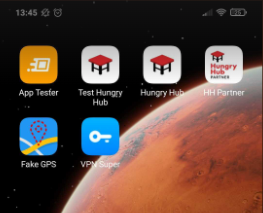
-
and TestFlight on iOS

-
Download the Build
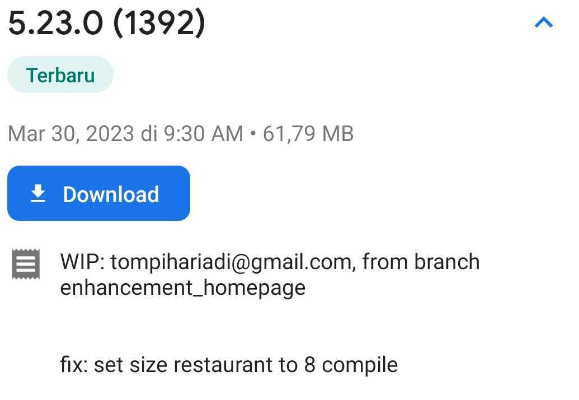 As you can see at this picture, you can find information about version, which feature or branch and fixed issue/bug.
 -
Download app from app store or play store, make sure to check the version
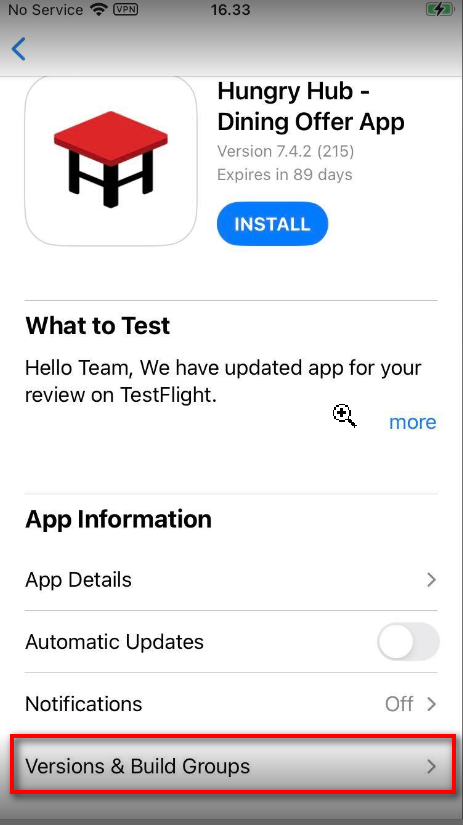
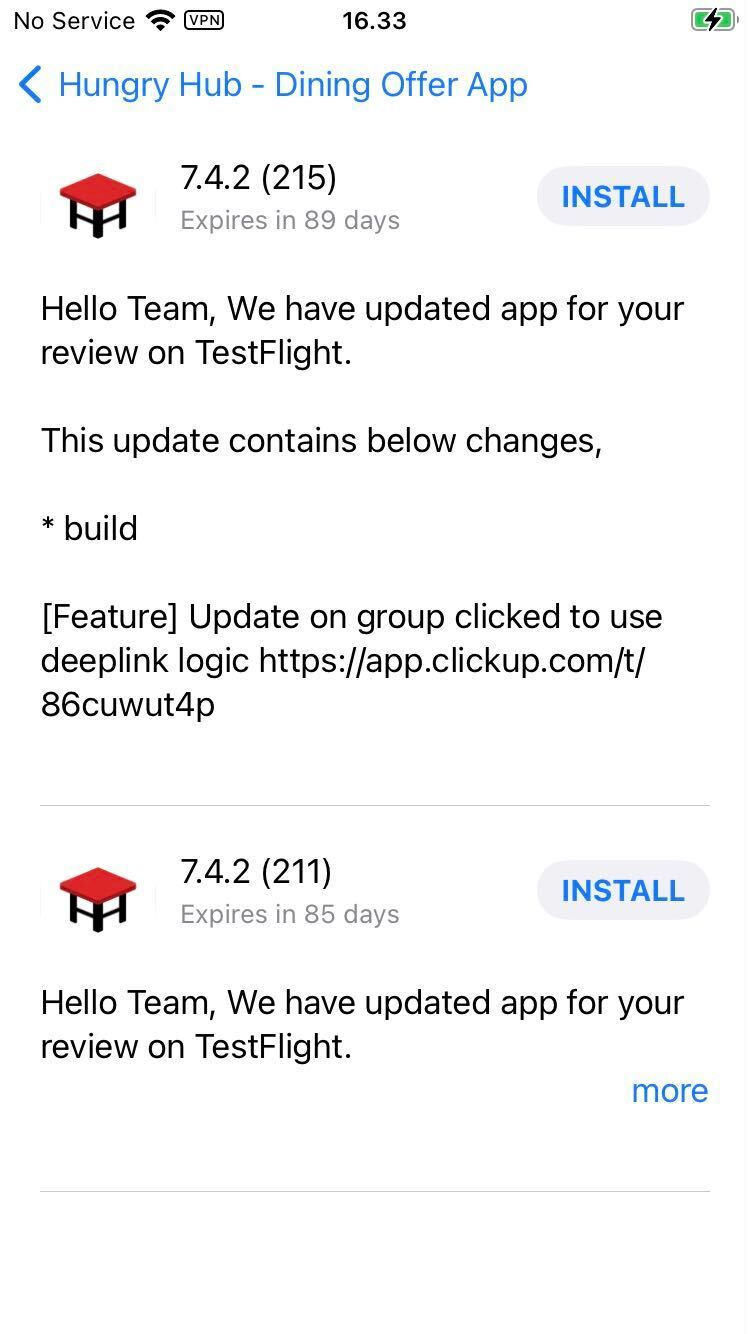
Ready to test
After installation is complete, you can check the issue/feature according to the project/test case/bug ticket. Open the app and go to the part that needs to be tested.