How to create HH Menu V3
- Open Admin Dashboard https://hungryhub.com/admin/dashboard?locale=th
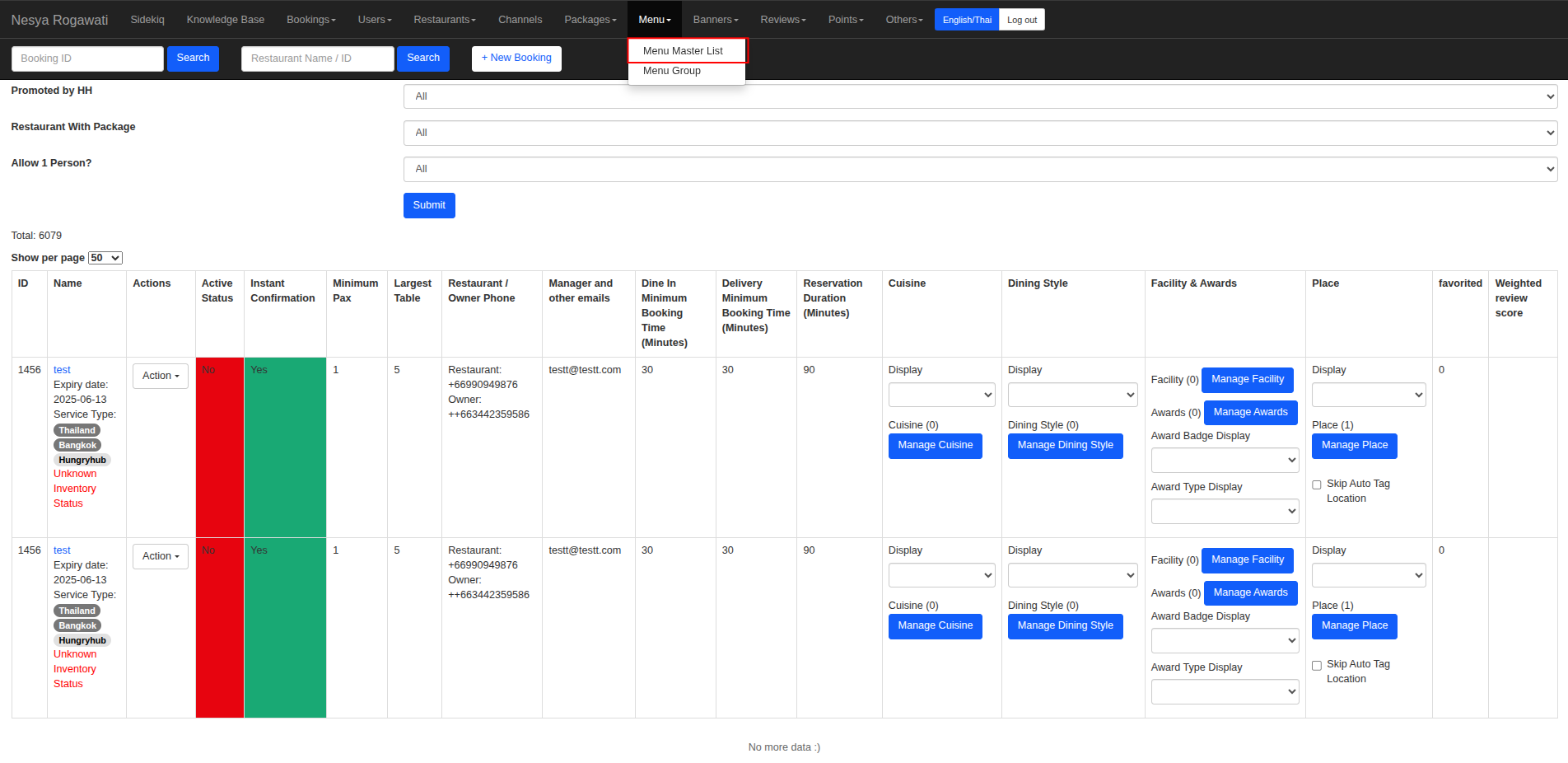
- Open Menu → Menu Master List
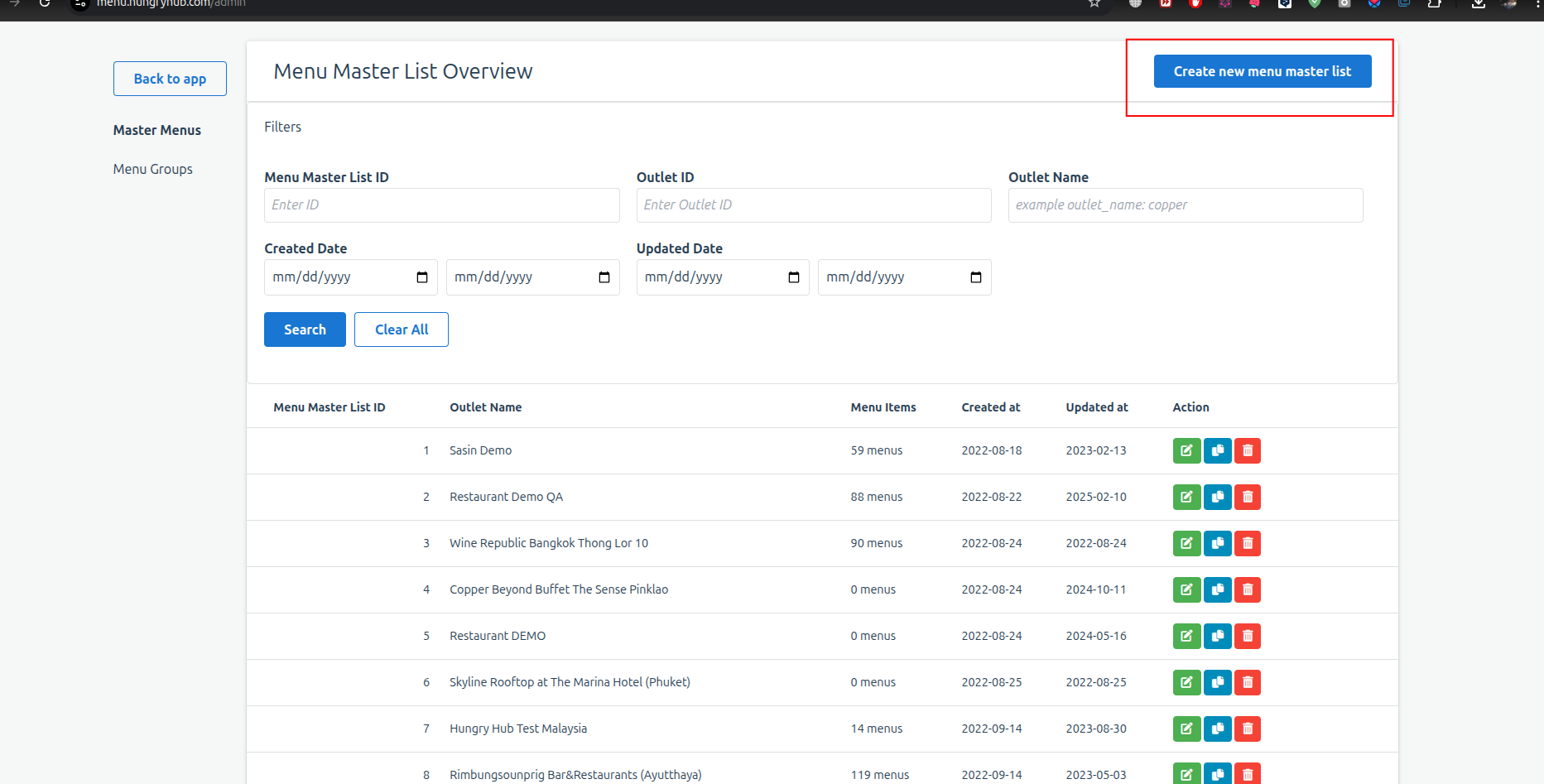
- It will redirect into new page, click the "Create new Menu Master List" button
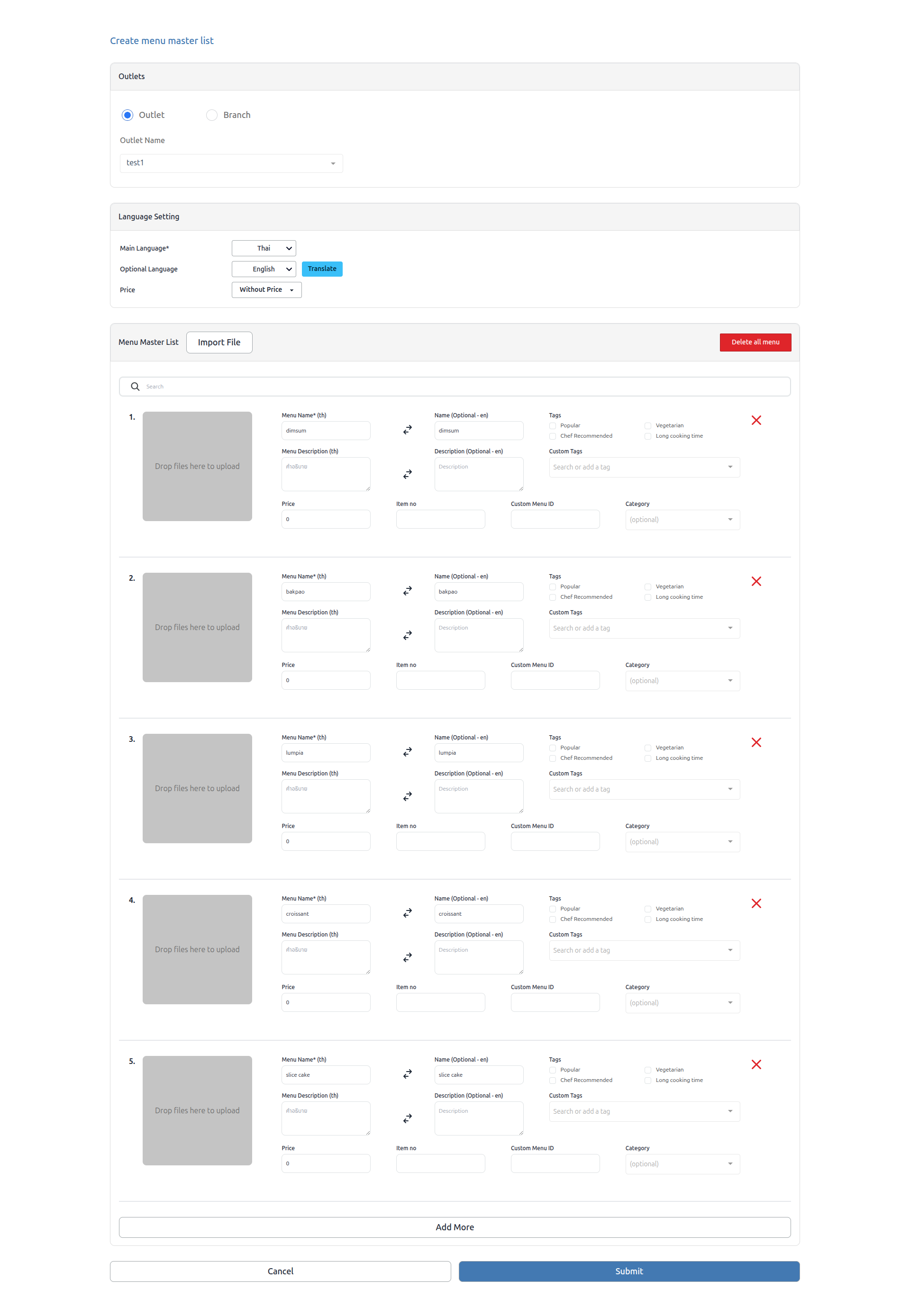
- Create or import your menu master list → Click the submit button
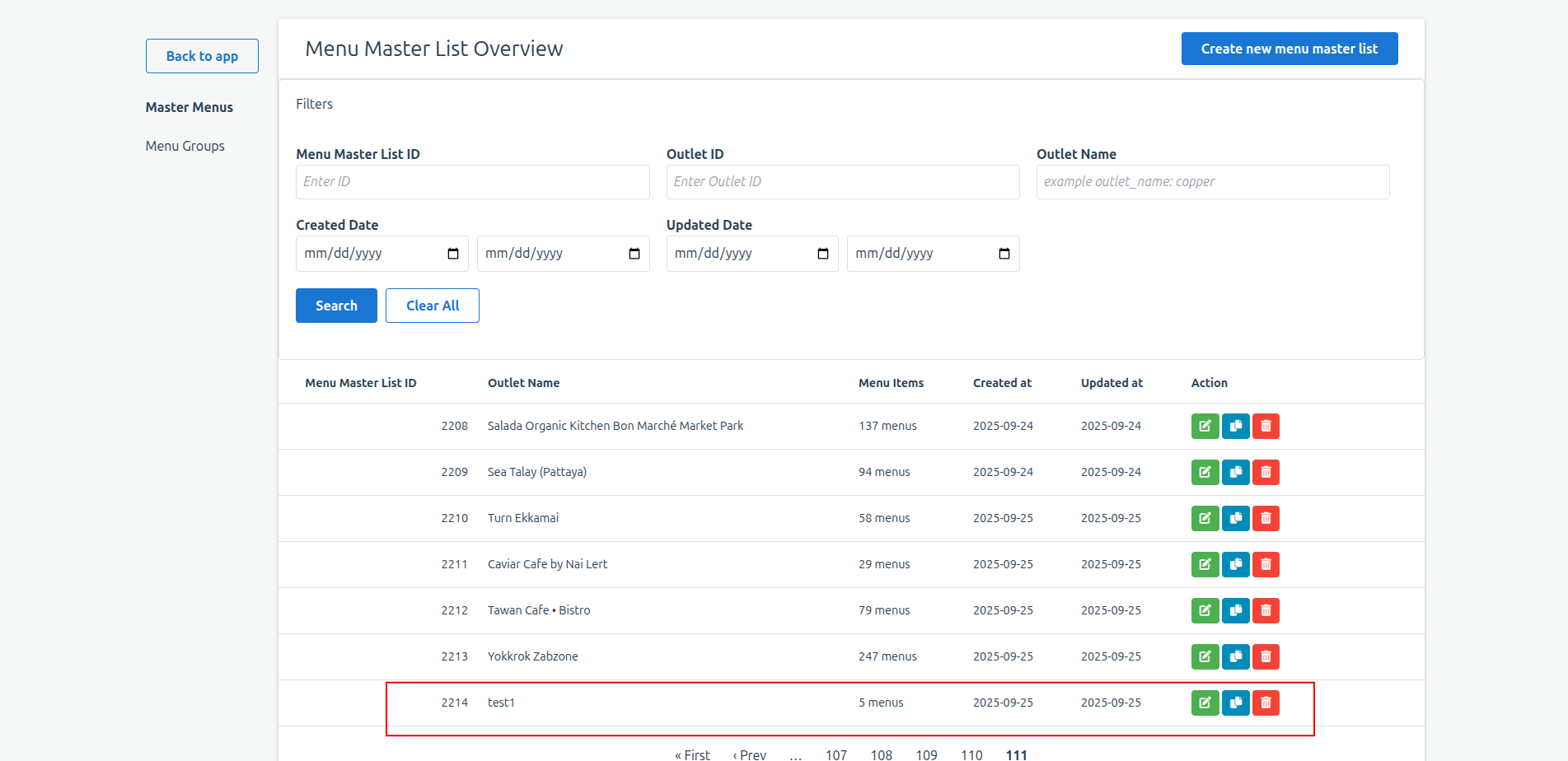
- Open the Menu Master List page → Open the last page

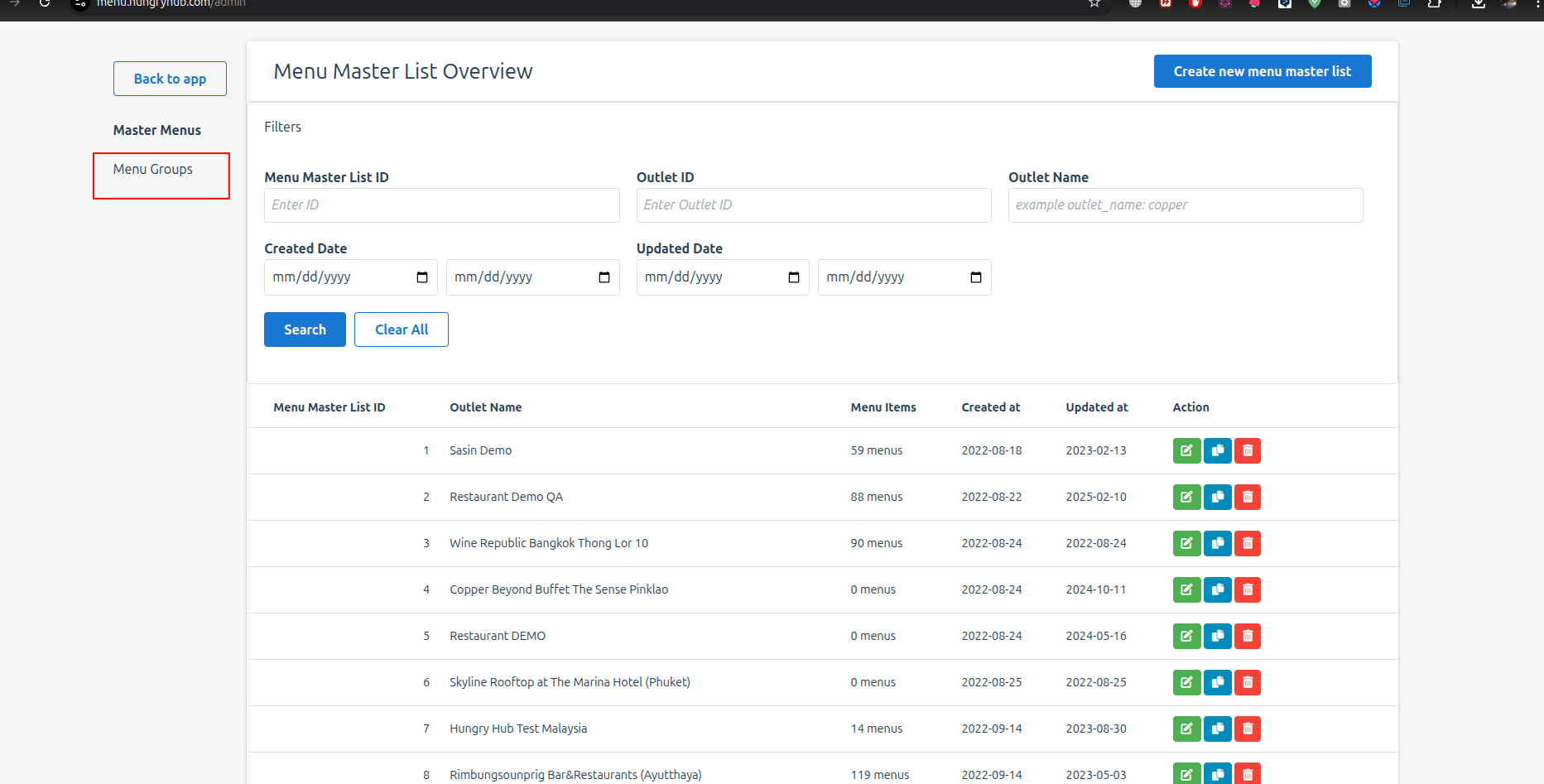
- Find your Outlet or branch name, make sure it was listed on Menu master list page
- Open the Menu Groups page.
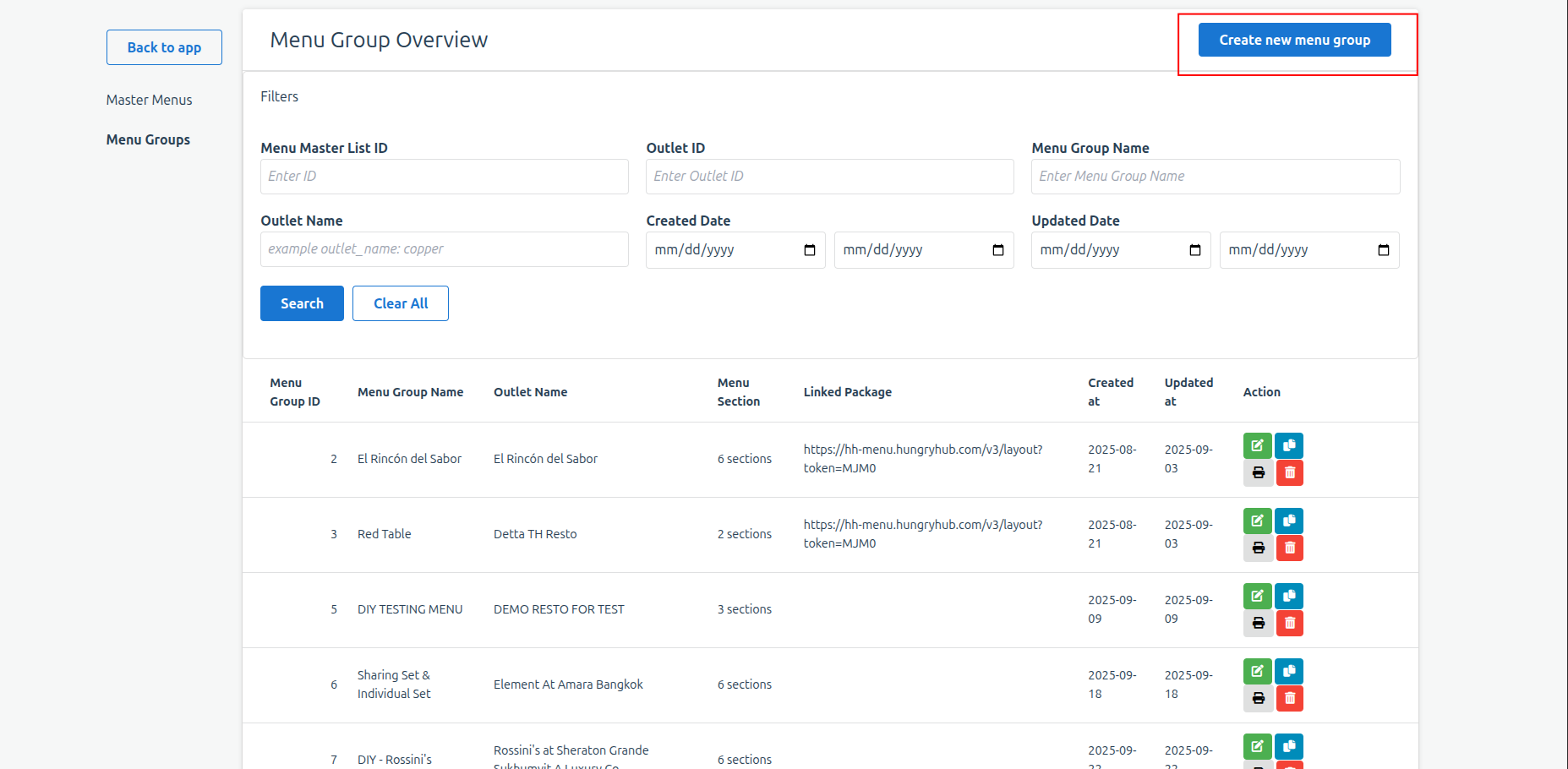
- Create new menu group
- Insert your Menu Group Name (mandatory), and input your section type
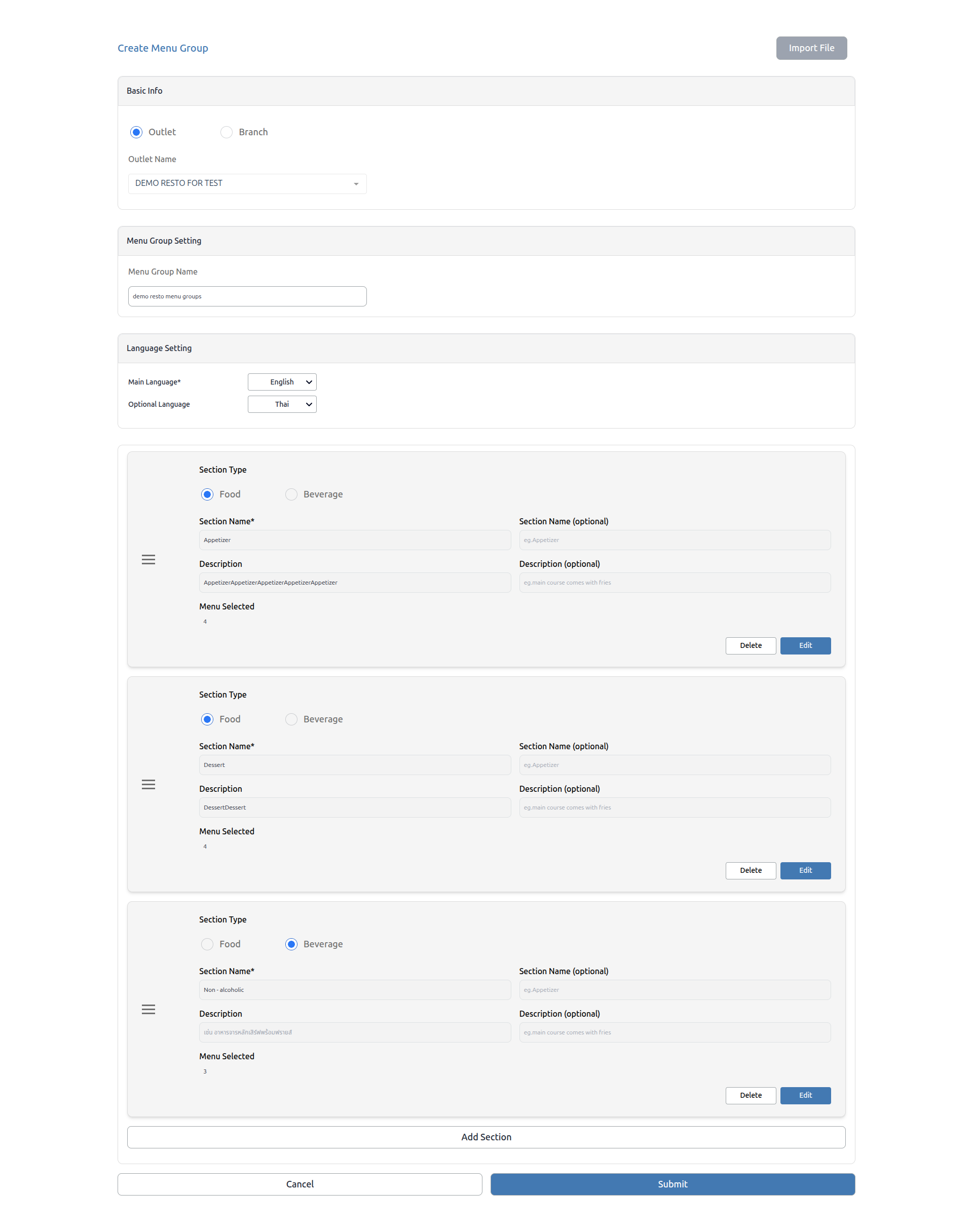
- The menu should successfully be created, you can add the HH Menu V3 on your package settings.