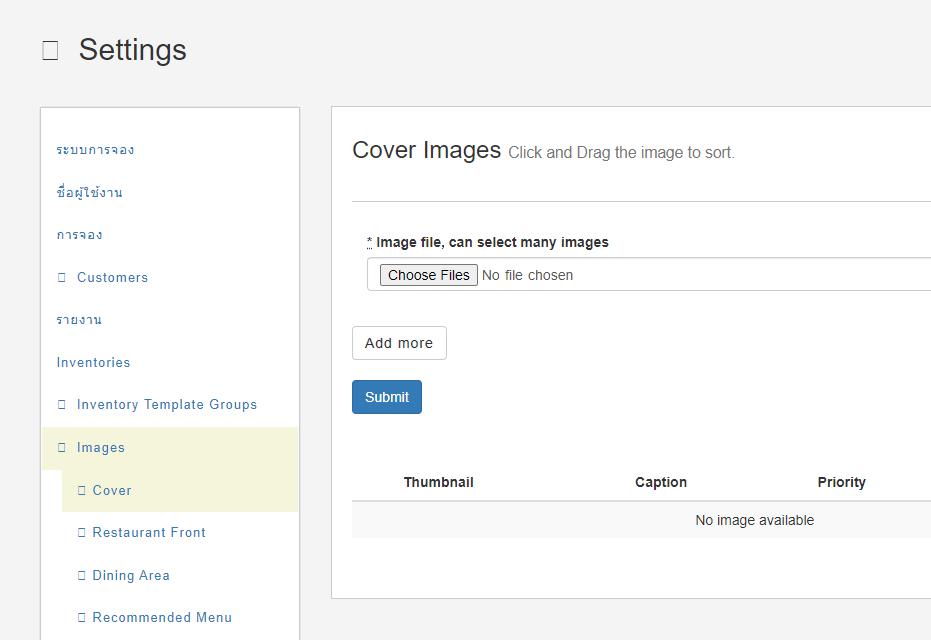
How to add missing cover on Homepage
Cover image missing on Branch:
- Open https://hungryhub.com/admin/restaurants/featured_restaurants?locale=en
- Search your branch, and upload the image
- when admin does not create any record on this page, then system will choose one of the outlet cover automatically Restaurant cover image missing:
- Open Restaurant List → Action → Login V1
- Open Image → Cover
- Add the image there