How to A/B Testing
When implementing the checkout page, we will have a UI alternative for offers section (promo code/gift/point). For the first, we will have two versions for this UI:
 To implement this feature we’re gonna use firebase remote config and integrate that with A/B testing. Let’s say we have offers_type config in our firebase. We will use this value to set which UI would show on our checkout page.
We can set on query URL on our checkout page. In example: {hybrid_url}?offers_type=a/b
If the value is ‘a’, it will show the first design and if value is b will show the second design. The default or empty will show first design.
To implement this feature we’re gonna use firebase remote config and integrate that with A/B testing. Let’s say we have offers_type config in our firebase. We will use this value to set which UI would show on our checkout page.
We can set on query URL on our checkout page. In example: {hybrid_url}?offers_type=a/b
If the value is ‘a’, it will show the first design and if value is b will show the second design. The default or empty will show first design.
How to Setup A/B Testing
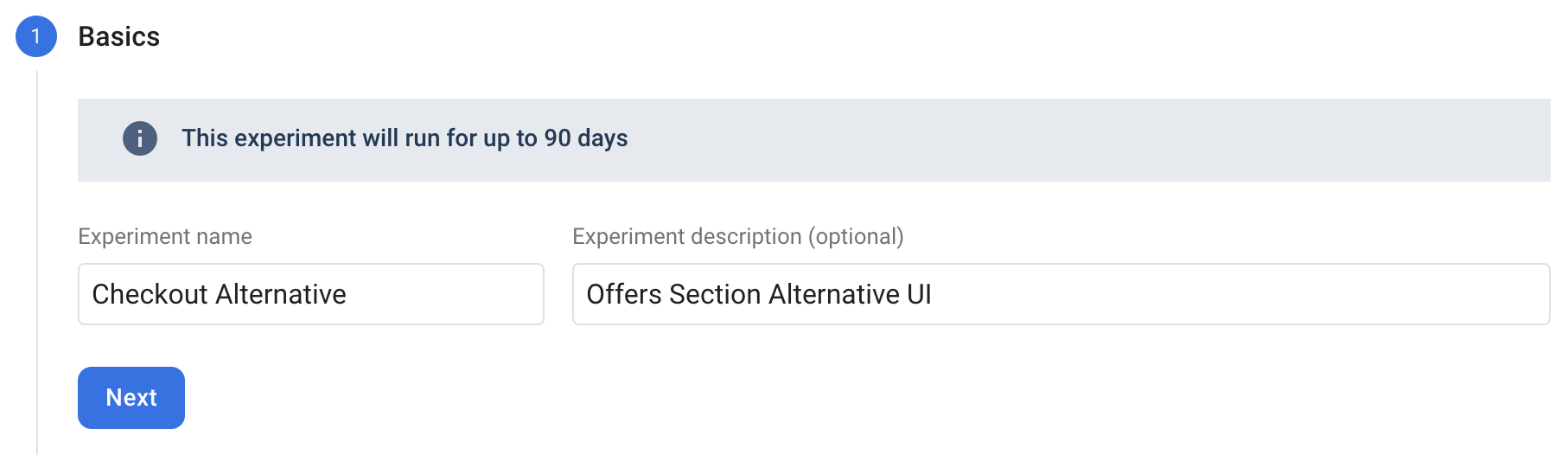
Set our experiment name & description (optional)
Targeting our experiment audience. We can only select 1 app on each experiment. So, if we gonna implement in android and iOS we need to create 2 experiment setup.
We can set goals by default from firebase suggestions or other analytics events (including custom analytic events).
After setting our goals, we can set up our variant to set custom values in our remote config.
Reference: https://firebase.google.com/docs/remote-config https://firebase.google.com/docs/ab-testing