Superset
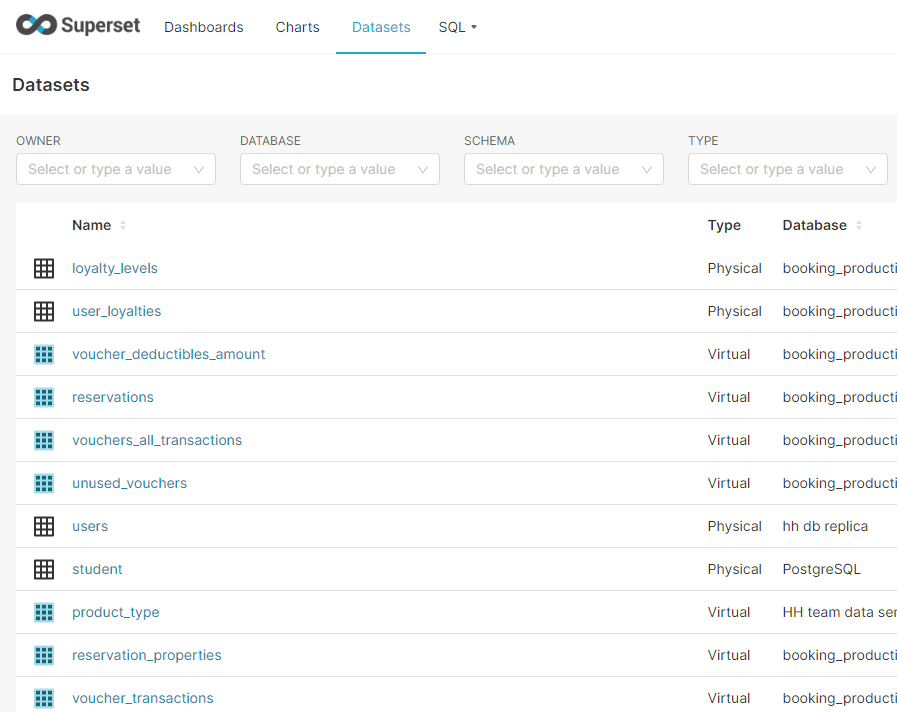
Superset can connect to many DB. Currently it connects to our Replica database. Following is the result if we open datasets
 There is a time when the table doesn’t have the required data, so here is what we can do:
- Join another table
- Create a virtual column
- Create a new table in Rails to collect the data (the last option if the first two options can not fulfill the requirements) You can do some experiments on this page https://superset-v2.hungryhub.com/superset/sqllab/ before creating any charts
Example charts
We also have many charts on the old superset https://superset.hungryhub.com/ that you can copy to the new superset
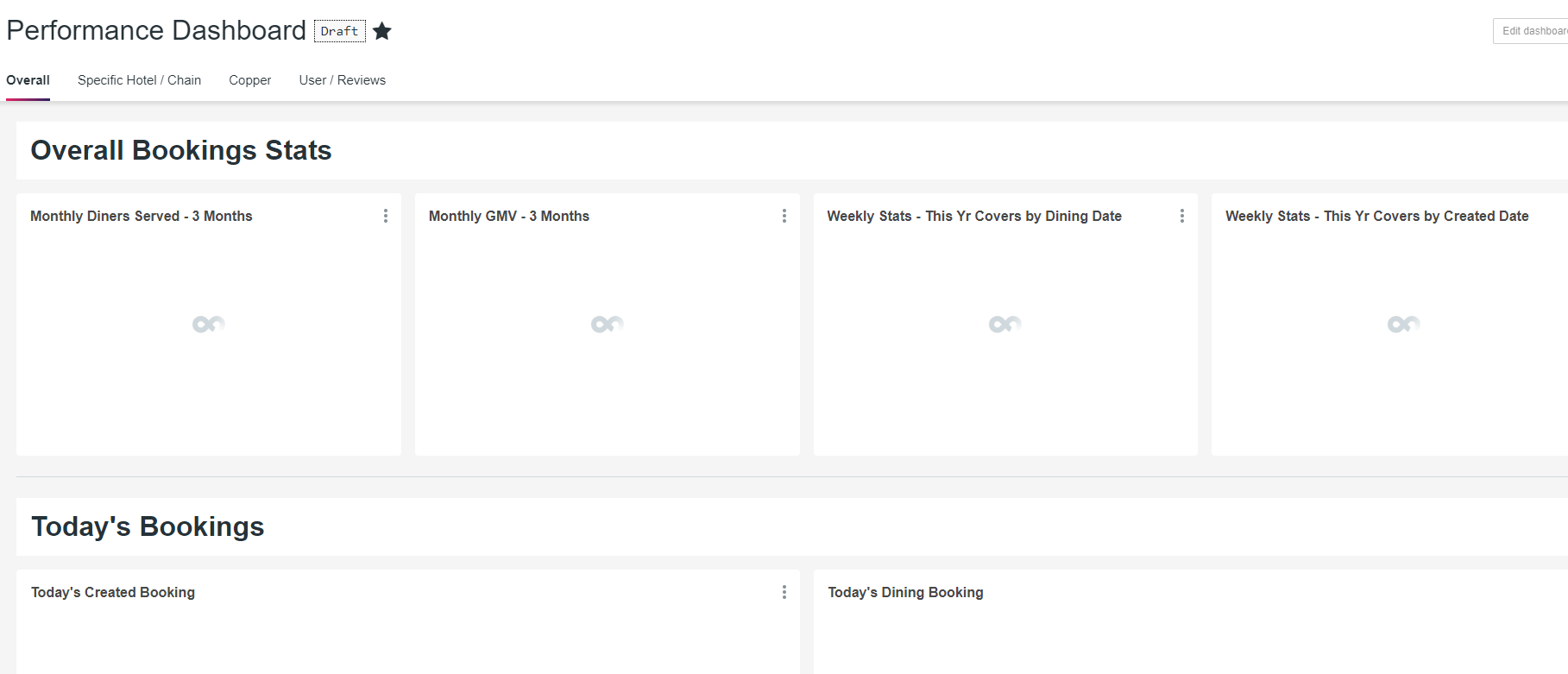
Difference between superset.hungryhub and superset-v2.hungryhub
superset.hungryhub.com uses Superset version 0.xxx but superset-v2.hungryhub.com uses Superset version 1.xxx You need to make some modification to create a similar chart of superset V0 to V1
How to create a correct reservation dataset
We have so many reservation features, that’s why there are many columns on the reservations table To create a correct report on Superset for reservation, you need to filter the table based on the following filters:
- active = 1
- ack = 1
- is_temporary = 0
- for_locking_system = 0
- adjusted = 0
- no_show = 0
You need to join it with table
reservation_packages. If it doesn’t have a reference toreservation_packagestable, the record is invalid. Maybe you need to addGROUP BY [reservations.id](<http://reservations.id>)
How to create a correct restaurant dataset
To create an accurate report on Superset for restaurants, you need to filter the restaurants table based on the following criteria:
activecolumn should be equal to 1 (active = 1oractive IS TRUE)- The
expiry_datecolumn should be greater than or equal to today’s date (expiry_date ≥ NOW()). By applying these filters, you will retrieve only the active restaurants that have not expired yet. This will help you to get the most up-to-date and accurate data for your report. It’s important to make sure that you are only including active restaurants in your analysis, as it can skew your results if you include inactive ones. Additionally, filtering by theexpiry_datecolumn ensures that only currently valid restaurant data is displayed in your report.
How to add a dataset of restaurants who sell voucher
To retrieve restaurants that sell vouchers only from the restaurants table, you need to filter based on the following criteria:
- The
voucher_offer_datecolumn should be greater than or equal to today’s date (voucher_offer_date ≥ NOW()). By applying these filters, you will retrieve only restaurants that are currently offering vouchers. This will help you to get the most up-to-date and accurate data for your report. Additionally, filtering by thevoucher_offer_datecolumn ensures that only currently valid restaurant data is displayed in your report. It’s important to make sure that you are only including active restaurants in your analysis. To do that you need to combine the query conditions like this:
(active IS TRUE AND expiry_date >= NOW()) AND (voucher_offer_date >= NOW())
The query above will retrieve only active restaurants that sell vouchers only.