Restaurant Tag Banner
A restaurant has two images:
- cover
- banners
Cover image
It will show up on Group Landing Page
How to upload cover image
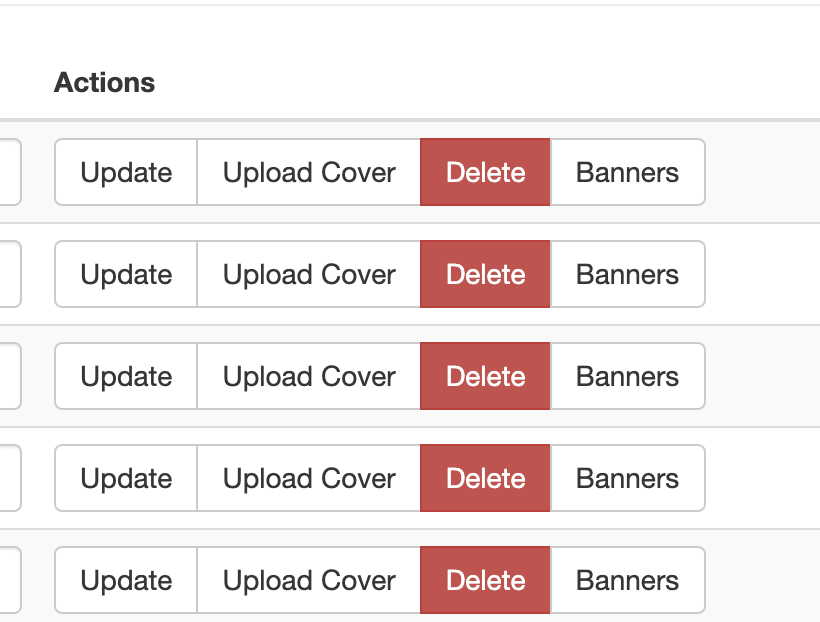
- open https://hungryhub.com/admin/restaurant_tags?locale=en
- click
Upload Cover
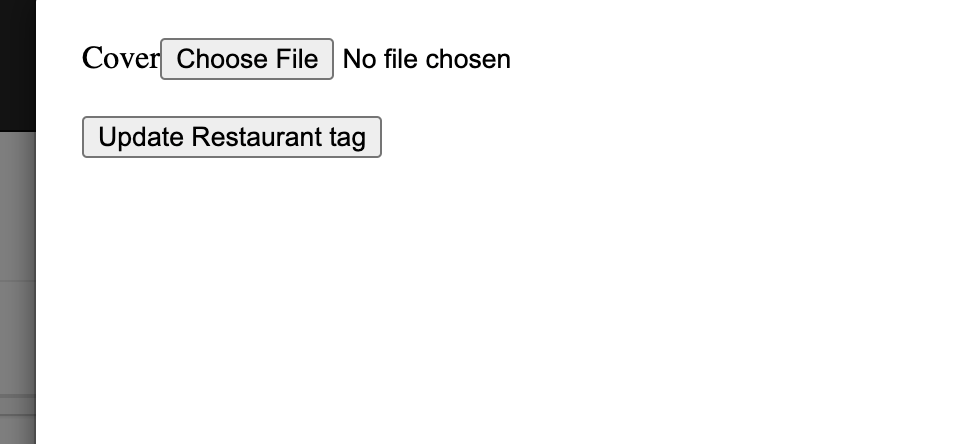
- and click
Updatebutton
Banner image
It will show up on Restaurant Page
How to upload banner image
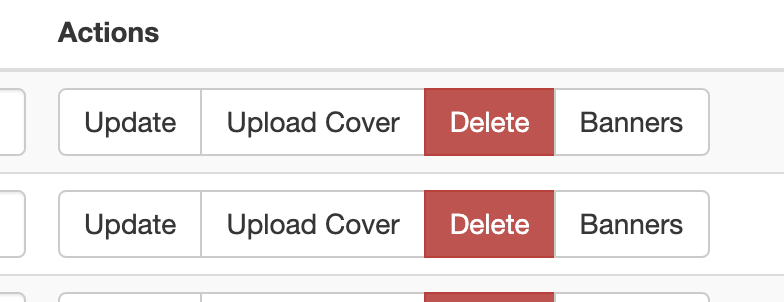
Select any restaurant tag with type Hashtags that you want
then click Banners button
 you will arrive at the Banners page that is specific to that restaurant tag
for example: https://hungryhub.com/admin/banners?restaurant_tag_id=662
then click
you will arrive at the Banners page that is specific to that restaurant tag
for example: https://hungryhub.com/admin/banners?restaurant_tag_id=662
then click Add New
 and just upload 2 images
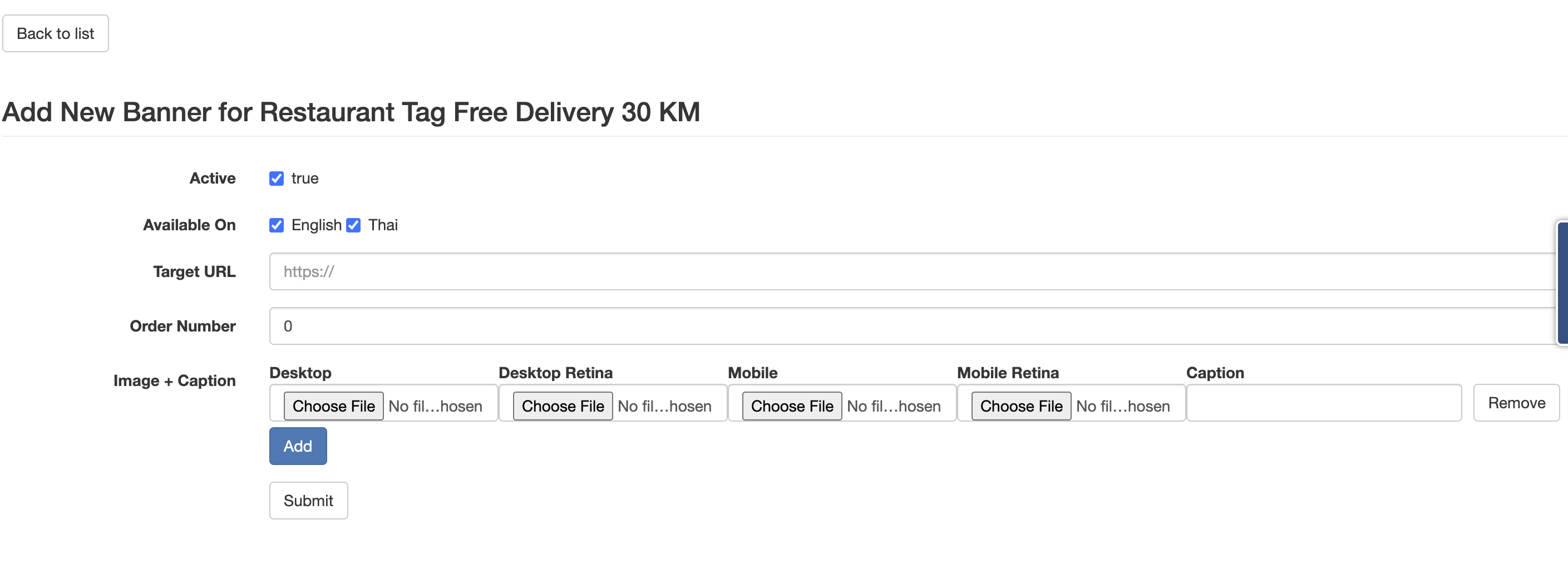 Desktop Retina and Mobile Retina
If a restaurant tag has more than one image, then all images will be displayed in a slider
Desktop Retina and Mobile Retina
If a restaurant tag has more than one image, then all images will be displayed in a slider