Restaurant Branches
Features
Search Feature
You can search restaurant branches by their names.
Add New Branch Button

You can add a new restaurant branch by clicking this button, and it will redirect you to the create restaurant branch page.
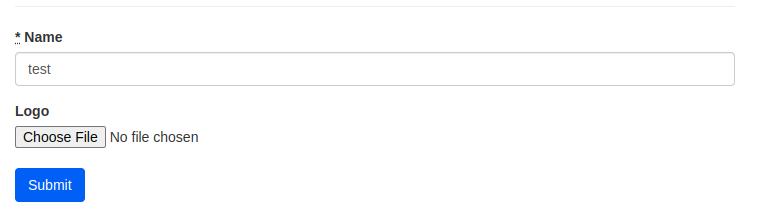
- Insert branch name.
- Insert branch logo (optional).
- Click Submit.
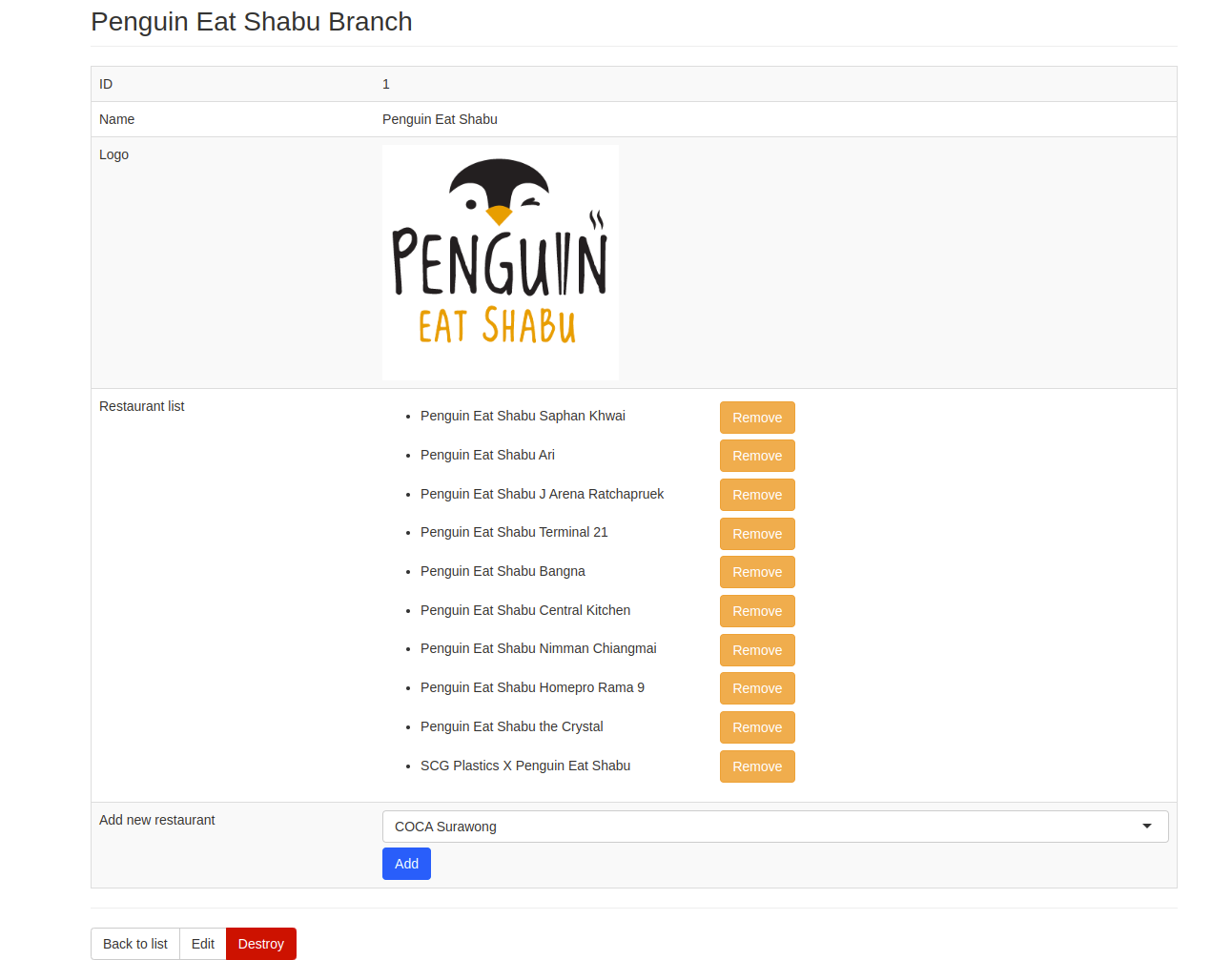
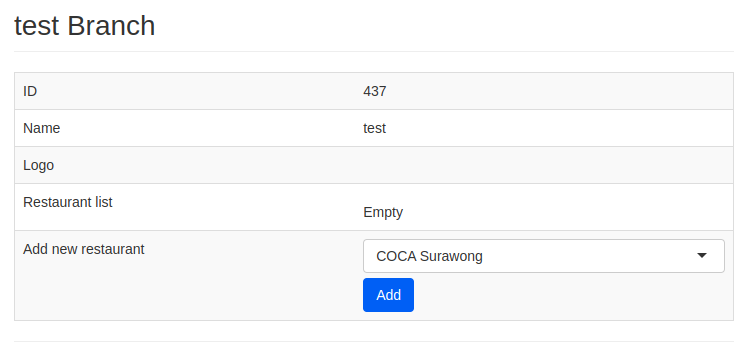
- You can see the Branch ID, name, and logo.
- Add your restaurant to the branch by picking the restaurant and clicking Add.
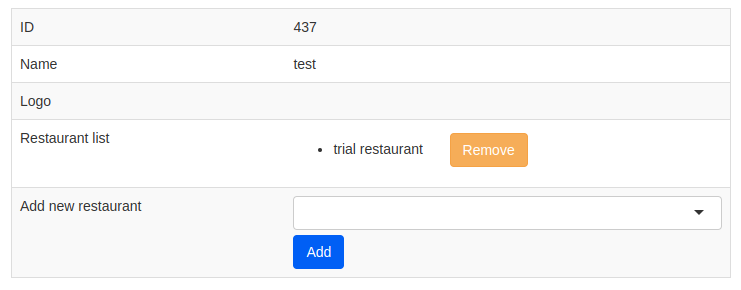
- The selected restaurant will be listed in Restaurant List.
- You can remove the restaurant by clicking Remove.
Restaurant Branches Table
- ID -> restaurant branch ID
- Name -> restaurant branch name
- Restaurants:
- Number of restaurants
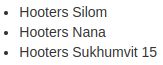
- List of restaurant names
- Logo -> restaurant branch logo
- Action:
- Show -> You will be redirected to restaurant branch detail page
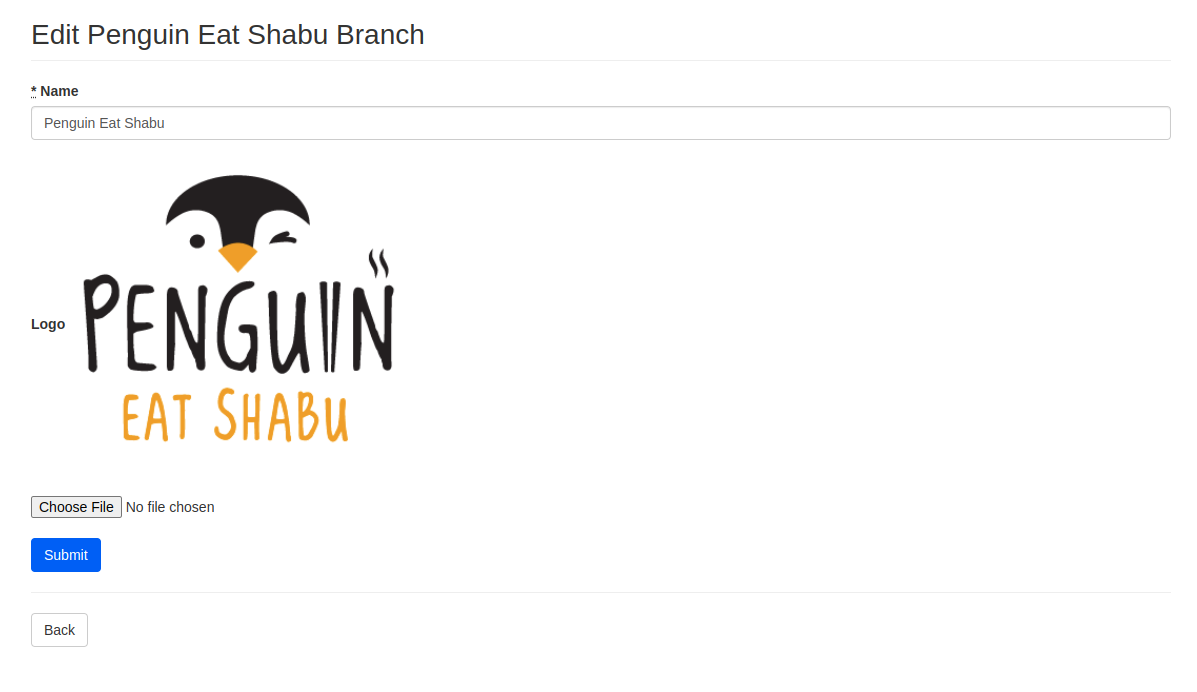
- Edit -> You will be redirected to restaurant branch edit page
- Destroy -> Delete the restaurant branch