Menu Item on Partner Portal Tab Bar
Description / Background
The Partner Portal includes QR-code menu functionality. This feature lets owners upload and manage menu images directly, reducing operational dependency on the HH team.
Glossary
https://app.clickup.com/9003122396/docs/8ca1fpw-35796/8ca1fpw-41516
Objectives
- The owner can access the Menu Items setting on Partner Portal.
- The owner can see the main and optional languages of menu items.
- The owner can search for menu item names.
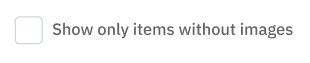
- The owner can filter menu items to display only items without images.
- The owner can choose table pagination size.
- The owner can view item list details:
- No -> list number
- Image -> menu item image
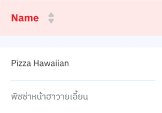
- Name -> menu item name (main and optional language)
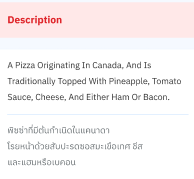
- Description -> menu item description (main and optional language)
- Category -> menu category
- Price -> menu price
- Action ->
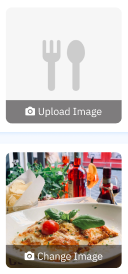
Remove Imagebutton when image exists
- If the menu item has an image, show
Change Image. - If the menu item does not have an image, show
Upload Image. - The menu item tab is visible for both individual and group logins.
Scope
New menu item feature on Partner Portal.
Location
Partner Portal.
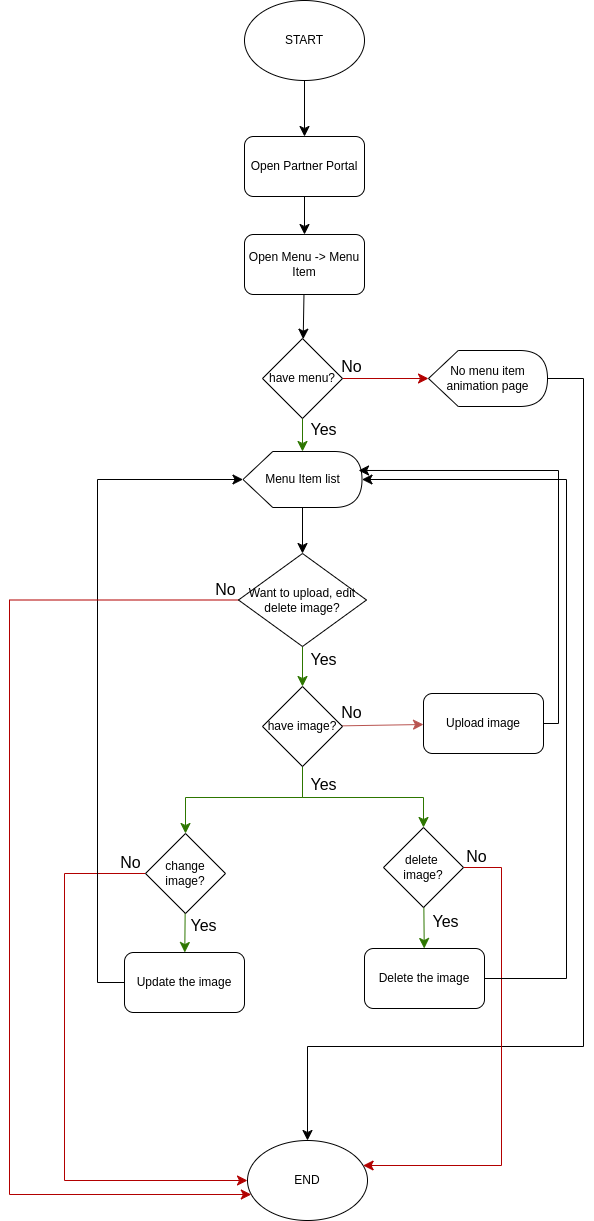
Sequence Diagram / Flow
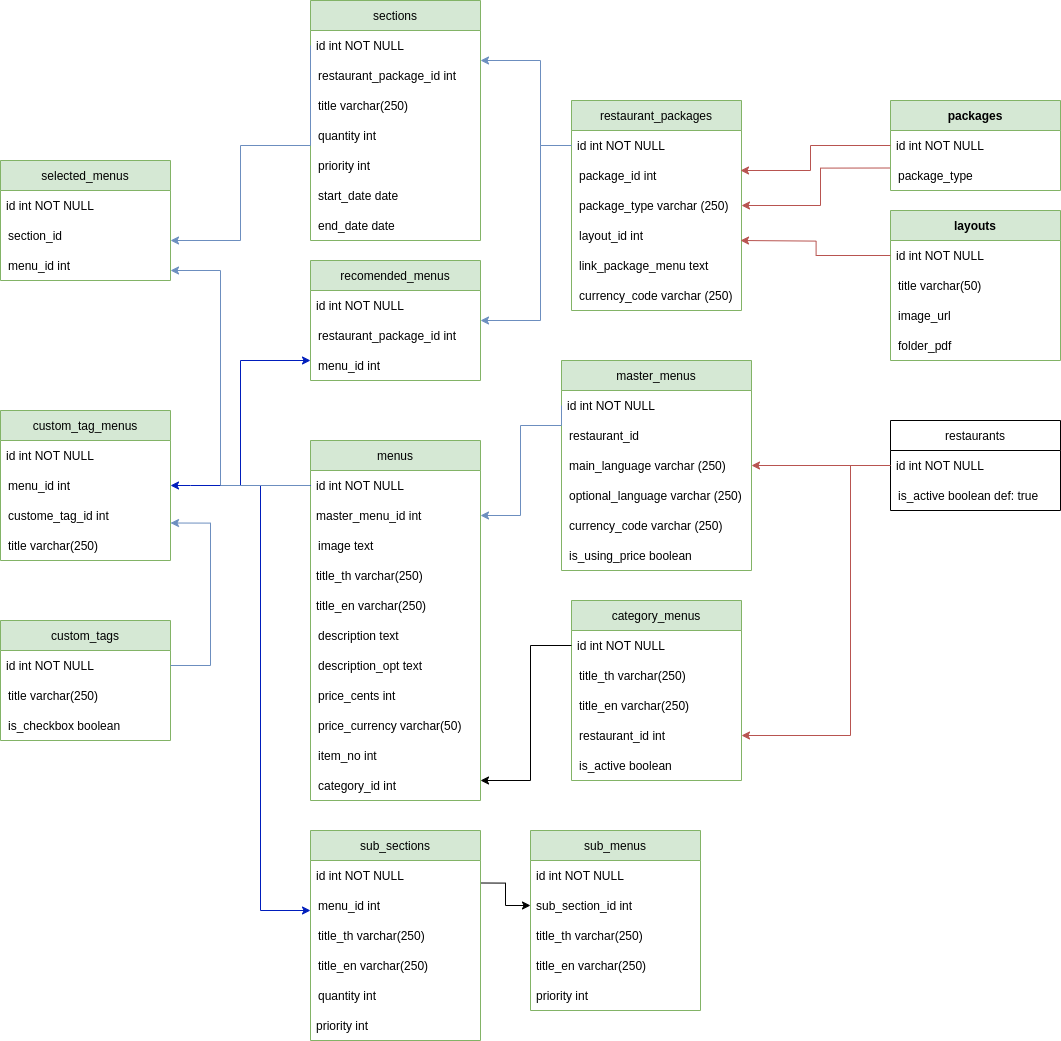
ERD
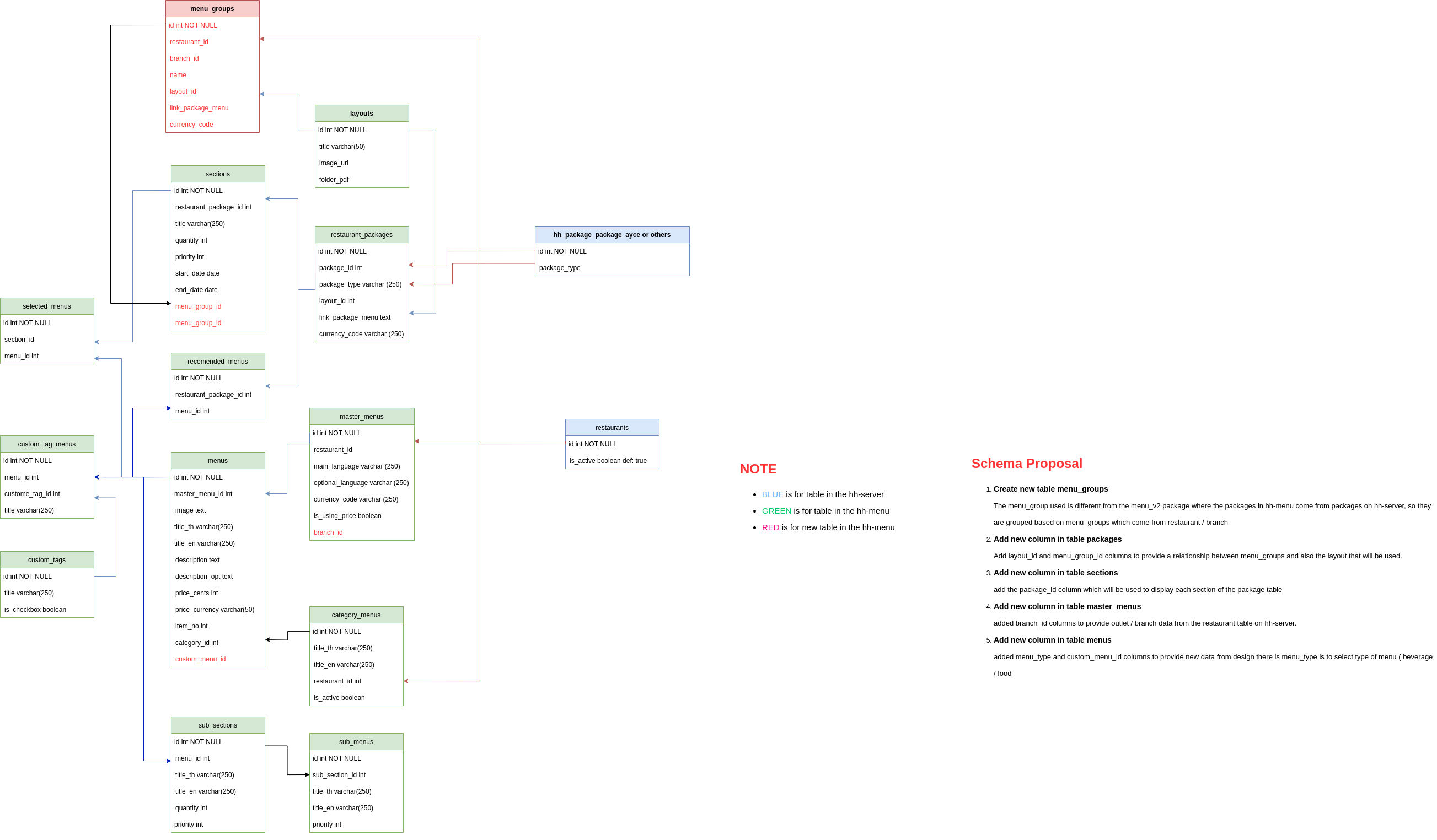
Backend Implementation
- Updated pagination implementation from
JSONAPI::PaginationtoPagy::Backend. - Added filter for menus without images.
- Added filter for menu name search (
title_th/title_en). - Returned pagination metadata and links.
https://github.com/hungryhub-team/hh-menu/pull/237/files
Frontend Implementation
- Added
jsonaandsanitize-htmldependencies. - Added Menu V2 files (
MenuItems.js,MenuList.vue,ImageUpload.vue,RemoveImage.vue, etc.). - Added
APP_HH_MENU_API_URLconfiguration. - Updated sidebar logic and i18n translations (cn, en, th).
https://github.com/hungryhub-team/book-bite/pull/768
PRD & Task
https://app.clickup.com/9003122396/docs/8ca1fpw-30456/8ca1fpw-43576 https://app.clickup.com/t/86cwyhv7r
Design
API Blueprint
Using the HH Menu API: https://menu.hh-engineering.my.id/api-docs/index.html
| Method | Path | URL | Description | Request |
|---|---|---|---|---|
| GET | restaurants/${id}/master_menu | https://menu.hh-engineering.my.id/api/v1/ | Get master menu data | None |
| GET | restaurants/${restaurantId}/master_menus/${masterMenuId}/menus | https://menu.hh-engineering.my.id/api/v1/ | Get menu item list from master menu | Query params (page[number], page[size], filters) |
| POST | my_images | https://menu.hh-engineering.my.id/api/v1/ | Upload menu item image | FormData(image, menu_id) |
| PUT | my_images/${imageId} | https://menu.hh-engineering.my.id/api/v1/ | Update menu item image | FormData(image) |
| DELETE | my_images/${imageId} | https://menu.hh-engineering.my.id/api/v1/ | Delete menu item image | None |
Improvement
| Feature Name | Date | What Changed | Description |
|---|---|---|---|
| Menu item tab | 2025-02-24 | Initial document | New menu item feature on Partner Portal to allow owners to manage menu item images. |