Marketing Page
Glossary
See the central glossary: https://app.clickup.com/9003122396/docs/8ca1fpw-35796/8ca1fpw-41516
Features
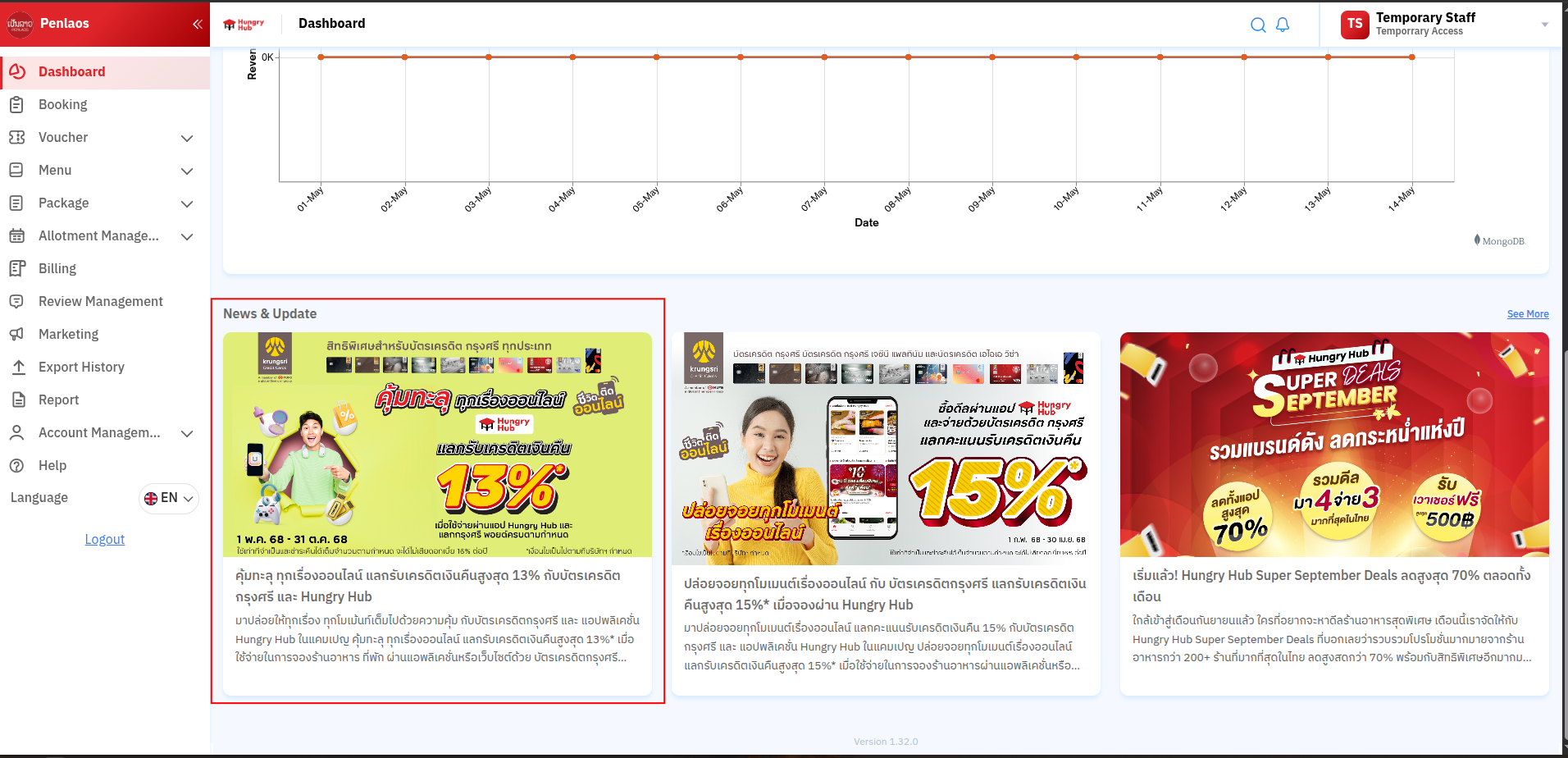
News & Update Section
- This section shows active promotions from Blog Hungryhub.
- This section gets data from https://blog.hungryhub.com using the tag
partnernews. - https://blog.hungryhub.com/tag/partnernews/
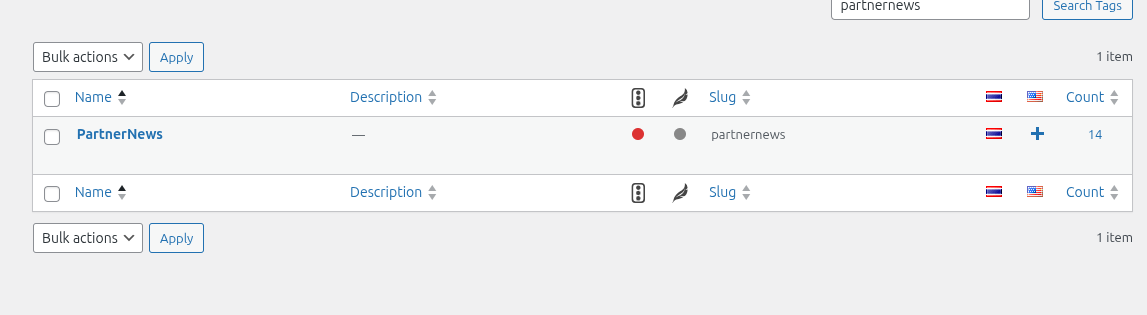
- Add the tags to the post that you want to show on Partner Portal.
How to add the blog post to Partner Portal news and update
- Open the Blog Hungryhub admin page.
- Open All Posts and pick the post you want.
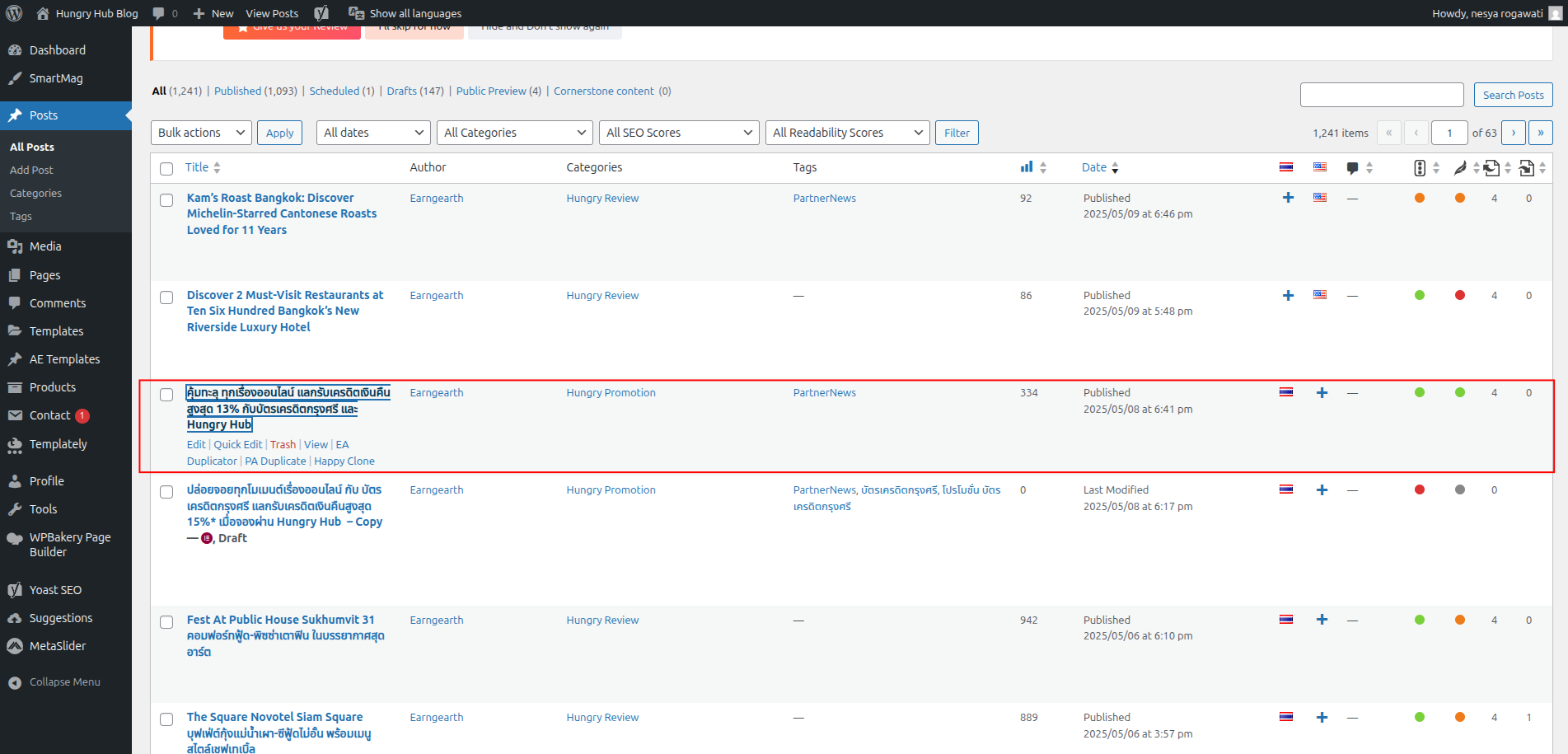
- Edit the post and add
partnernewsto the tags.
The
partnernewstag is only displayed for Thai language posts.

- The post result should look like this:
- The post will be displayed on Partner Portal like this: