Edit and Block History Allotment on Partner Portal
Glossary
This section uses the same terms as the central dashboard glossary: https://app.clickup.com/9003122396/docs/8ca1fpw-35796/8ca1fpw-41516
Features
- New Edit History on Allotment Management: This feature provides a visible edit history timeline so owners can track allotment changes.
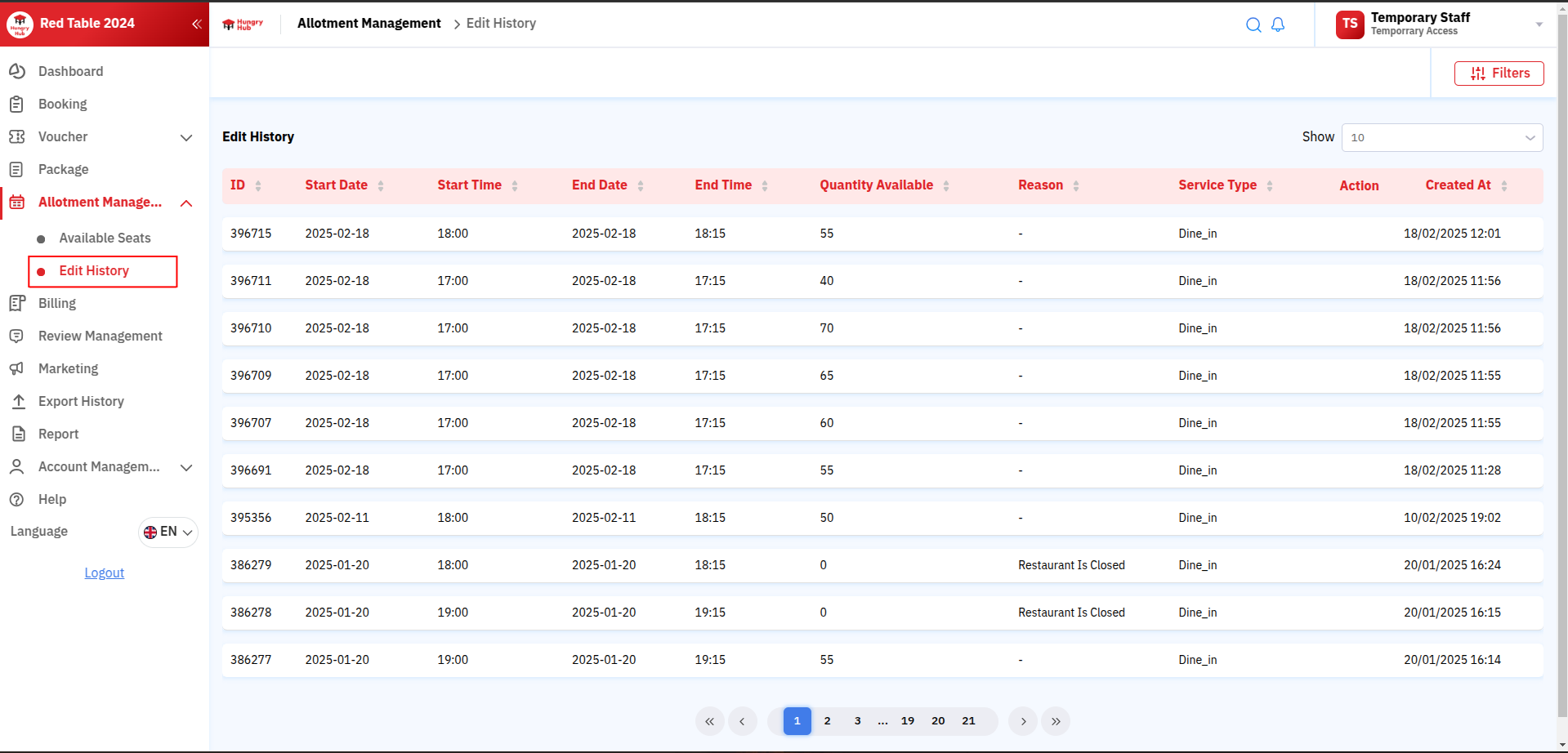
- Owner can undo edit allotment:
- Click Undo to undo allotment settings.
- This may take several seconds to minutes.

- Owner can undo blocked allotment:
- Click Undo to undo blocked allotment. A reason must be provided.
- This may take several seconds to minutes.

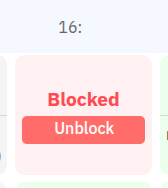
- Owner can click unblock allotment:
- Click Unblock on the available seats page.
- It removes block history on the edit history page.
- This may take several seconds to minutes.