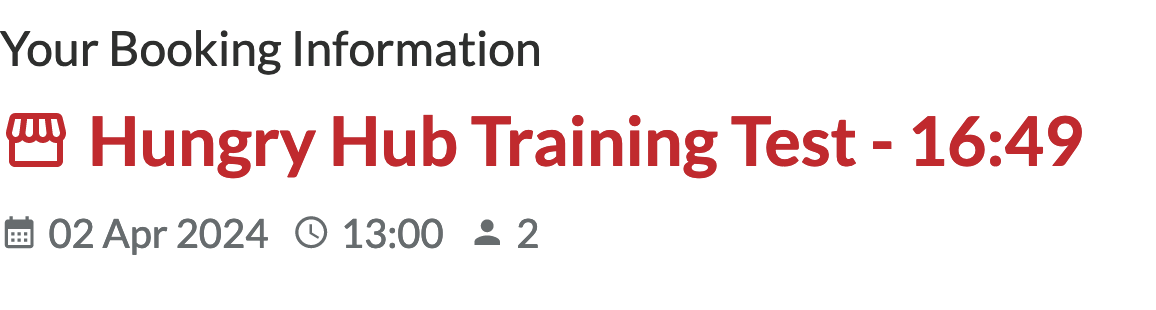
How to test for Facebook team
Please login using any Facebook account.
Then visit https://web.hungryhub.com/restaurants/hungry-hub-training-test or use training keyword if you are testing our mobile app
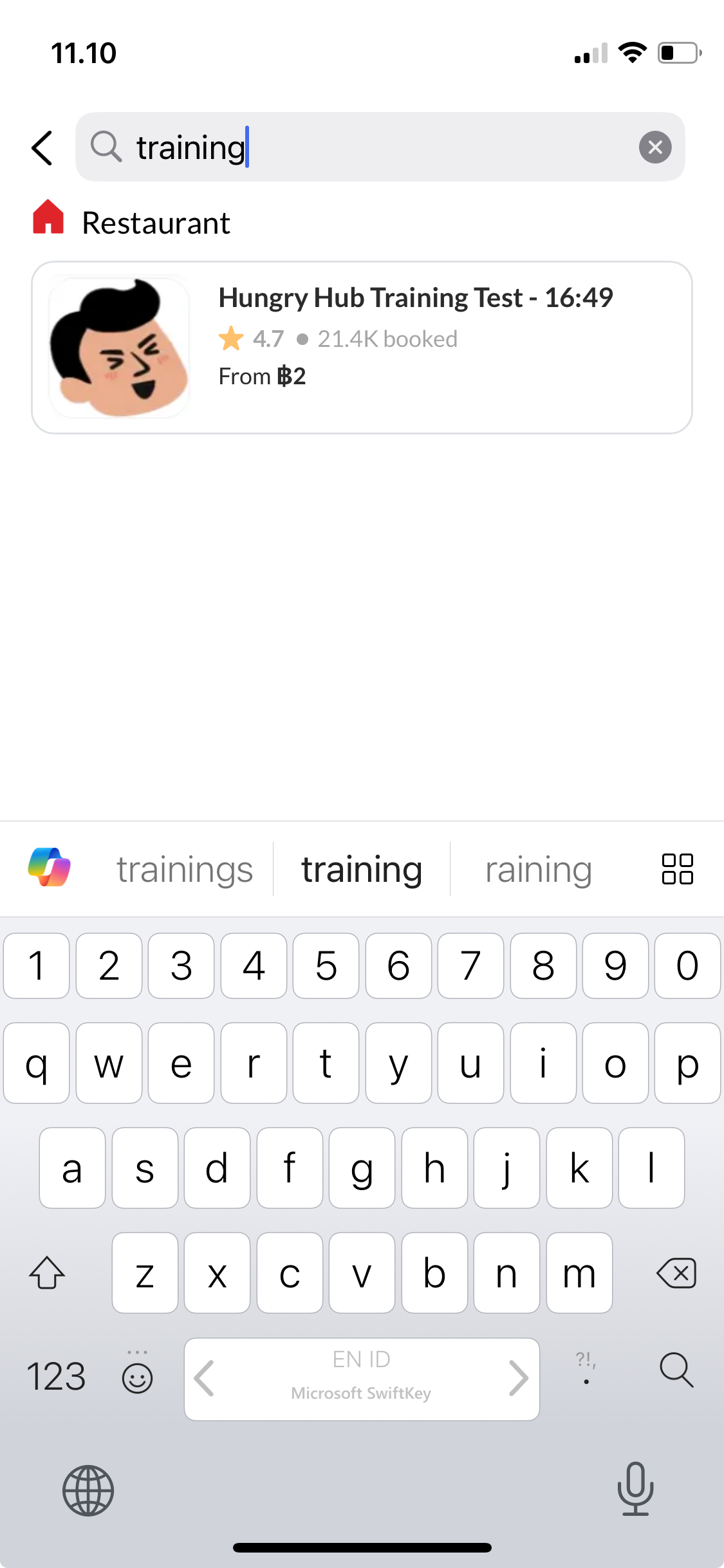
Once you are on the restaurant page, please choose the first Pack B en pay on site (Original) package.
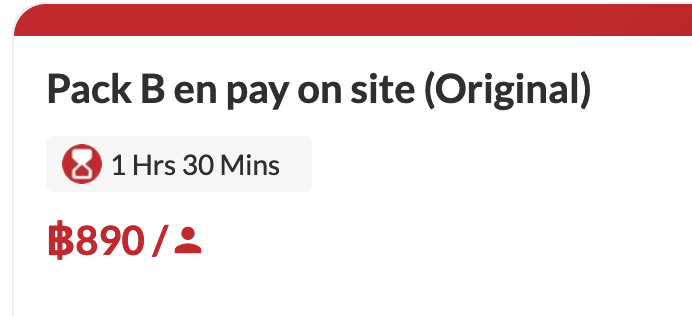 click the PLUS button to choose.
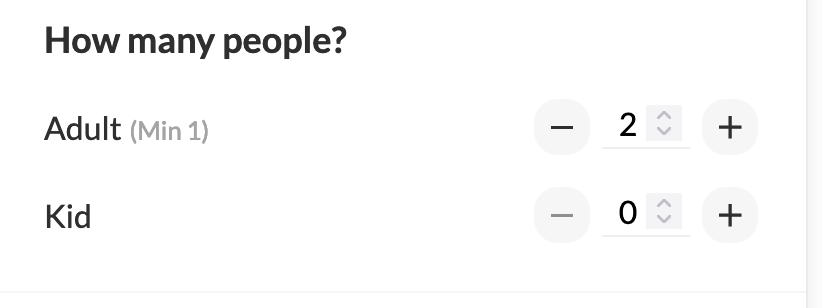
then choose 2 adults
click the PLUS button to choose.
then choose 2 adults
 Then select date & time
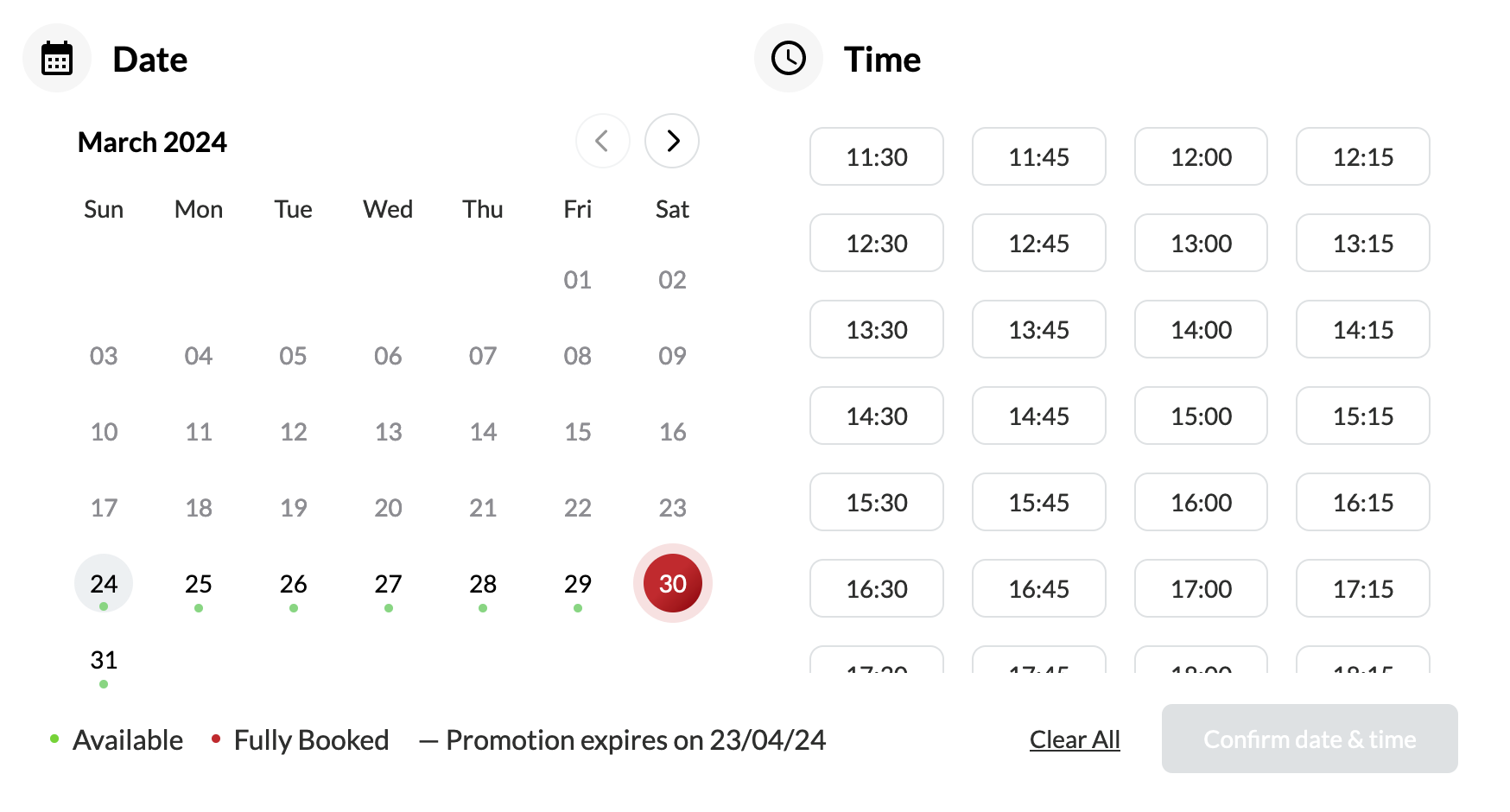 then click Checkout button.
on the Special Request field, add following text:
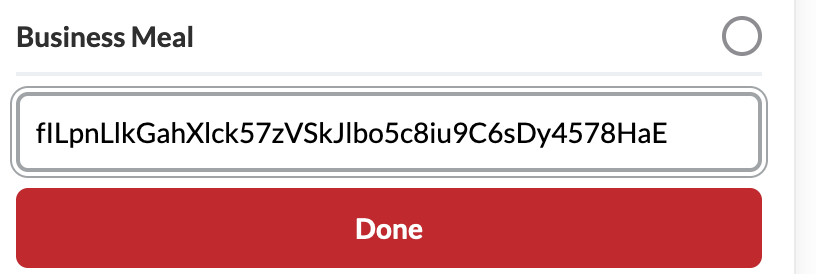
fILpnLlkGahXlck57zVSkJlbo5c8iu9C6sDy4578HaE
You need to click the PLUS button after the email
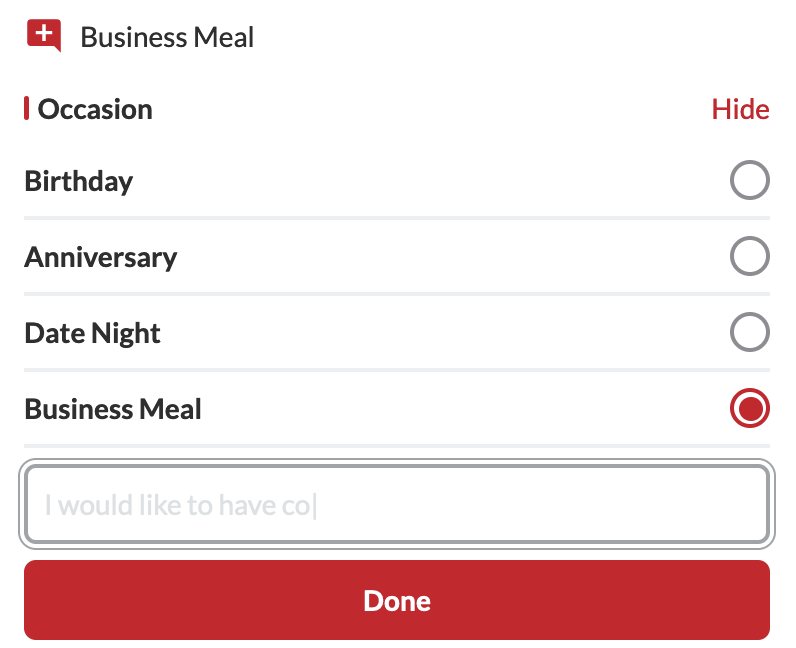 then add the secret text into special request field like this, then click Done
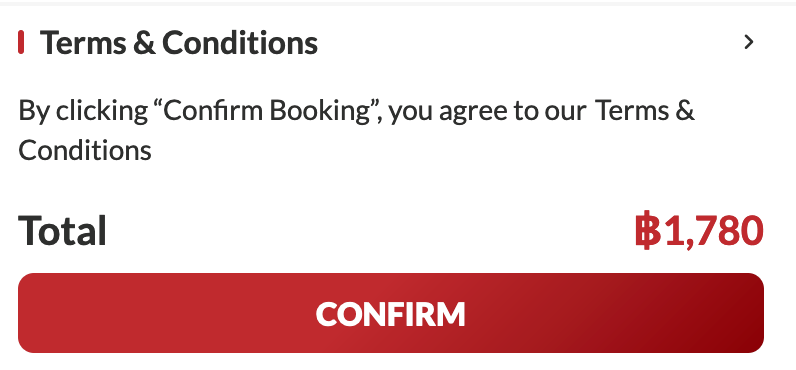
 last step is click "CONFIRM" button
 you should redirected to the booking landing page like this