Test Management How-to
Initial Setup
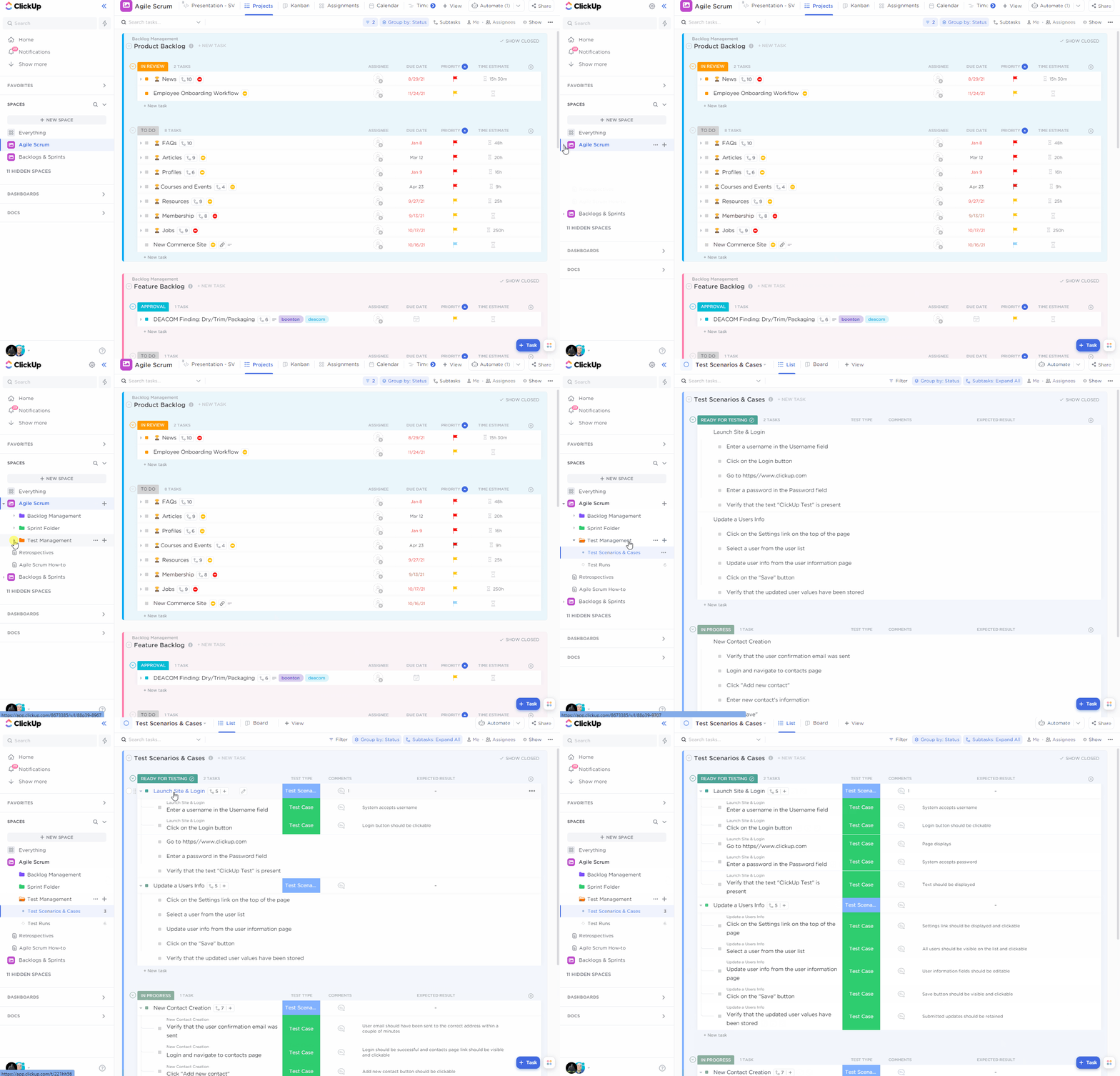
Create Test Scenarios & Test Cases
Create your tests in a dedicated list where you can organize your test cases inside of test scenarios.
Create Test Runs of your Test Scenarios
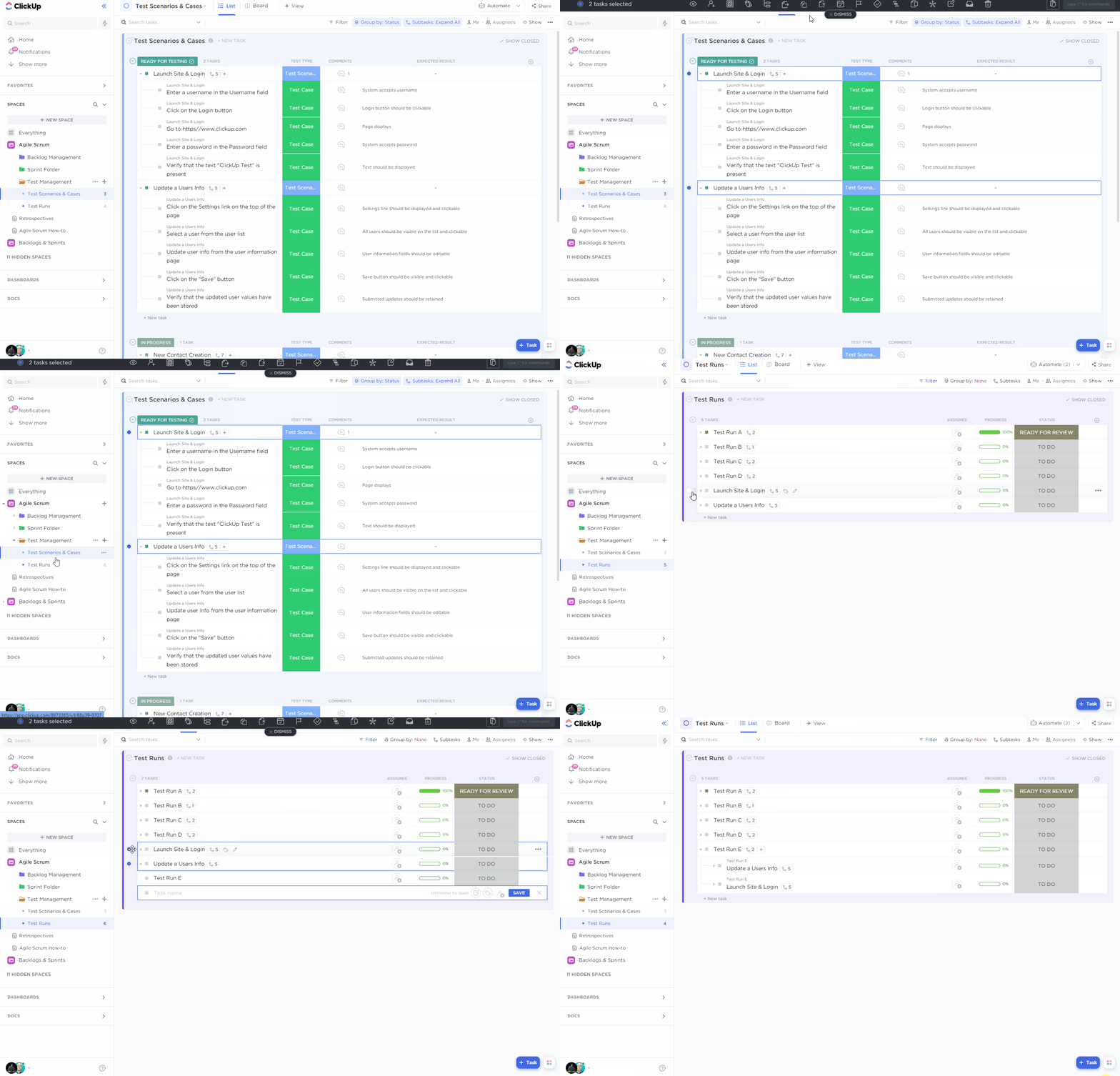
You can duplicate each of your test scenarios into the Test Run list and move them inside a test run.
Perform your Test Runs
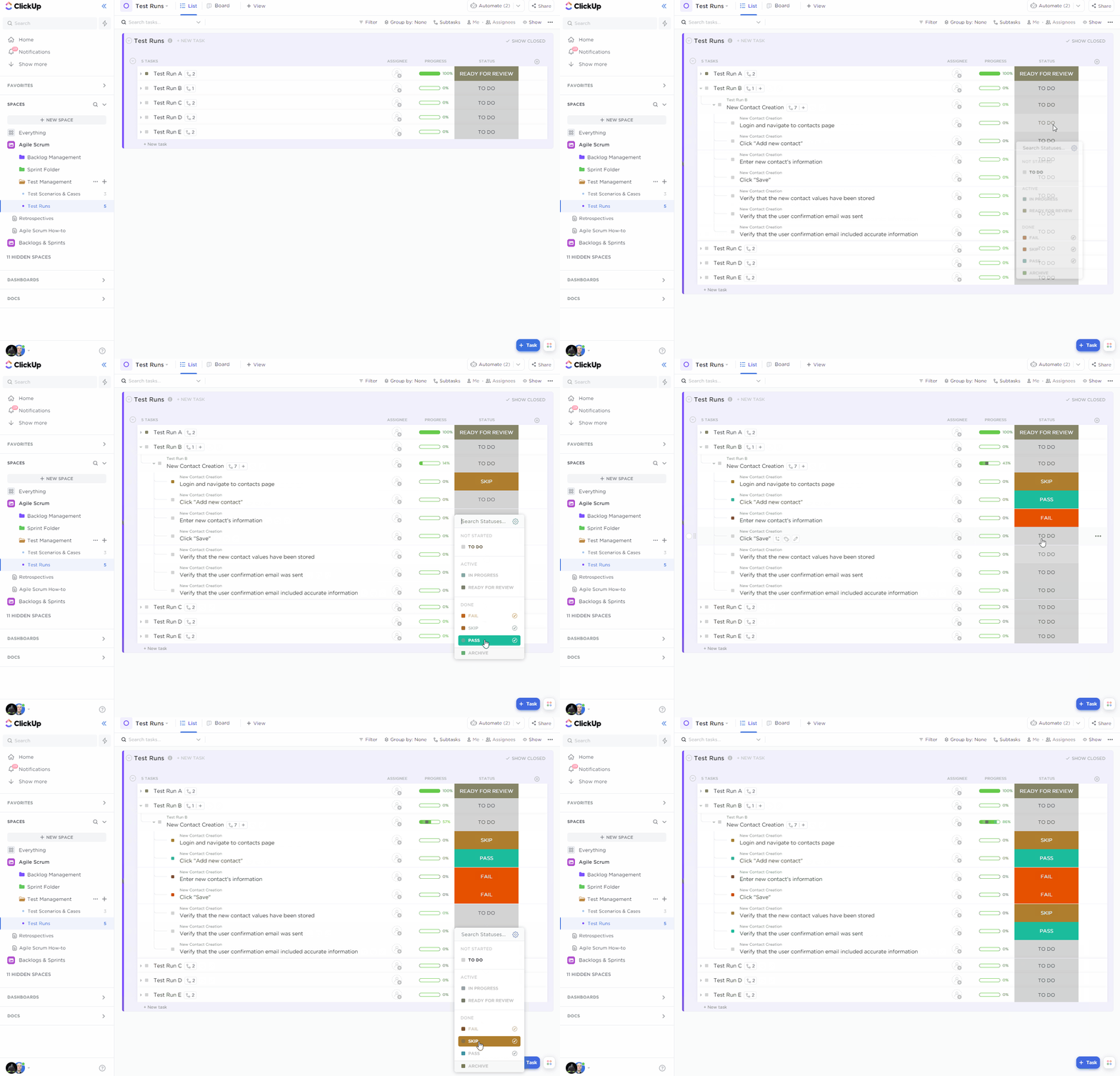
Once you have built out your test runs you can assign and complete them.
Complete your Test Runs and Create Issues from Failed Tests
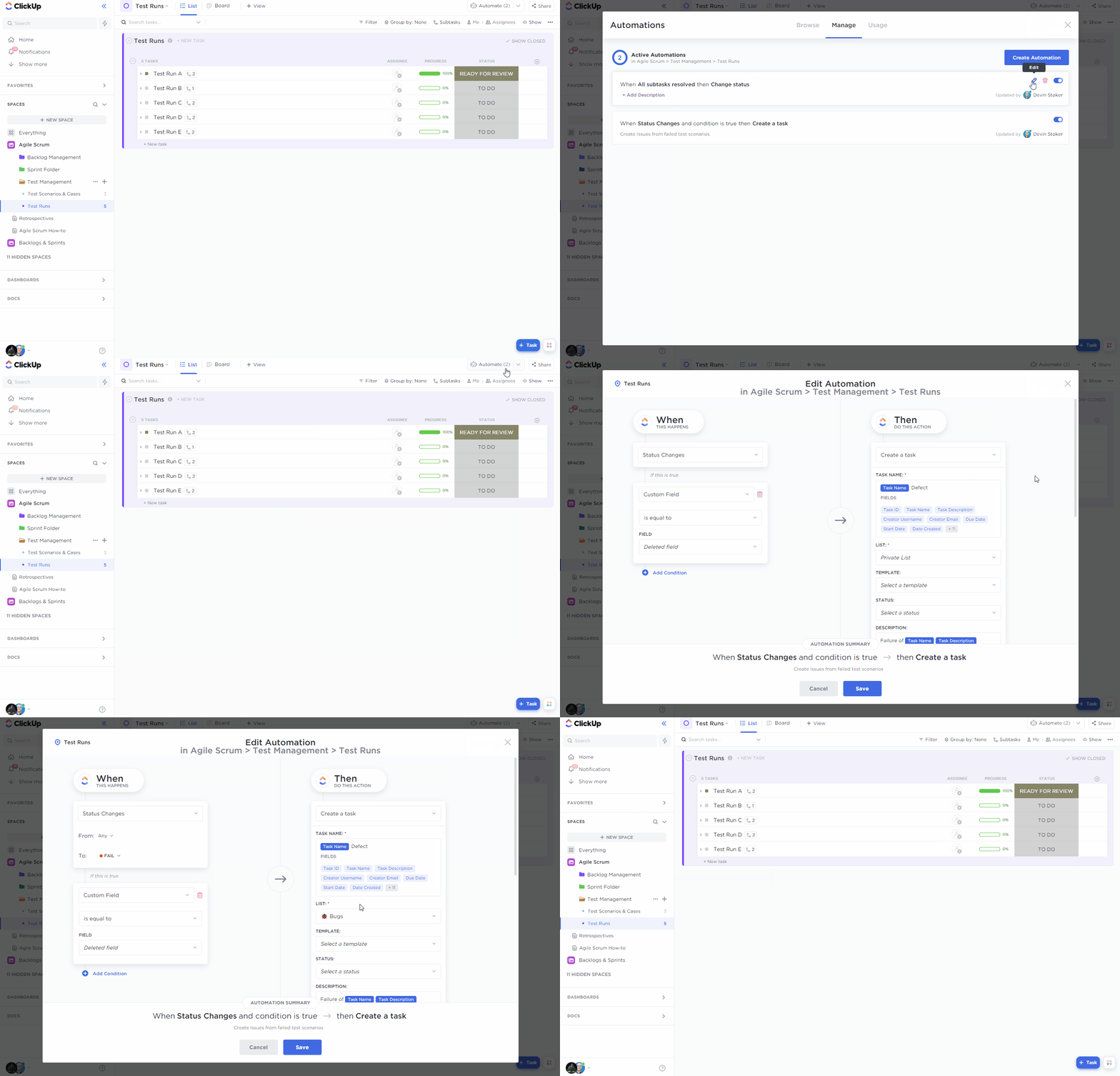
You can leverage ClickUp Automations to move a test run to "Ready for Review" once all test scenarios are completed.
You can also automatically create issues based on failed test cases.