User Access
Role Assignment Rules : The system should automatically assign roles based on the user's sign-up flow:
- Admin Assignment:
- If the user signs up via the restaurant sign-up process, assign the role
Owner. https://www.hungryhub.com/en/restaurants/sign_up_premium.html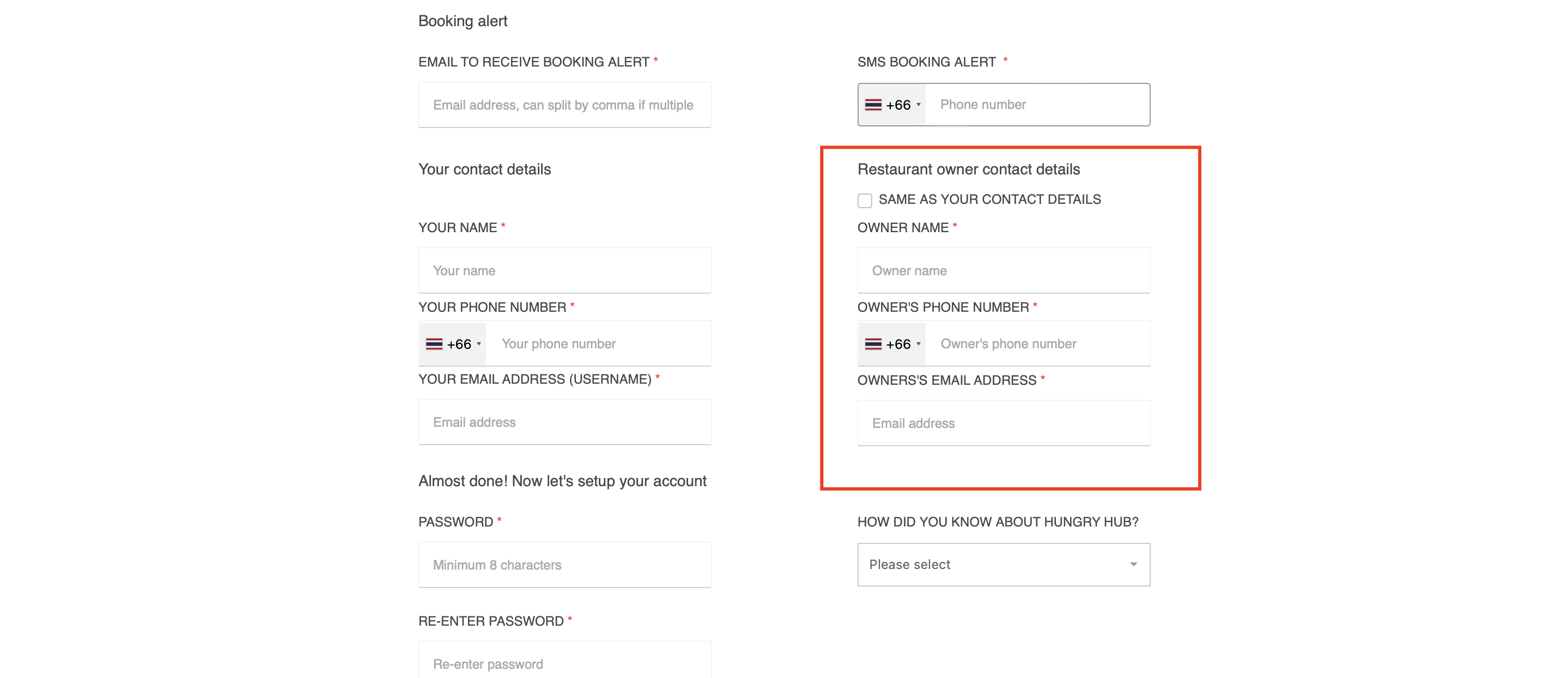
- Manage owners page on admin dashboard https://hungryhub.com/admin/owners/6389/edit?locale=en
- If the user is created or edited in the restaurant group settings, assign the role
Admin. example : https://hungryhub.com/admin/restaurant_groups/335/edit?locale=en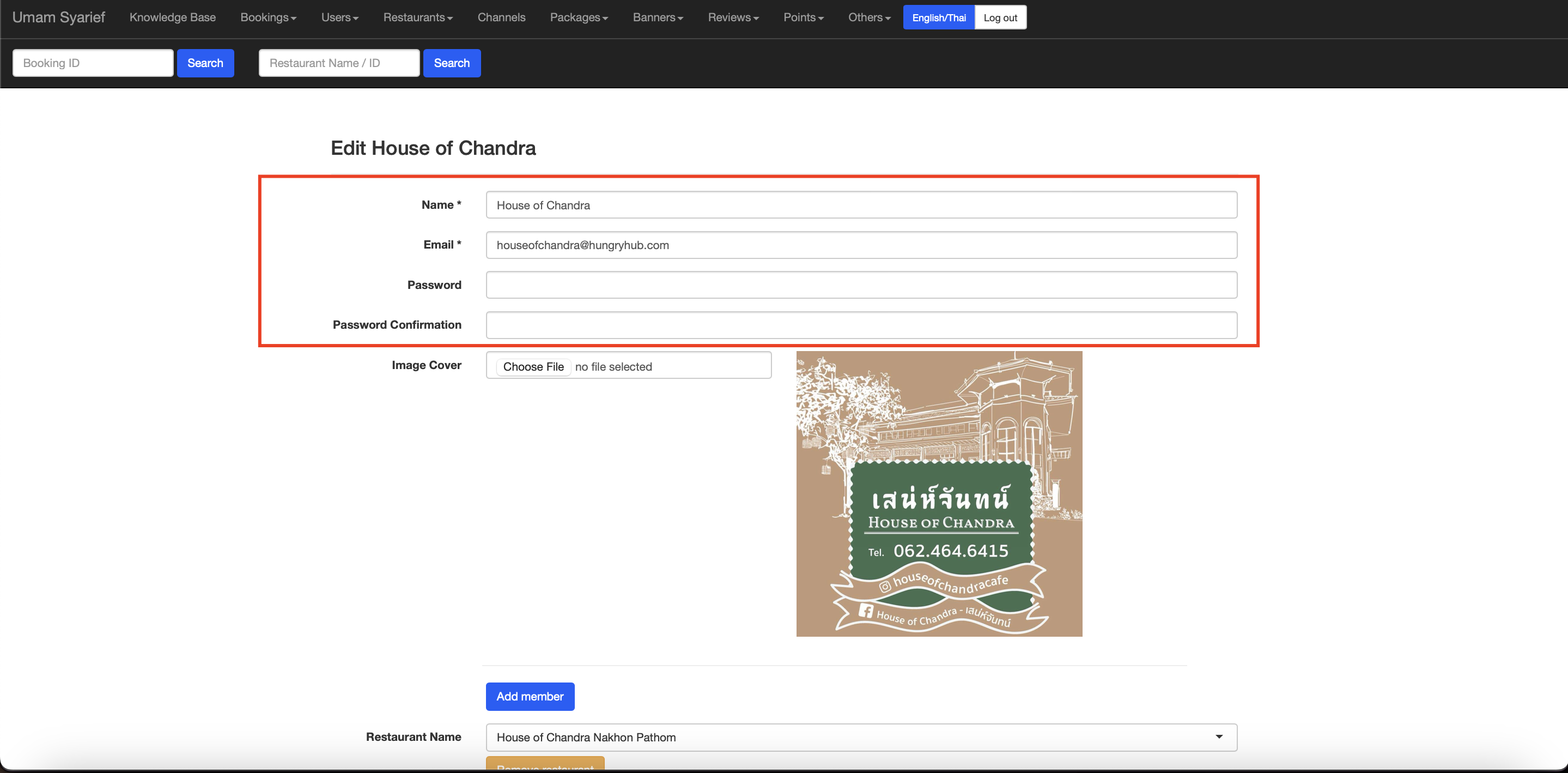
- If the user signs up via the restaurant sign-up process, assign the role
- Staff Assignment:
- If the user signs up via the "Try Now" button in login v2, assign the role
Contributor.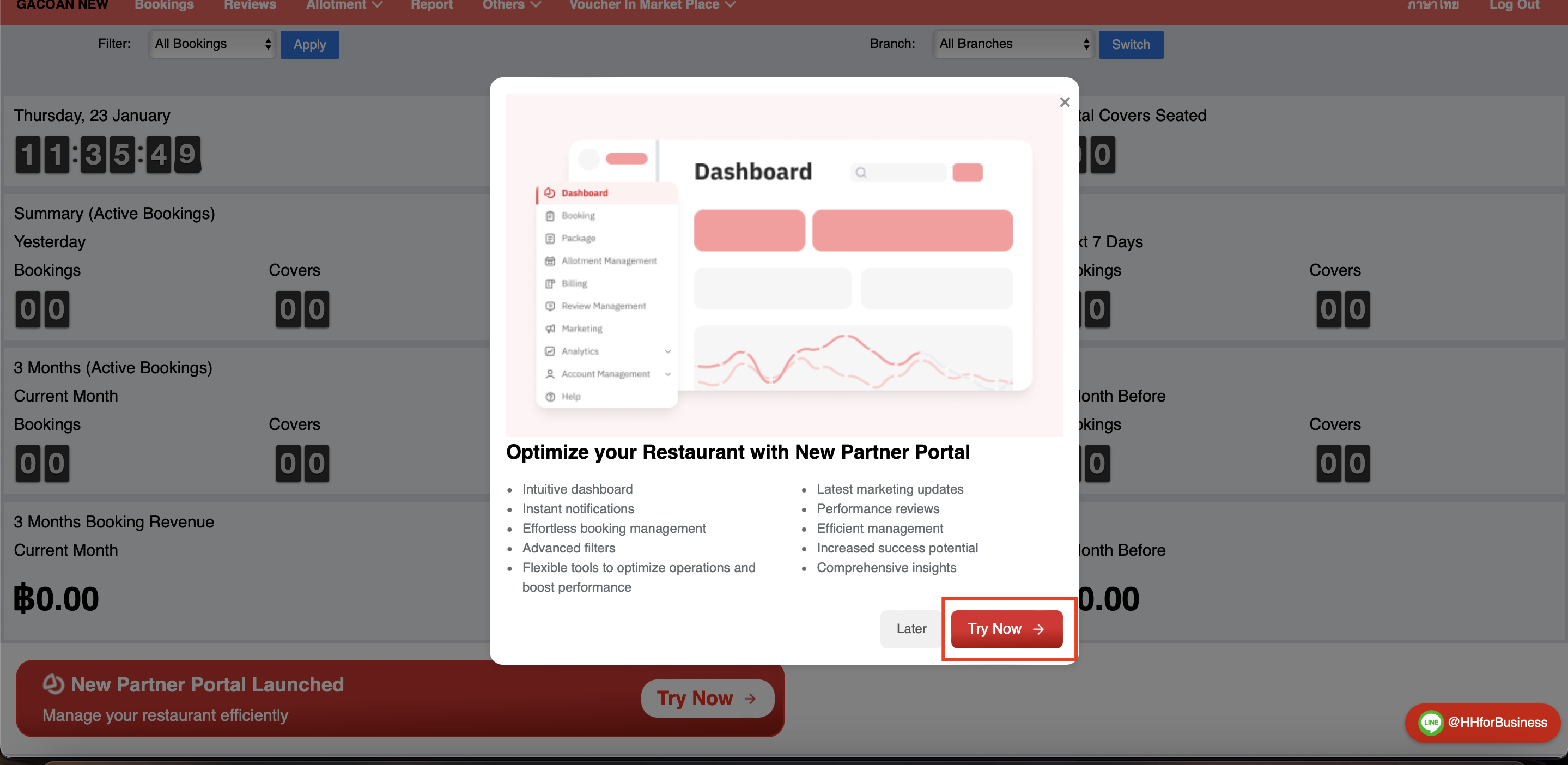
- If the user is created in the partner portal or via the login v2, assign the role
Staff. example : https://partners.hungryhub.com/accounts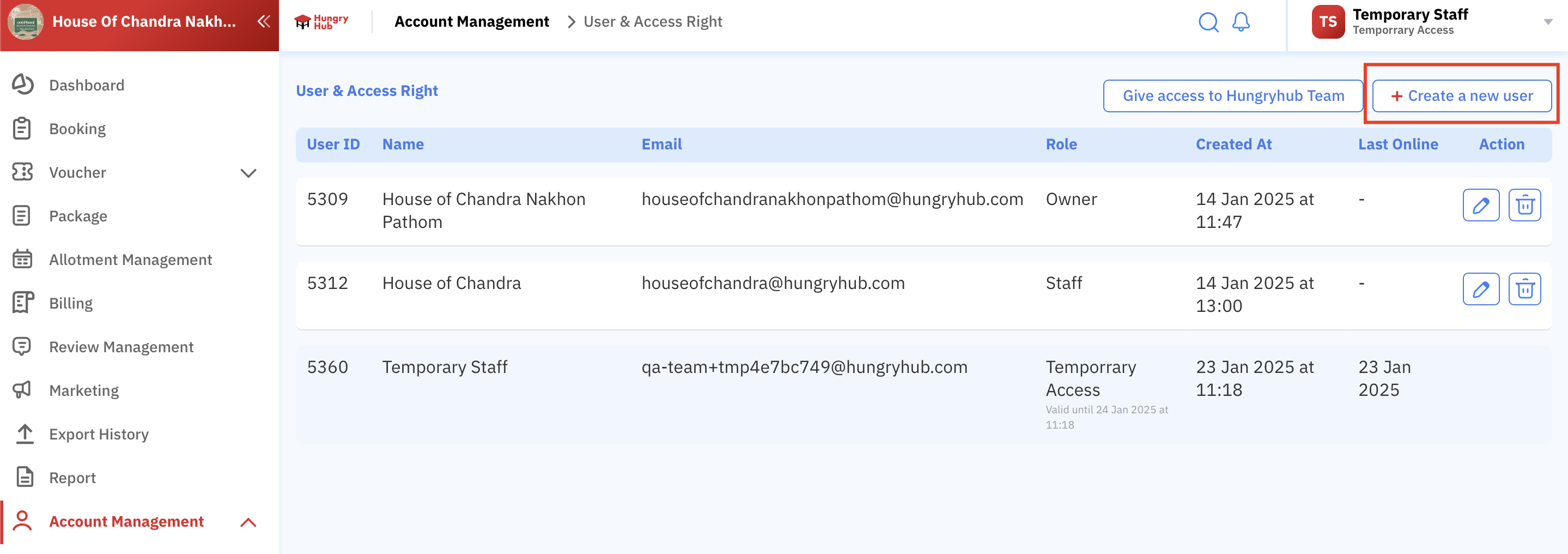
- If the user signs up as staff via restaurant sign-up, assign the role
Staff.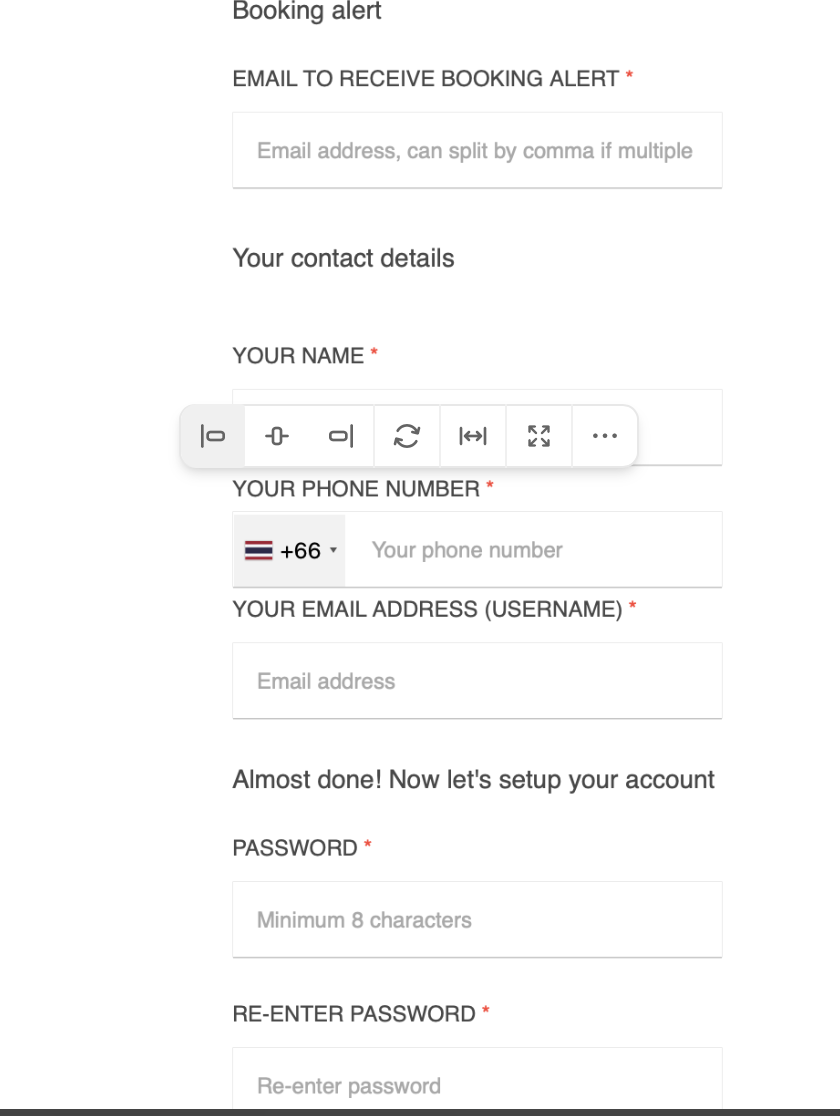
- If the user signs up via the "Try Now" button in login v2, assign the role
- Temporary Staff Assignment:
- If the user logs in via the restaurant partner portal, assign the role
Temporary Staff. example : https://hungryhub.com/admin/restaurants?locale=en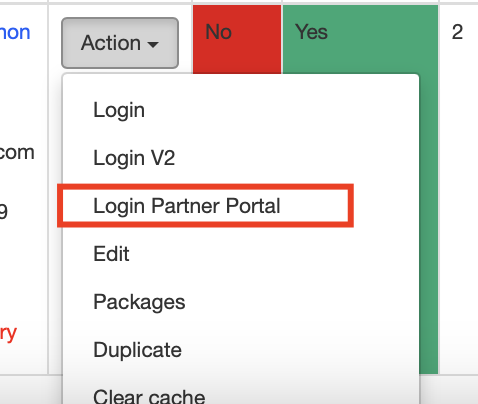
- If the user logs in via the restaurant group partner portal, assign the role
Temporary Staff. example : https://hungryhub.com/admin/restaurant_groups?locale=en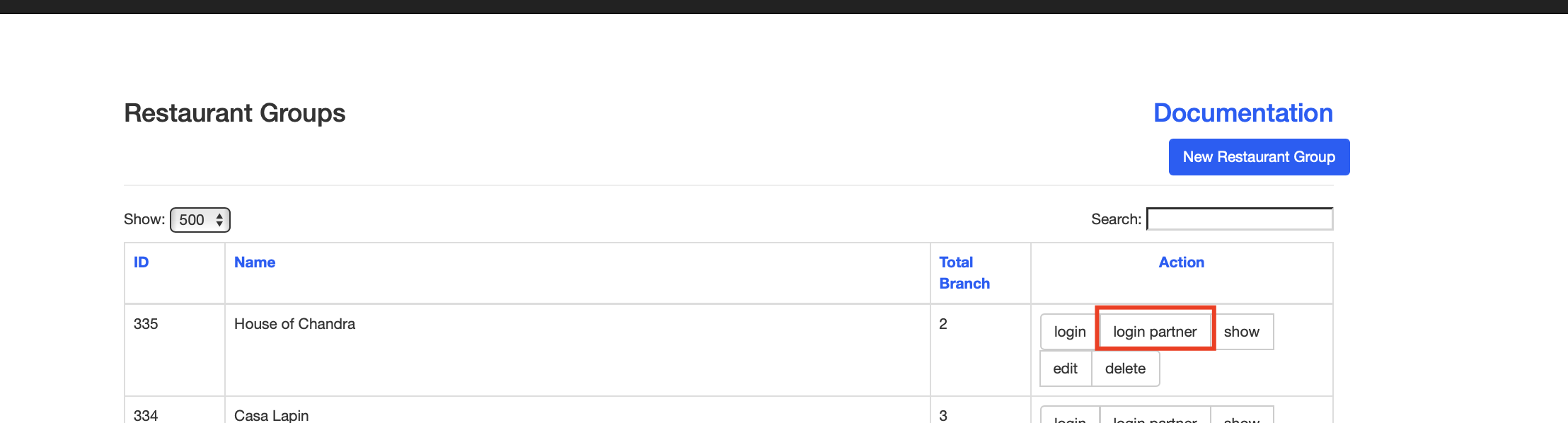
- If the user logs in via the restaurant partner portal, assign the role
Can see the comparation here
[
docs.google.com
https://docs.google.com/spreadsheets/d/1V4otf9QY_w7ML1XBaBgjhTQFIKYfA2IH4XQXctC25BQ/edit?usp=sharing
](https://docs.google.com/spreadsheets/d/1V4otf9QY_w7ML1XBaBgjhTQFIKYfA2IH4XQXctC25BQ/edit?usp=sharing)