Menu Item
🧾 History
| Date | Changes | Link | By |
|---|---|---|---|
| 21st November 2024 | Add Menu on the side navbarMenu Items Page | This PRD | Umam |
📕 About
| Context | There is QR code for menu and new HH menu UI on detail package page |
|---|---|
| Problem | There is no setting to change or upload menu image by restaurant staff, need to contact HH team to do it. |
| Solution | Provide menu item page on the partner portal to change/remove image |
| Name of Feature | Menu Item |
| Objective | Add Menu on the side navbarMenu Items Page |
| Gains | Reduce time for ops team |
| Pains | Restaurant staff needs to arrange it by himself and can't create menu item by himself (only change/remove image) |
| Figma Link | https://www.figma.com/design/ymdLN2ZKzfI0oyX4kps2GQ/Partner-Portal-Desktop?node-id=14028-131&t=PA4fLffa147f5RGI-1 |
| Available Platform | Desktop website |
| Sprint | 47 |
| Related PRD | - |
| Out of Scope | - |
| In Scope | - |
🎯 User Story & Requirement
Add Menu on the side navbar
| User Story | Requirement |
|---|---|
Menu on the side navbar | Add Menu item on the side navbarAdd Menu Items sub itemOnce click the Menu item, because there is only 1 sub item, it will redirect to Menu Items page automatically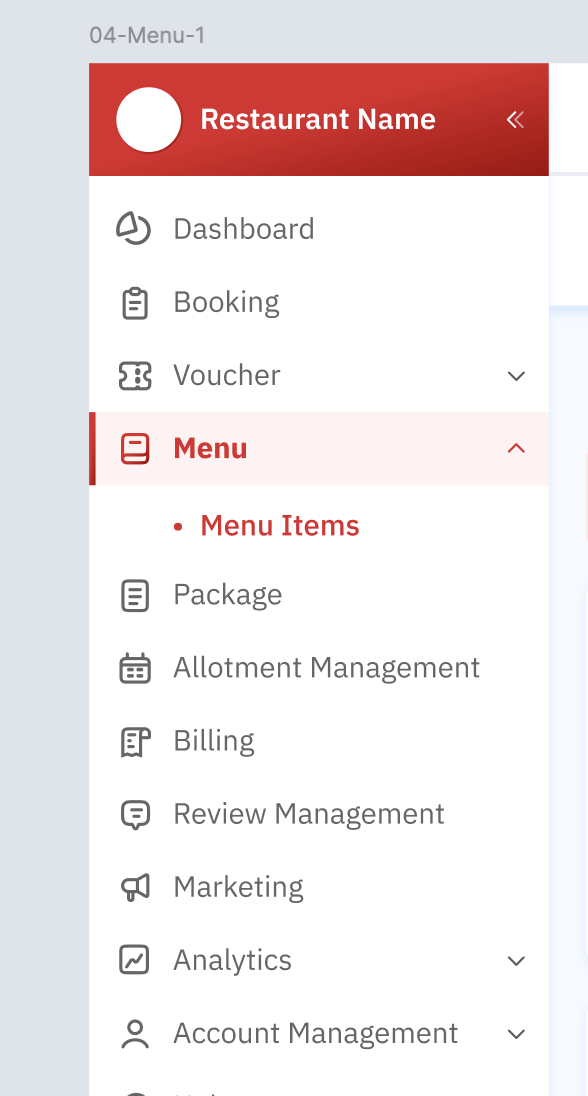 |
Menu Items Page
| User Story | Requirement |
|---|---|
| Header | Breadcrumb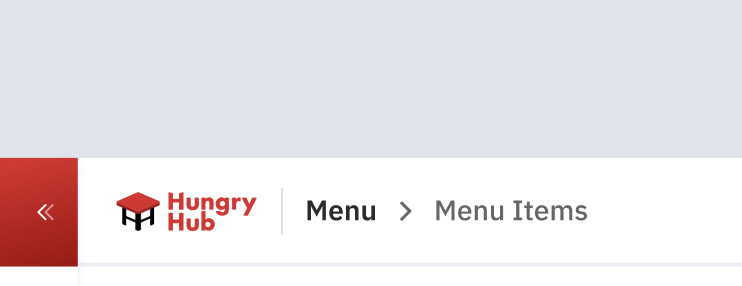 Language filter Based on the settings on the admin dashboard (menu master list) 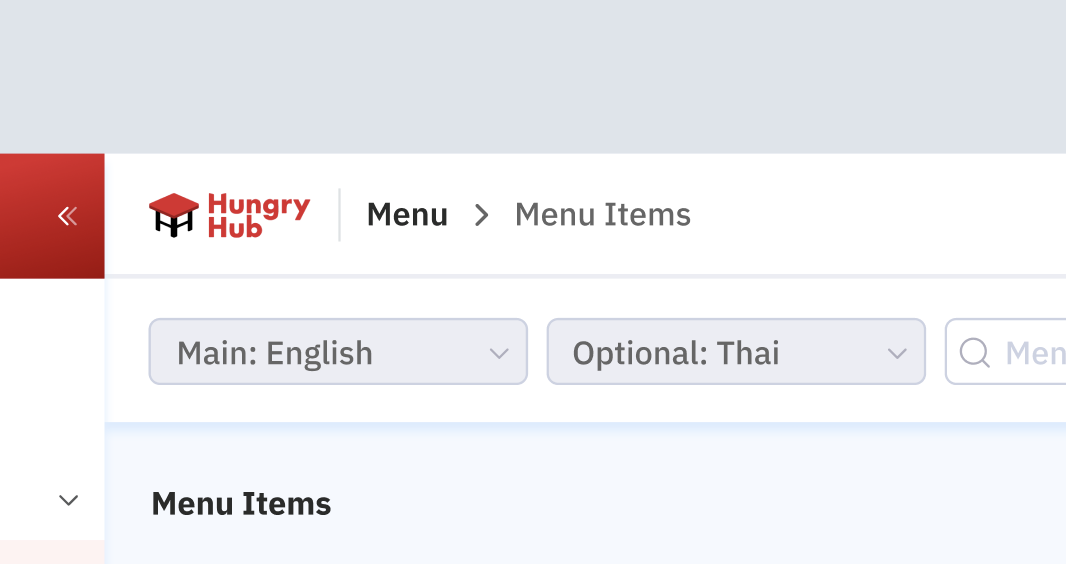 Search menu item 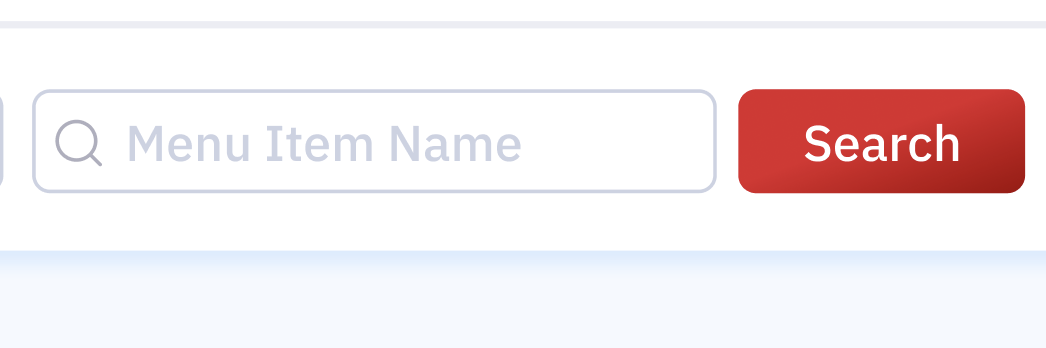 Filter by items with/without image 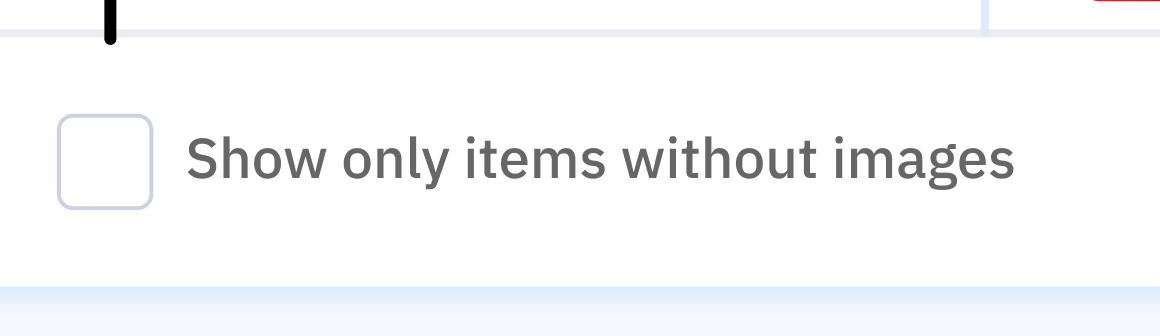 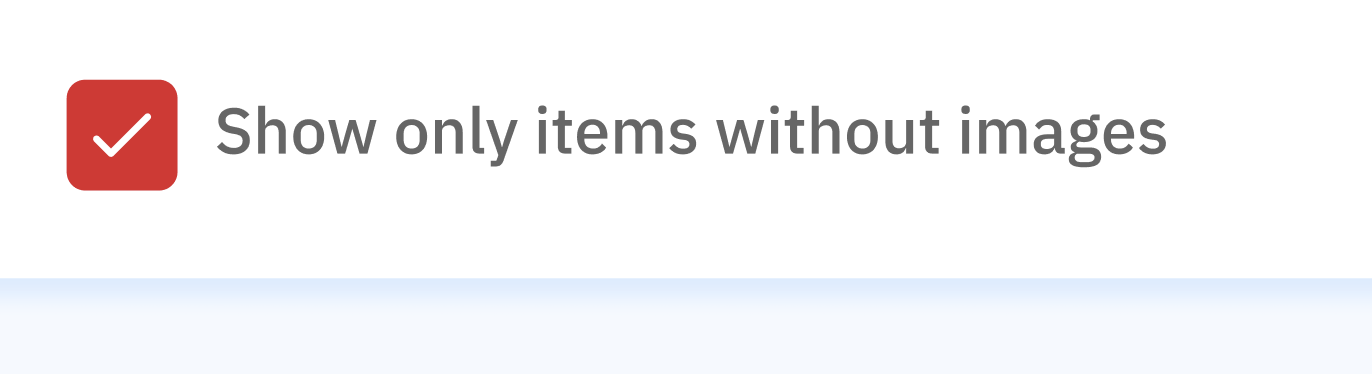 if ticked, will show only items without images 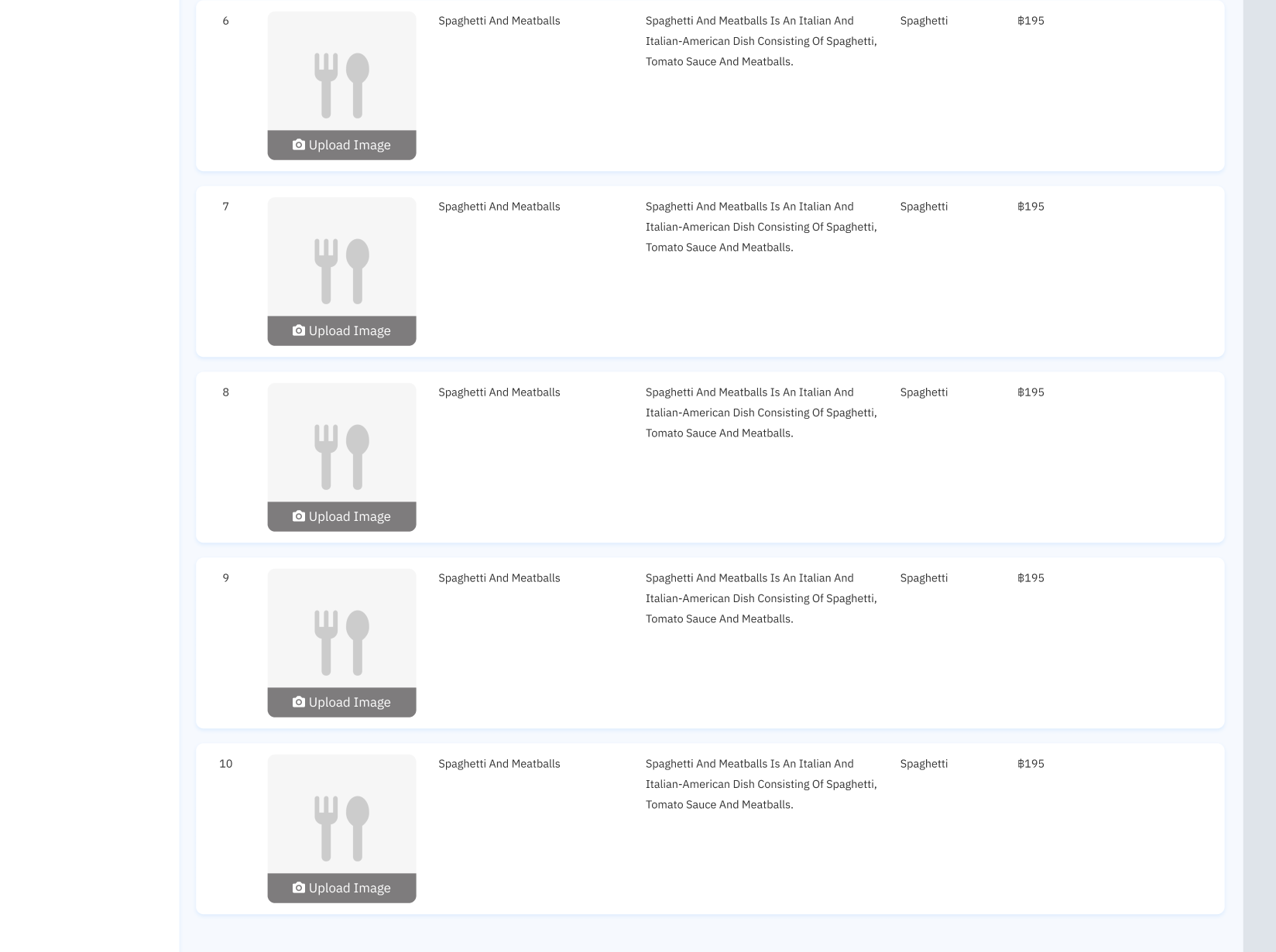 Show number of items 10 20 50 100 |
| Table | Columns No. Image Name Description Category Price Action 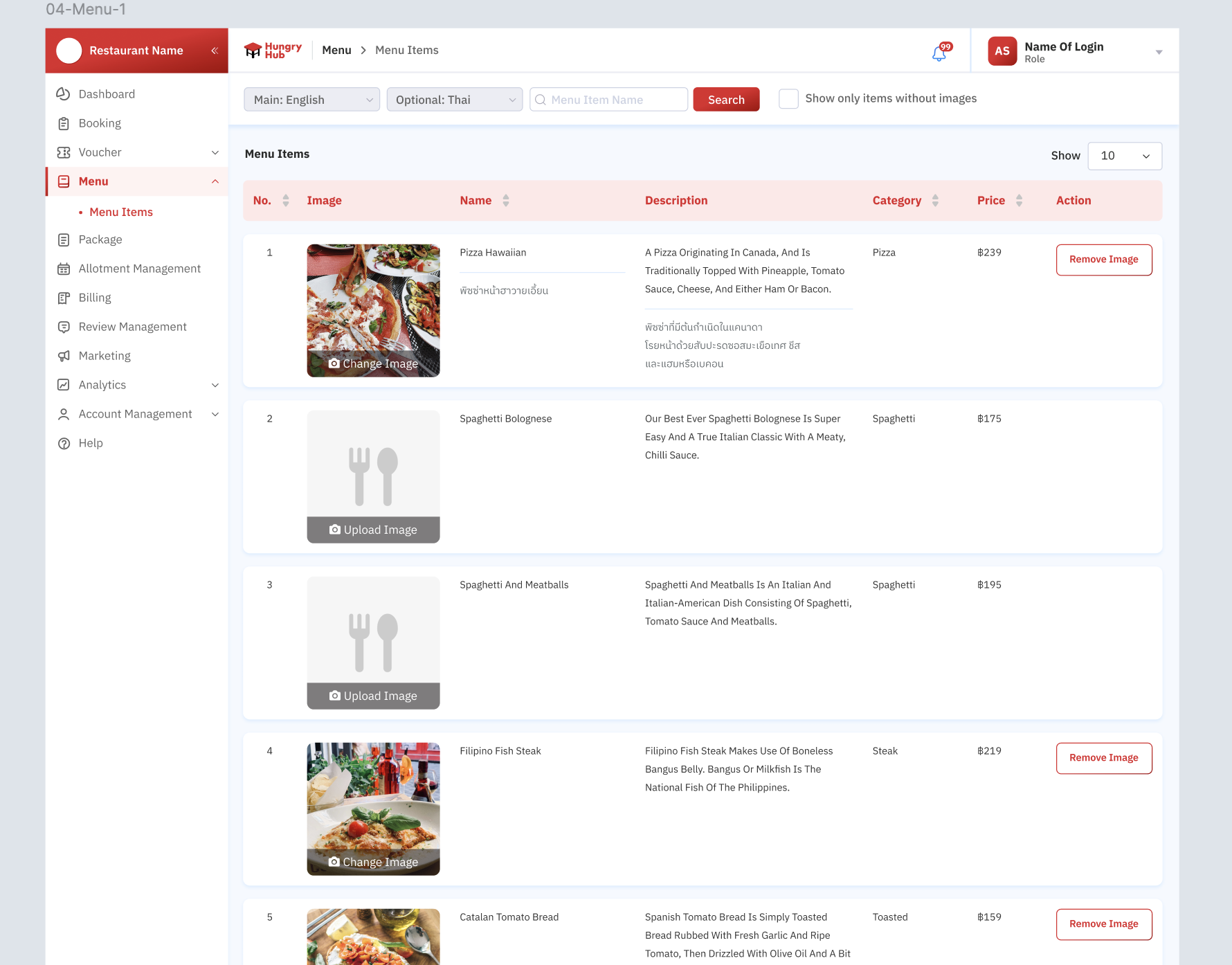 Note : the content (Name, Description) language based on the admin dashboard setting (language section on the menu master list) |
| Change Image | Restaurant staff is allowed to change the imageChange Image button on the imagePls note that the behavior of changing image is same with uploading image, which has maximum size (5 MB) and specific format (.JPEG, .PNG and all of image format) 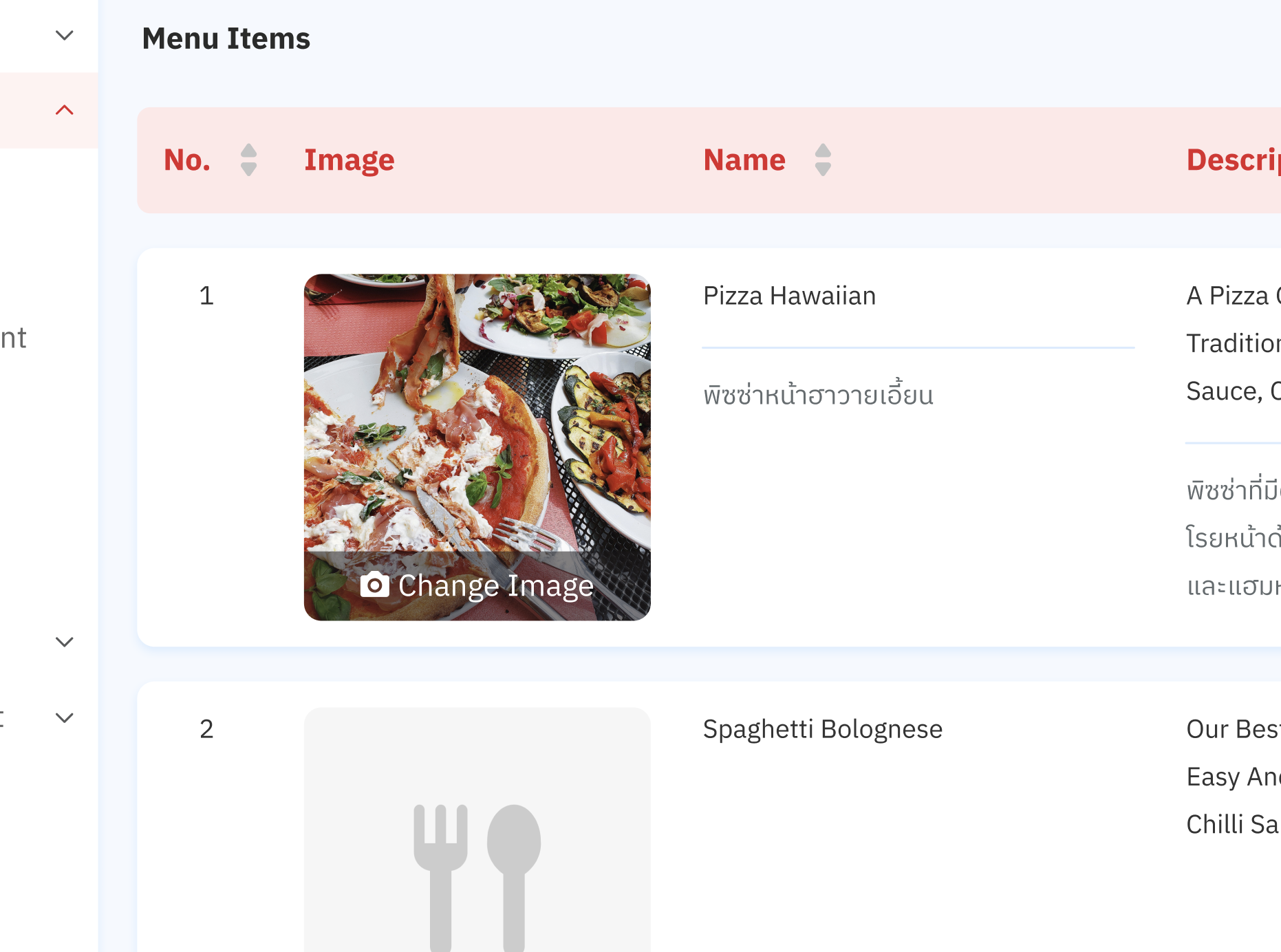 |
| Remove Image | Restaurant staff is allowed to remove the image Show Remove Image button if there is an image in the menu itemOnce clicked, show pop up 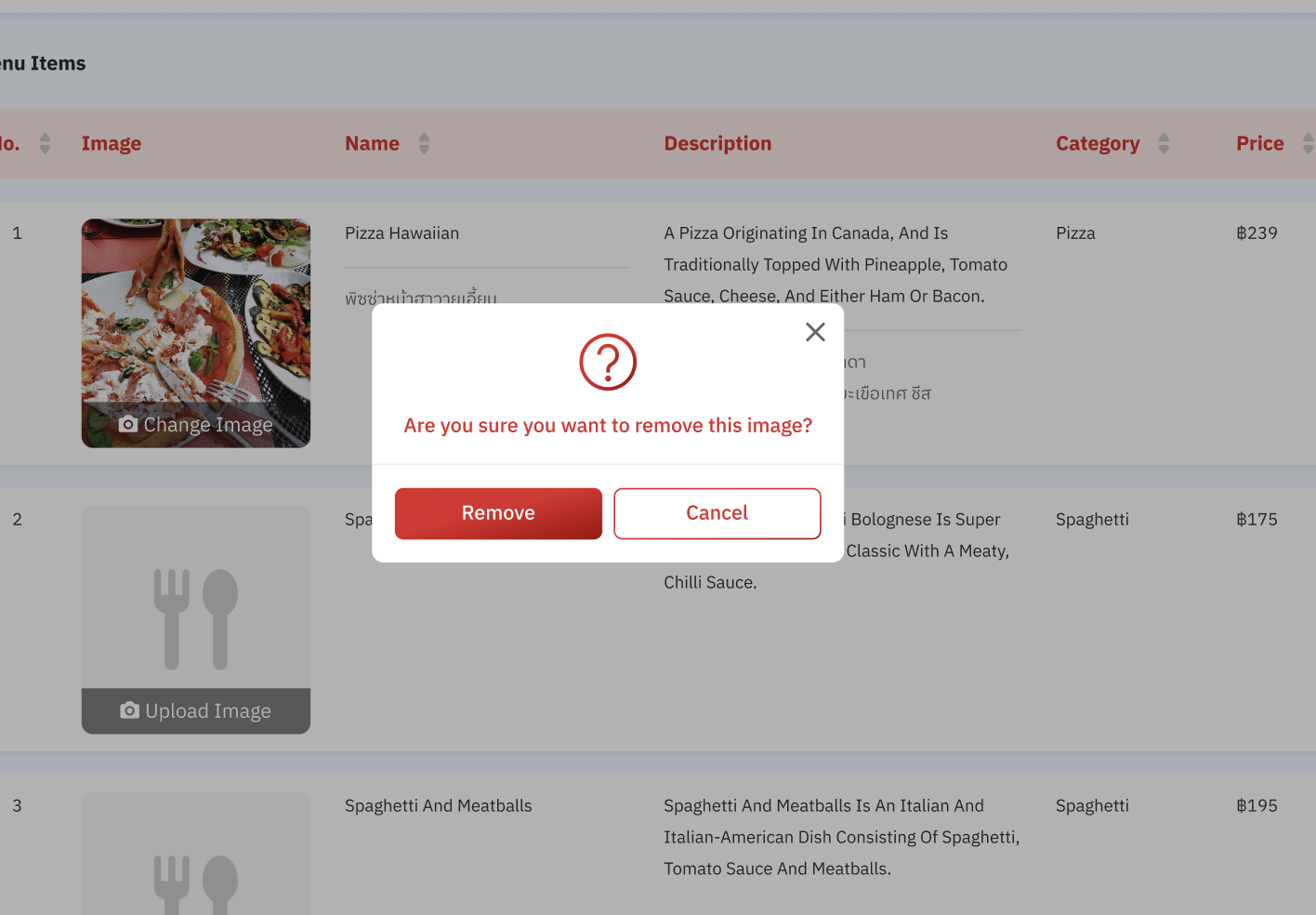 Remove buttonCancel buttonBy default, the no image will be shown like thisUpload Image button to upload the imagefollow the previous behavior when uploading image, which has maximum size (5 MB) and specific format (.JPEG, .PNG and all of image format) 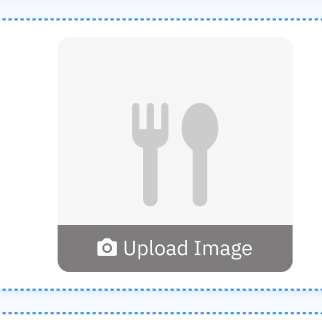 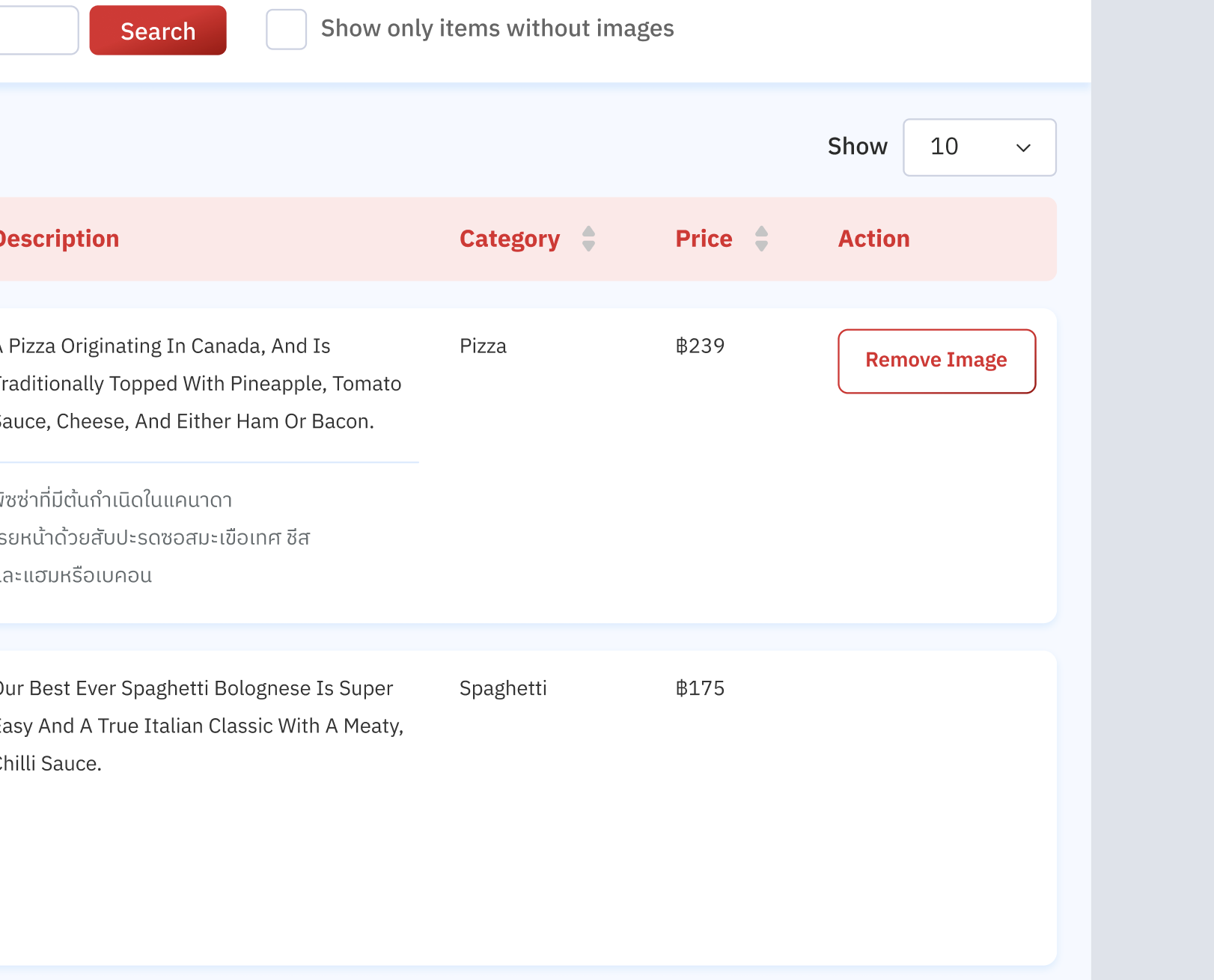 |
❓ FAQ
| Question | Answer |
|---|---|
| Different between restaurant on the menu master list and group login | Menu master list is owned by restaurants (outlet/branch for hh menu v3). so, it's not related with group login. Example 1 (HH menu V3) Menu Master List A (owned by branch) Restaurant A Restaurant B Restaurant C Group Login Restaurant C Restaurant D if create changes on restaurant C, will affect the changes to Restaurant A, B and C. NOT with restaurant D (different master list). If create changes on restaurant D, won't affect the changes to restaurant C (different master list). Example 2 (HH menu V2) Menu Master List A (owned by specific restaurant) Restaurant A Group Login Restaurant A Restaurant B if create changes on restaurant A, won't affect the changes to Restaurant B (different master list). |
| Choose branch (when group login) | Same behavior with group login (display based on branch) Example Branches Restaurant A Restaurant B Restaurant C without "All branches" option |
| What if imenupro and image? | This feature is only implemented to HH menu v2 and V3 |