Add-On
Overview
| Product Name | Add-On |
|---|---|
| Epic | Add-On Feature Settings |
| Team Channel | |
| Product Manager | [@Umam Syarief](javascript: void;) |
| Designer | [@Scene](javascript: void;) |
| Engineer | |
| QA Engineer | [@team-qa](javascript: void;) |
| Technical Writer |
Objective
The add-on booking can be added on the owner side
Possibilities
Gain
- Help owner to create booking with add on
Pain
- Adding too many options can overwhelm owner
Goals & Success Metrics
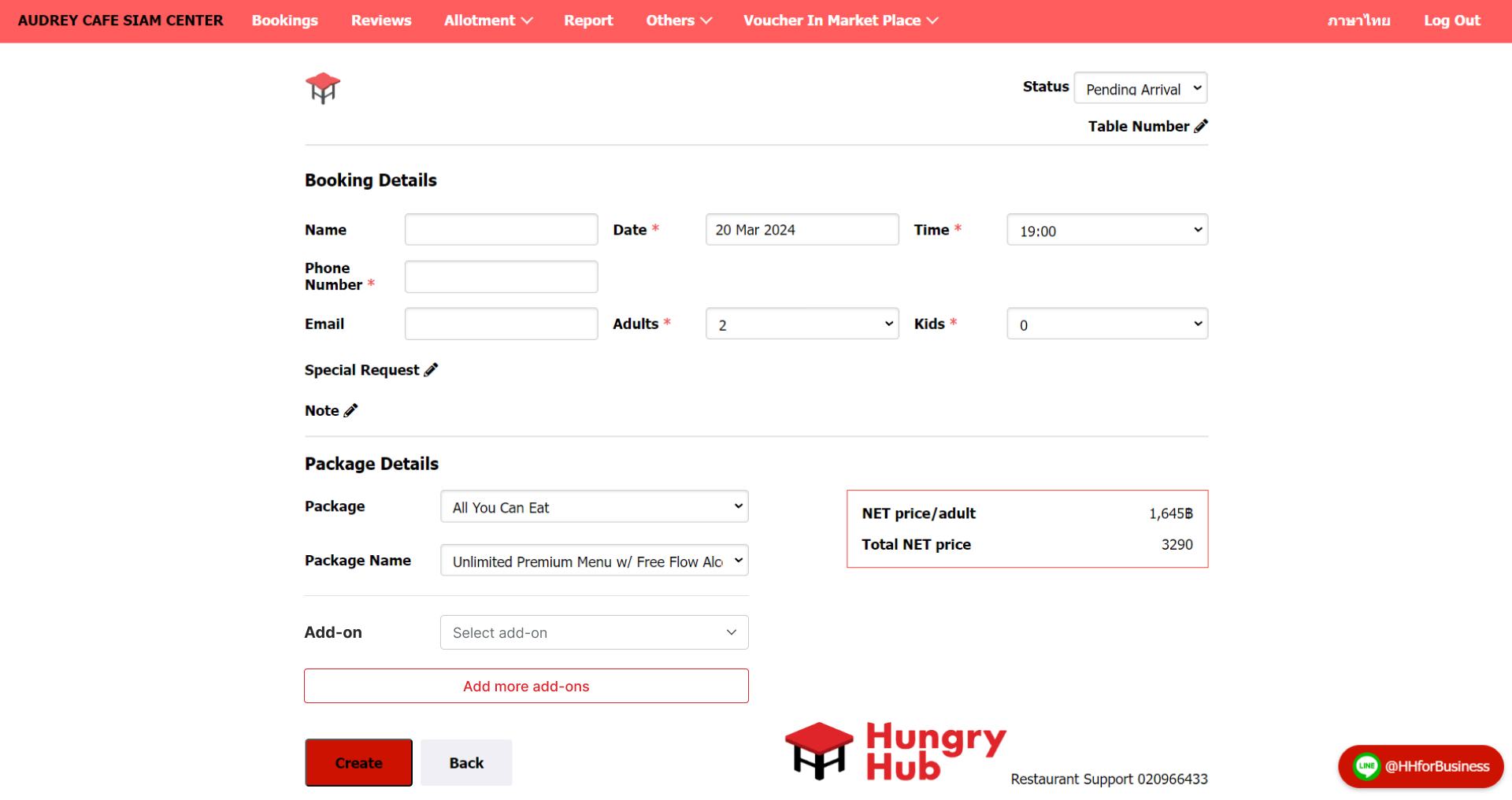
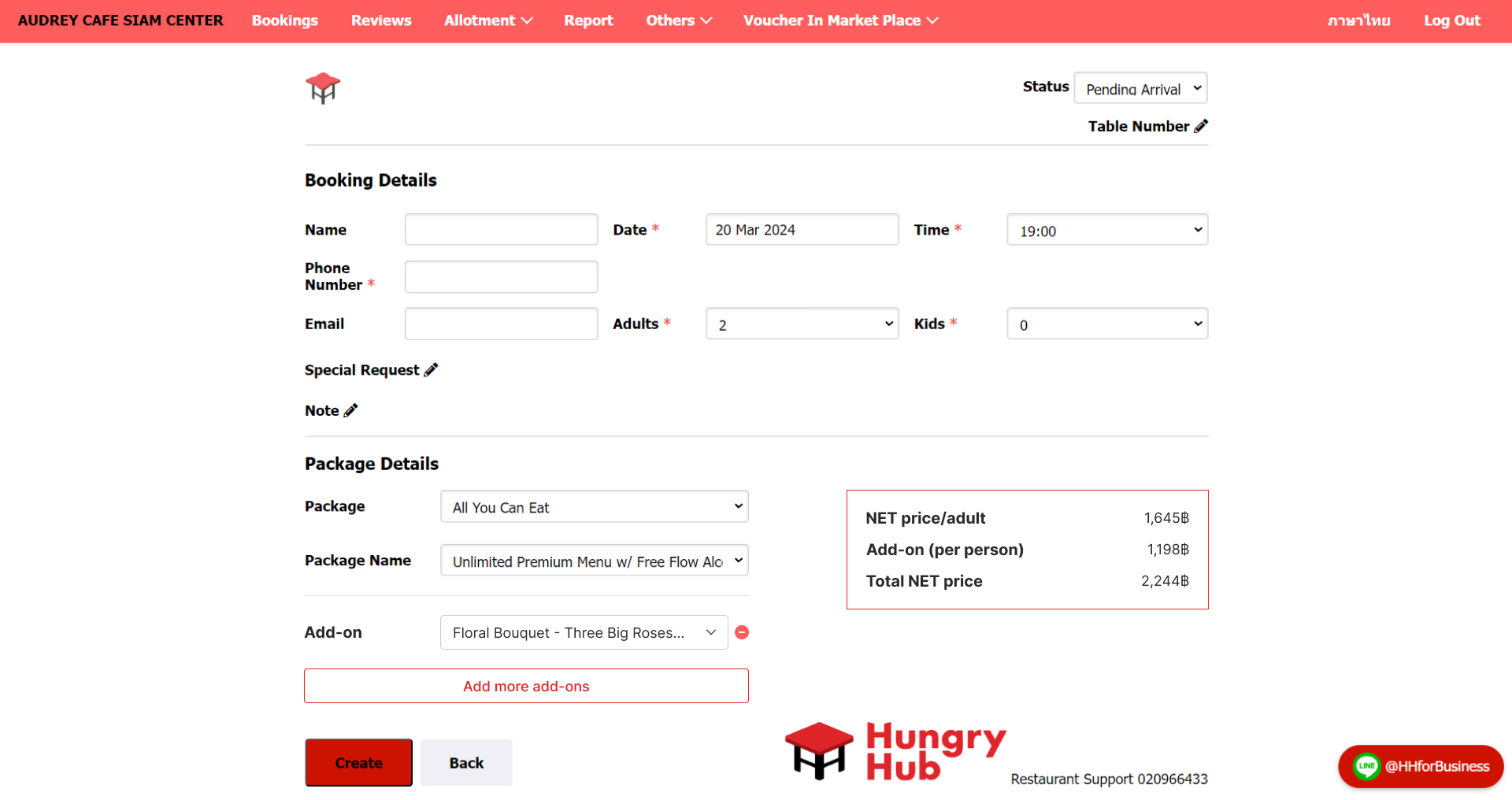
User can select an "add on"
- Navigate to the create booking page
- Select "add on" option dropdown
- Click "Create" button
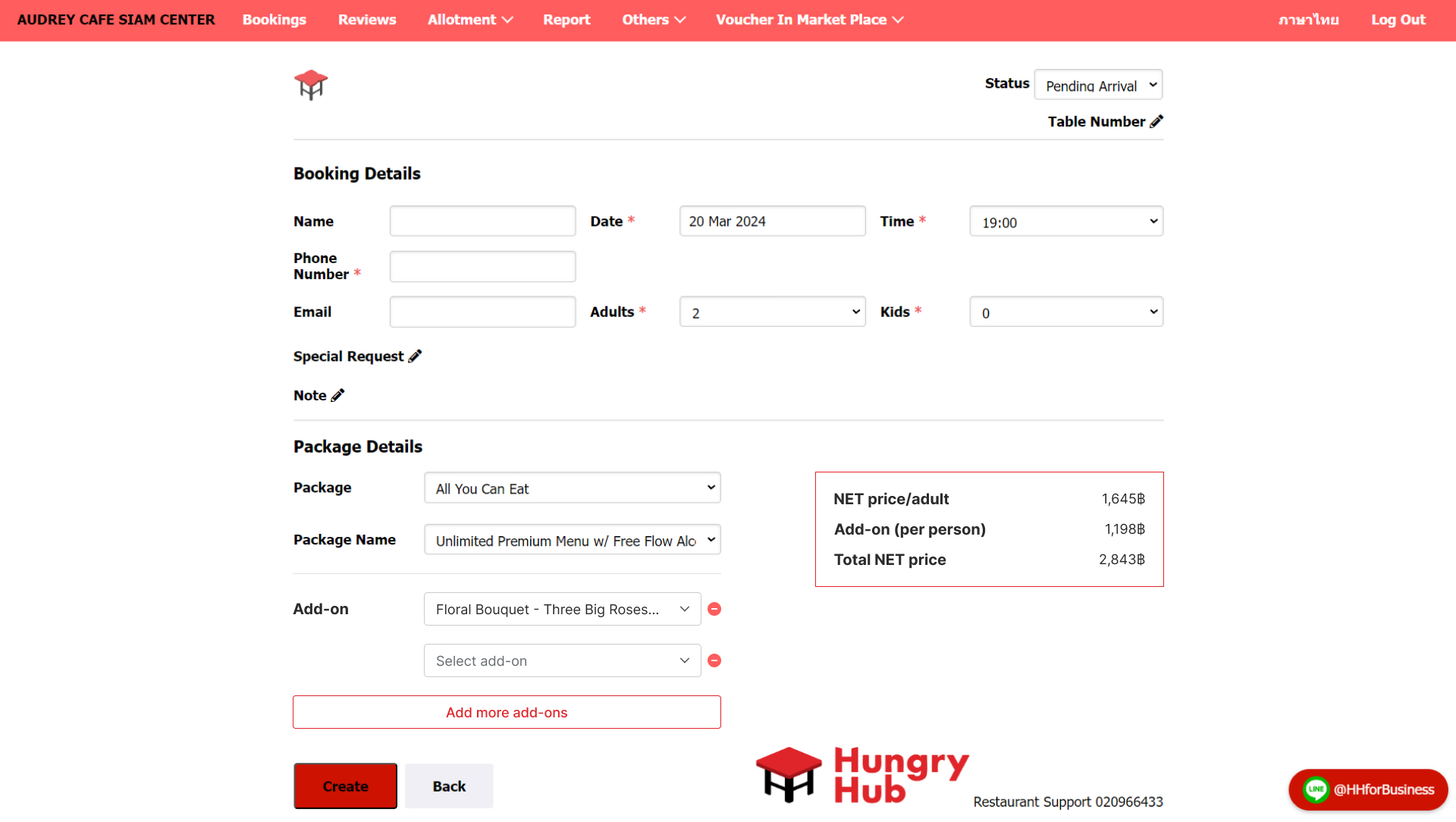
User can select more than 1 add on
- Navigate to the create booking page
- Click "Add more add-on"
- System should display the added "add-on"
- Click "Create" button
Here is the preview :
User can remove the add on
- [Empty Add on - we haven't selected the dropdown yet] If the add on in dropdown option is selected, remove button will appear beside it
Before :
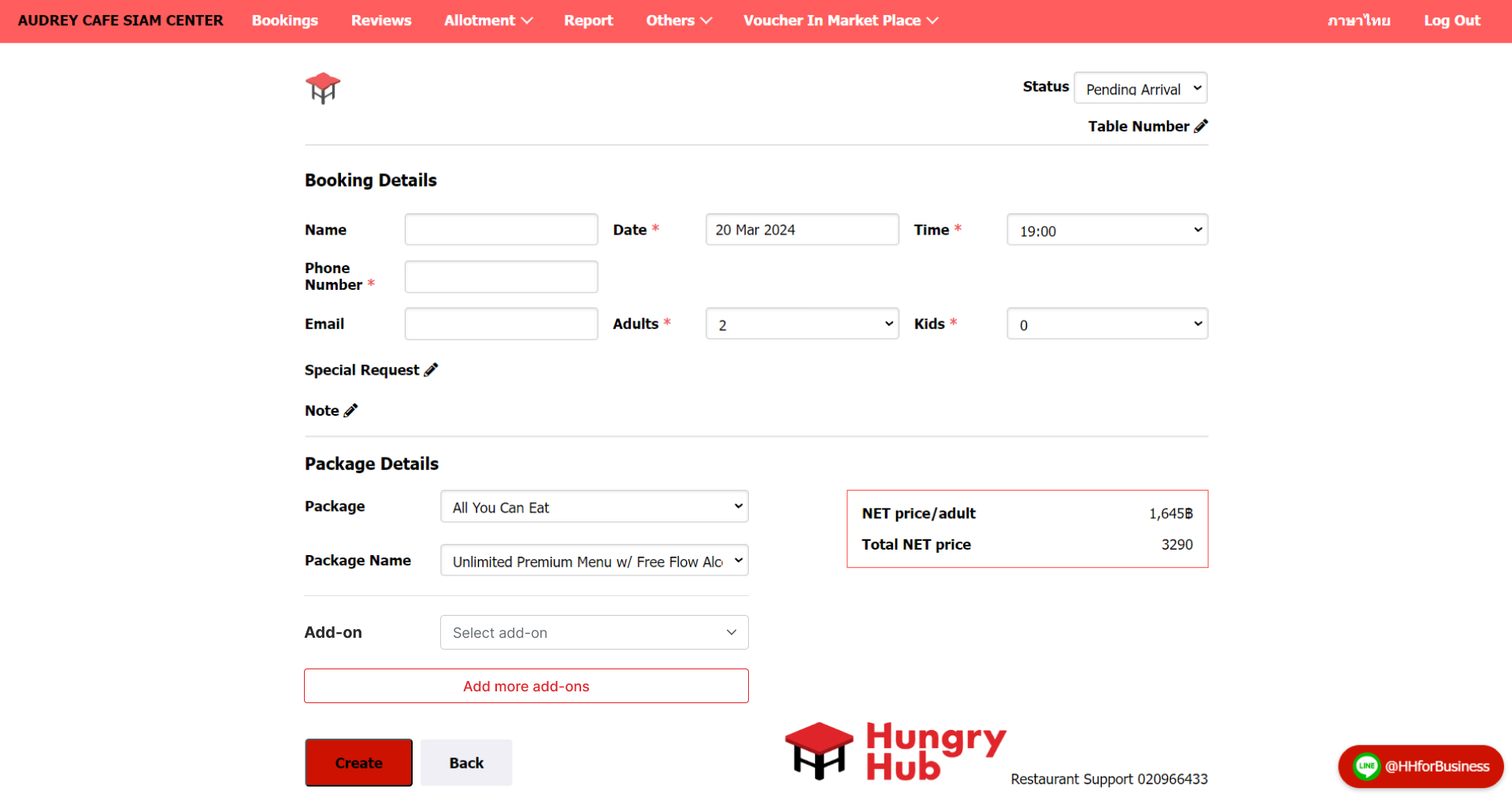
After :
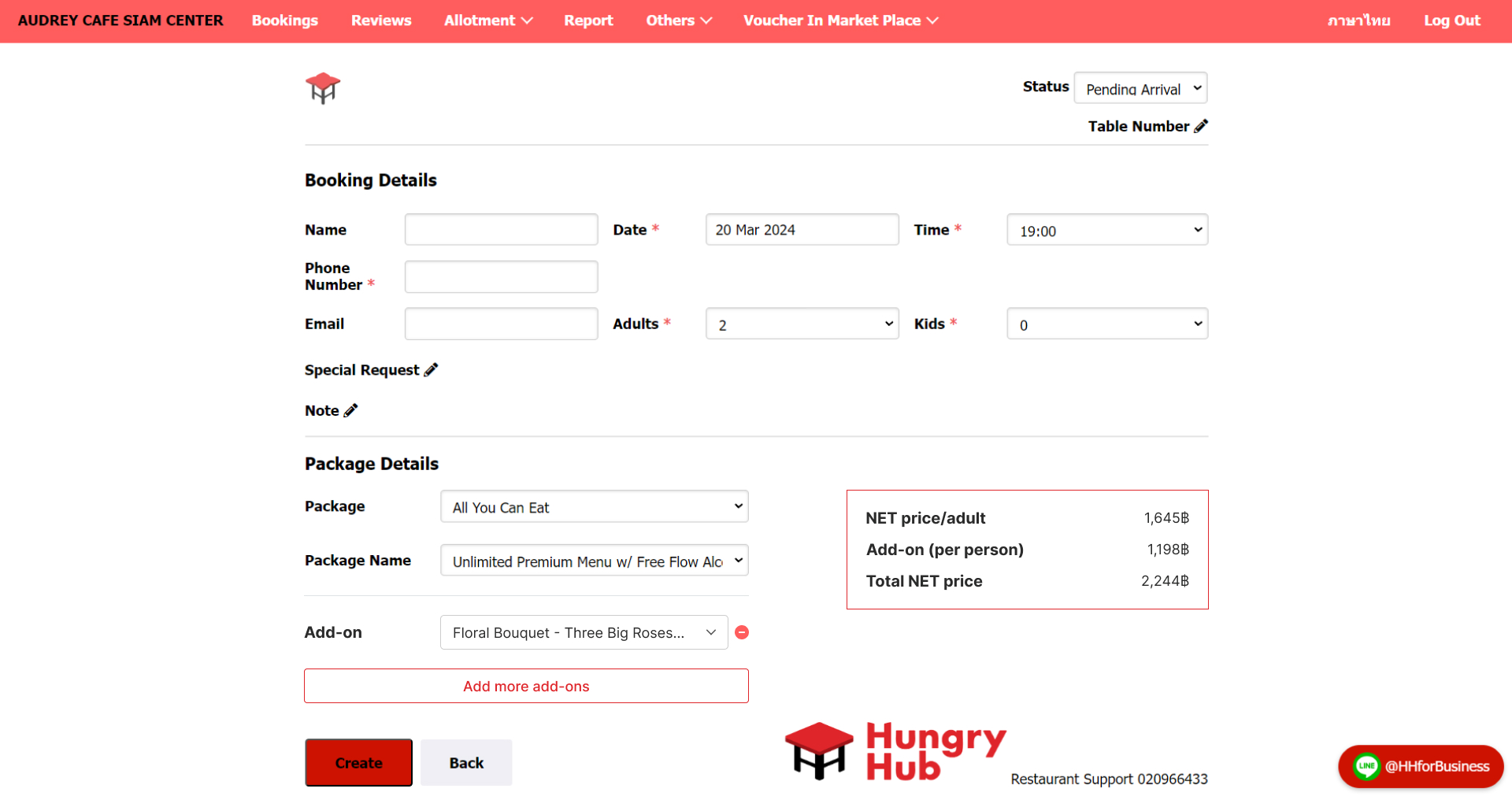
- If we only have 1 selected dropdown and then click the remove button, the selected add on will be empty
Before :
After :
- If we have more than 1 selected dropdown and then click the remove button, the selected add on will be removed (whether the dropdown option has been selected or not)
Before :
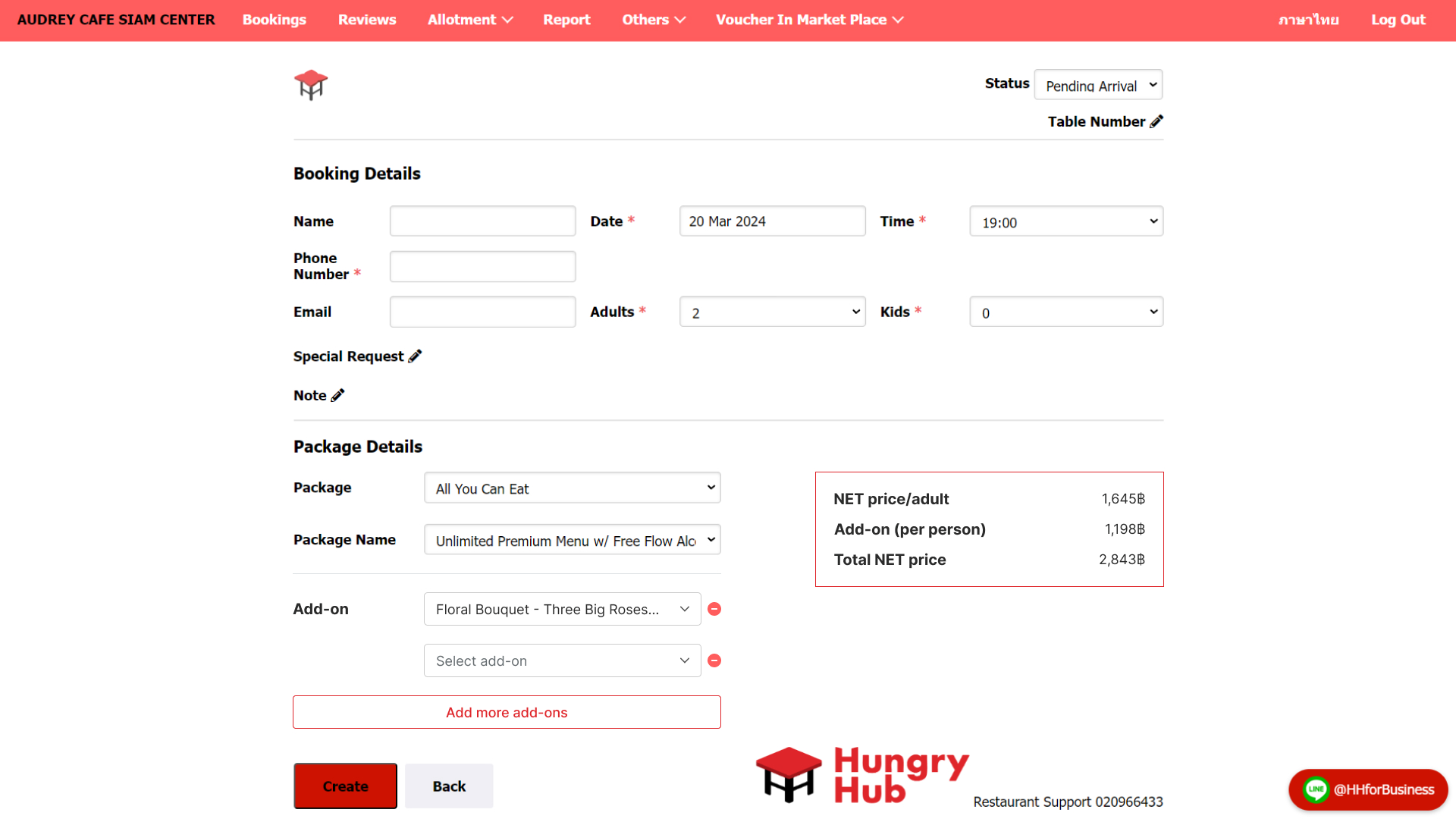
After :
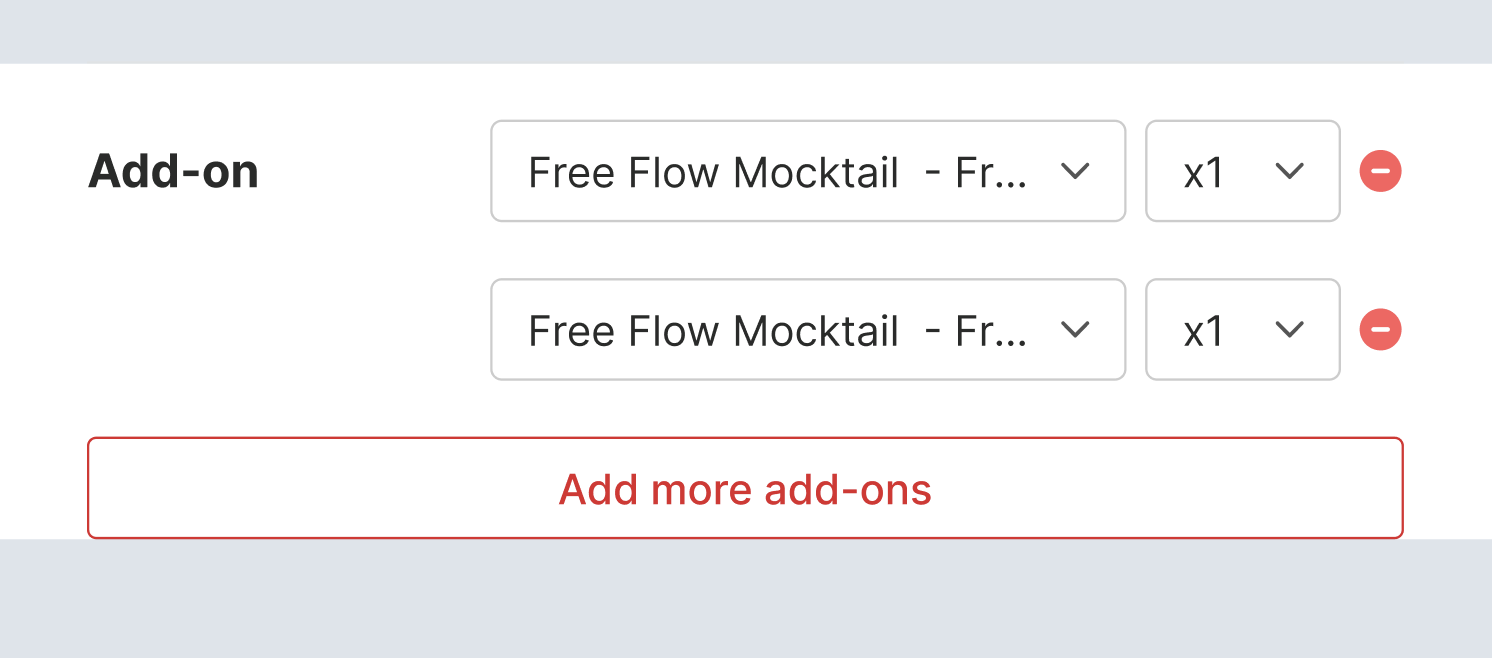
Add on Per Item
- Once user selects the item in dropdown option, the quantity field will appear
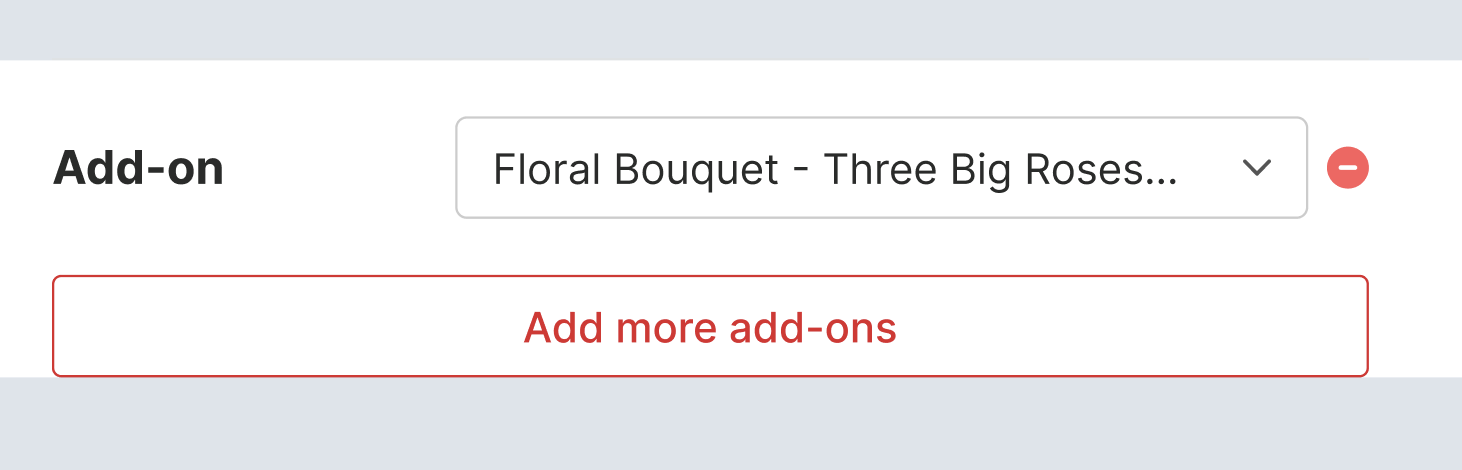
Add on Per Person
- Once user selects the item in dropdown option, the quantity field won't appear
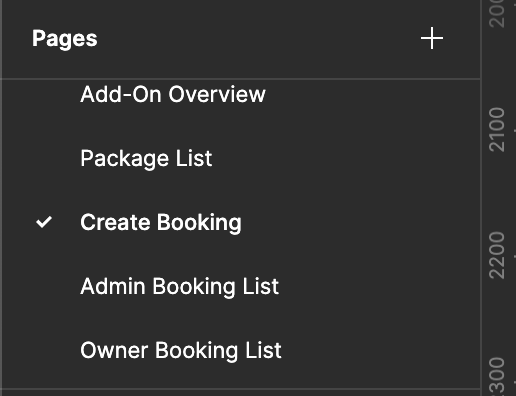
Please kindly check the full design here :
https://www.figma.com/file/2AifYqyASQ7bw1YpAshoiL/Add-On-Admin%2FOwner-Dashboard?type=design&node-id=2%3A2&mode=design&t=wQzFGDudkf0vKyT1-1
FAQ & Considerations
Question 1