Staff Management
Need a page that can manage owner or staff in which restaurant.
- Add Restaurant Staff option here
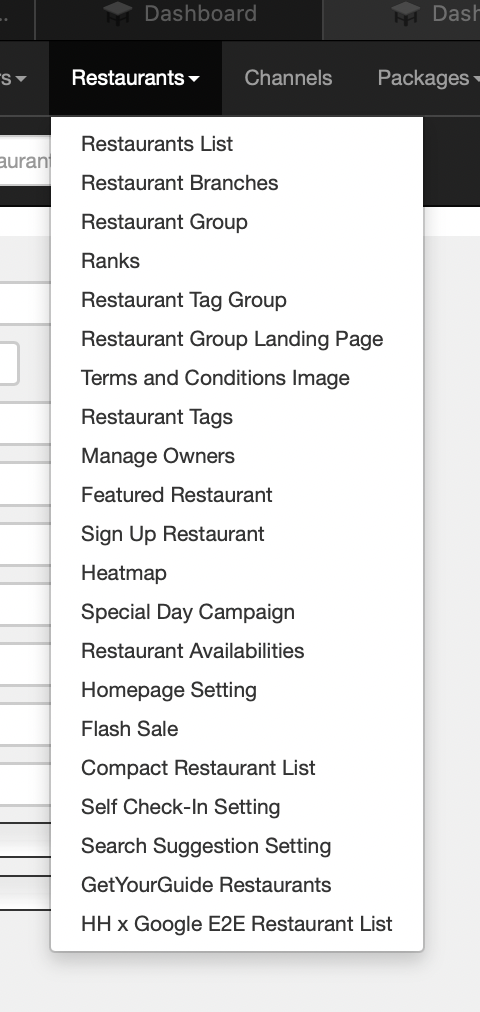
Flow : Restaurants → Restaurant Staff
Staff Management Page
-
Filter
-
Create New Staff
- Staff Name (Required)
- Staff Email (Required) : example@hungryhub.com
- Branch (Required) : Individual/Group (pls see the rules here Private (https://app.clickup.com/9003122396/docs/8ca1fpw-30456/8ca1fpw-46276))
- Radio button
- Restaurant ID and Name (Required) : can have more than 1 restaurant, but can't 0 (minimum 1)
- Use dropdown and can add more than 1 restaurant
- Role (Required) : Admin/Staff/Custom/Temporary Staff (can check the difference here : Private (https://app.clickup.com/9003122396/docs/8ca1fpw-30456/8ca1fpw-46276))
- Only can choose one of roles
- Use dropdown to choose
- Temporary Staff → Same behavior like existing (24 hours expiration time)
- Custom
- When choose custom, will provide some options (Role Name, Role Permission)
- Can manage role permission (the behavior like tick/untick the permission). pls see the document attachedPrivate (https://app.clickup.com/9003122396/docs/8ca1fpw-30456/8ca1fpw-46276)
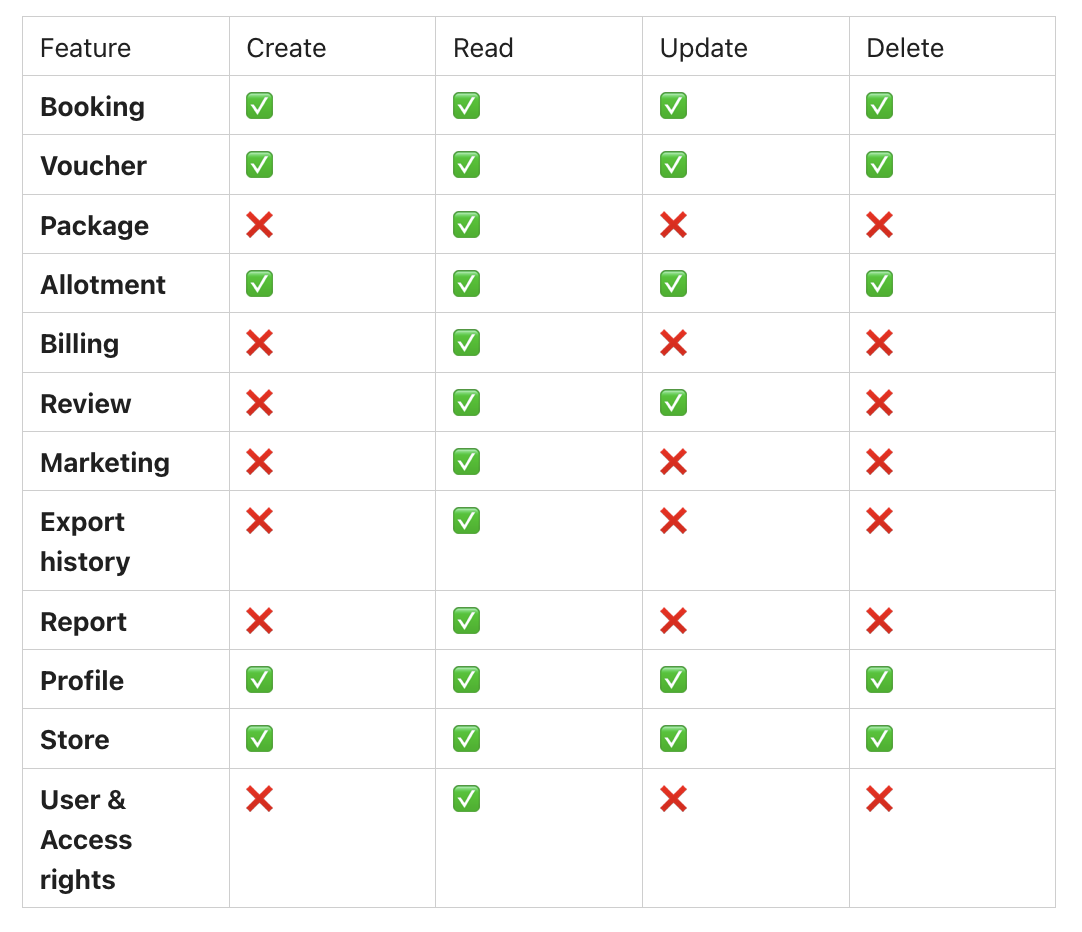
- Save button
- Only can save when all of the field are filled out correctly
- Cancel
- Cancel validation when there is field that filled out
-
Table
- ID Staff : Unique ID
- Staff Name : Staff Name
- Staff Email : example@hungryhub.com
- Branch : Individual/Group (pls see the rules here Private (https://app.clickup.com/9003122396/docs/8ca1fpw-30456/8ca1fpw-46276))
- Restaurant ID and Name : can have more than 1 restaurant, but can't 0 (minimum 1)
- Role : Admin/Staff/Temporary Staff/Custom (can check the difference here : Private (https://app.clickup.com/9003122396/docs/8ca1fpw-30456/8ca1fpw-46276))
- Custom role is based on the roles created by partner portal's admin or HH internal (create new staff on admin dashboard)
- Action :
- Edit
- Delete
- cannot be deleted if he/she is the only Admin left.
Note :
- Can't have same email in a restaurant group or an individual restaurant
- Make sure the staff is synchronized with staff management on partner portal (Create Staff and Create Temporary Staff)