Print Menu
Context :
https://hungryhubgroup.slack.com/archives/C078QRWR4J3/p1755765348252779
Print from package setting
- When enter to package setting, we've already selected specific package. so, it will print menu based on that package
- Need to select restaurant → a package may belongs to some restaurants
- No need to select package anymore
- Place
Select Packagedropdown below thepackage basedradio option - Make the dropdown inactive, can't change
- Place
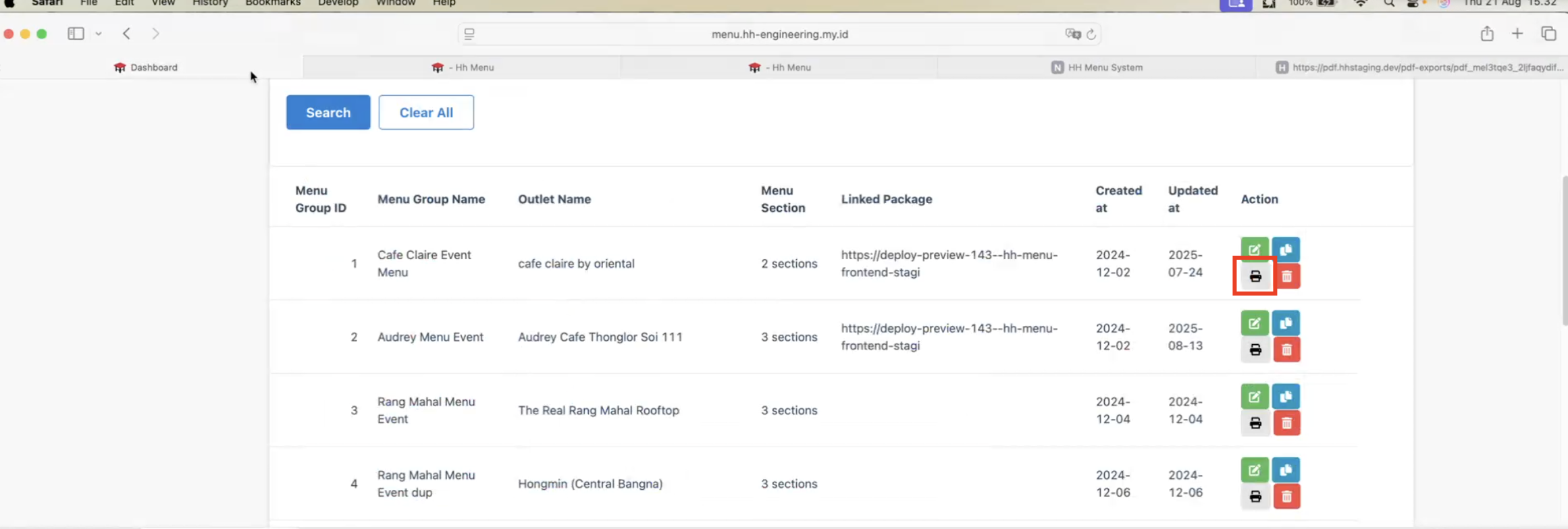
Print from menu group
- In each menu group, may have link to more than a package. need to select which package to be printed
- Make sure there is a list of linked packages in a table (example below)
- Package A
- Package B
- Package C
- so on
- Need to select restaurant → a package may belongs to some restaurants
- Need to select package
- Place
Select Packagedropdown below thepackage basedradio option - Required to be filled out
- Place
- Make sure there is a list of linked packages in a table (example below)