Image Display on Booking Confirmation
Context :
Currently, the displayed image (orange box) is using the restaurant image
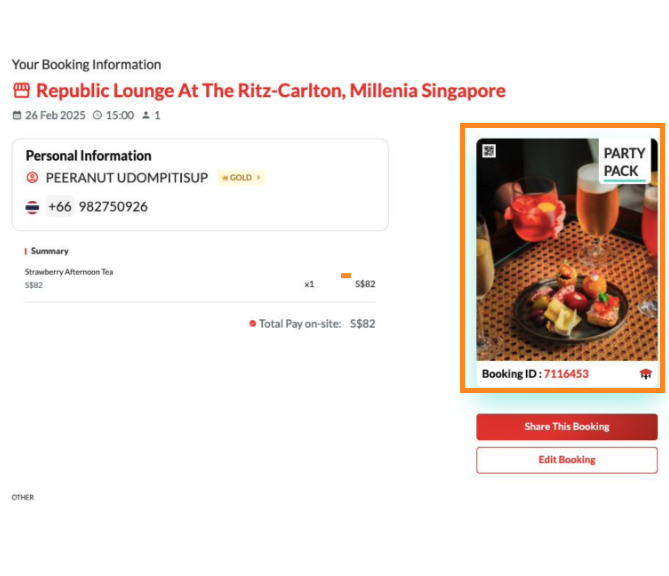
Priority Rules for Image Selection
- Use the Package Image (if available)
- Display the image associated with the selected package.
- If multiple packages are present, use the image from the first selected package.
- Fallback to Restaurant Image (if no Package Image)
- If the selected package does not have an image, use the restaurant image instead.
- Handling Multiple Packages
- If the booking includes multiple packages, choose the image from the first selected package.
- If the first selected package does not have an image, check the next package in the list.
- Continue checking until an available package image is found.
- Ensure an Image is Always Displayed
- If none of the selected packages have an image, use the restaurant image.
- Add on
- If there is add on, should display the main package (AYCE, party pack, Xperience)