Personas & User Scenarios
How to use this tool?
This one is simple, just follow these steps
Step1
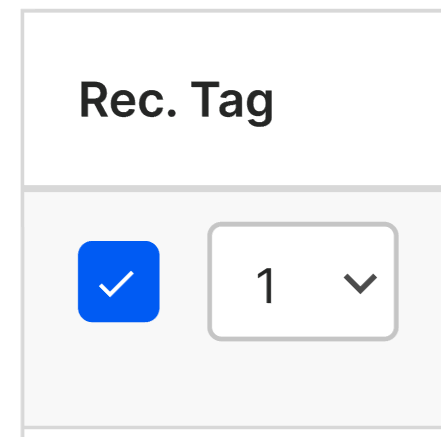
Tick Rec.Tag in front of it's own tag
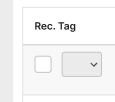 --->
--->
Step2
Then there will be a number appeared. Don't worry, this number is the position where the tags will sort on the homepage.
 e.g. party pack (1) all you can eat (2) familyrestaurant2023 (3)
For this instance, it's "1" right? The reason behind this is when admin tick on the Rec.Tag, the system will auto fill the lowest number(position).
Admin still can change the position by simply click the number to open dropdown. But the number in dropdown list will exclude the number that has been taken for another Rec.Tag
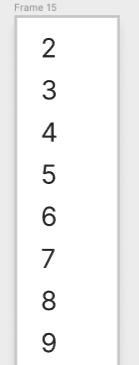
Step3 (Last)
Last one, don't forget to press Update ja.

Designs
| Area/Feature | Design |
|---|---|
| Admin | [Link to design] |