How to turn on/scale up Digital ocean servers
https://docs.digitalocean.com/reference/doctl/how-to/install/
create a new API with read & write access
https://cloud.digitalocean.com/account/api/tokens?i=454755
doctl auth init --context hungryhub
doctl kubernetes cluster kubeconfig save 8cb14981-6264-45d5-a29b-31be39688e43 --context hungryhub
if you install using snap you need to firstly run the command
sudo snap connect doctl:kube-config
and then run
doctl kubernetes cluster kubeconfig save 8cb14981-6264-45d5-a29b-31be39688e43 --context <NAME>
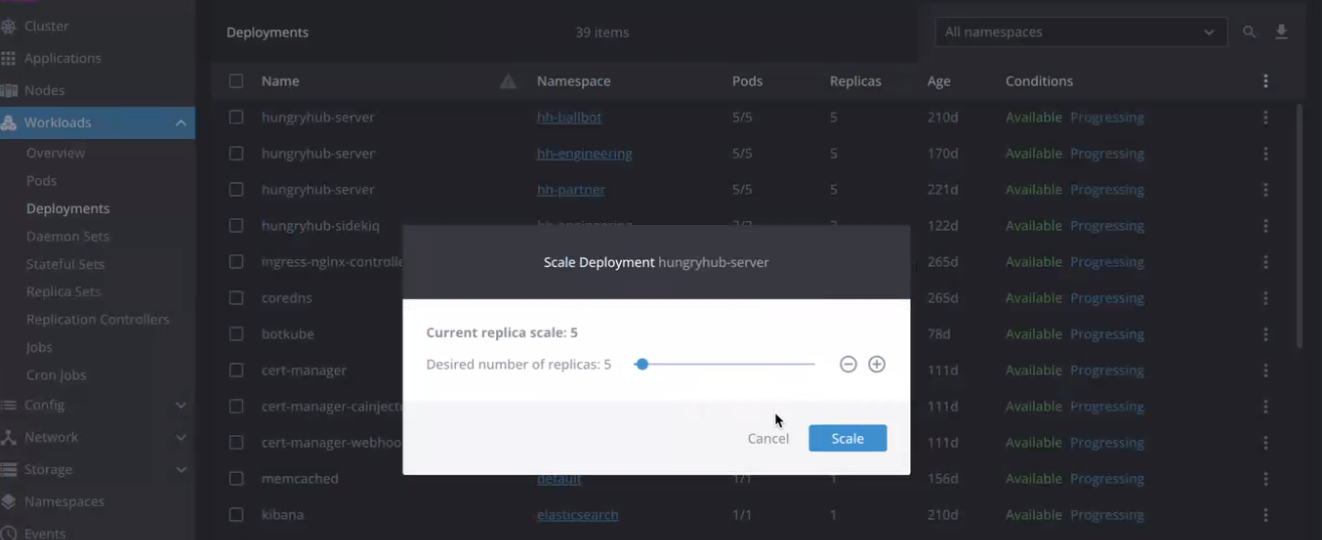
then open Lens, open Deployments
update the hungryhub-server and hungryhub-sidekiq replica scale to 1 or more (if it's zero)