How to use Voucher on Production
- First open admin restaurant, make sure that the restaurant was accept voucher You can check on edit restaurant, make sure the accept voucher was checked

- Create your dummy voucher on admin vouchers
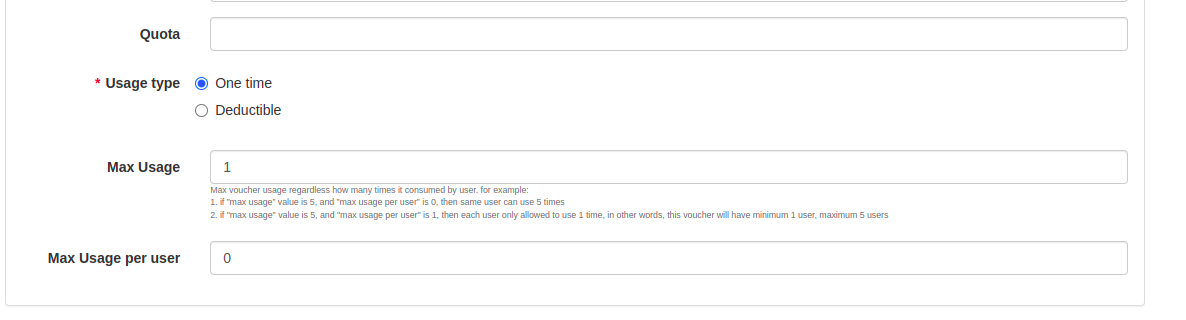
https://hungryhub.com/admin/vouchers?locale=thMake sure you create “all restaurant” voucher and quota, max usage and max usage per user is not 1, so you can use it for another booking and don’t forget to make voucher active. 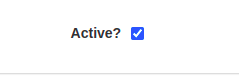
- After create the voucher, the voucher code will appears on the last page, copy the voucher code and paste it on hungryhub website