Airbyte & Airflow
We use Airflow now, skip this Airbyte documentation
We use this to perform ETL from our main production DB to our data warehouse (PostgreSQL) in Aiven We run this service using Docker Compose
How to start the services
ssh ec2-user@54.254.9.177
Make sure the Docker service is up
sudo systemctl start docker.service
sudo systemctl stop docker.service
sudo systemctl restart docker.service
sudo systemctl status docker.service
then start the server
cd airbyte && docker-compose up -d
port forward the web server to load
ssh -L 8000:localhost:8000 -N -f ec2-user@hh-airbyte
then open http://localhost:8000 to access it
USERNAME=airbyte
PASSWORD=password
PostgreSQL connection for data warehouse
service URI
postgres://avnadmin:AVNS_vZamFcB2DfO43xr6Uiz@data-warehouse-1-hh-production.aivencloud.com:25940/defaultdb?sslmode=require
Database Name
defaultdb
Host
data-warehouse-1-hh-production.aivencloud.com
Port
25940
User
avnadmin
Password
AVNS_vZamFcB2DfO43xr6Uiz
SSLmode
require
CA Certificate
Connection Limit
200
connect with PSQL
psql 'postgres://avnadmin:AVNS_vZamFcB2DfO43xr6Uiz@data-warehouse-1-hh-production.aivencloud.com:25940/defaultdb?sslmode=require'
Connect with PGAdmin
{
    "Servers": {
        "1": {
            "Name": "CONNECTION_NAME",
            "Group": "GROUP_TEST",
            "Host": "data-warehouse-1-hh-production.aivencloud.com",
            "Port": 25940,
            "MaintenanceDB": "defaultdb",
            "Username": "avnadmin",
            "SSLMode": "require"
        }
    }
}
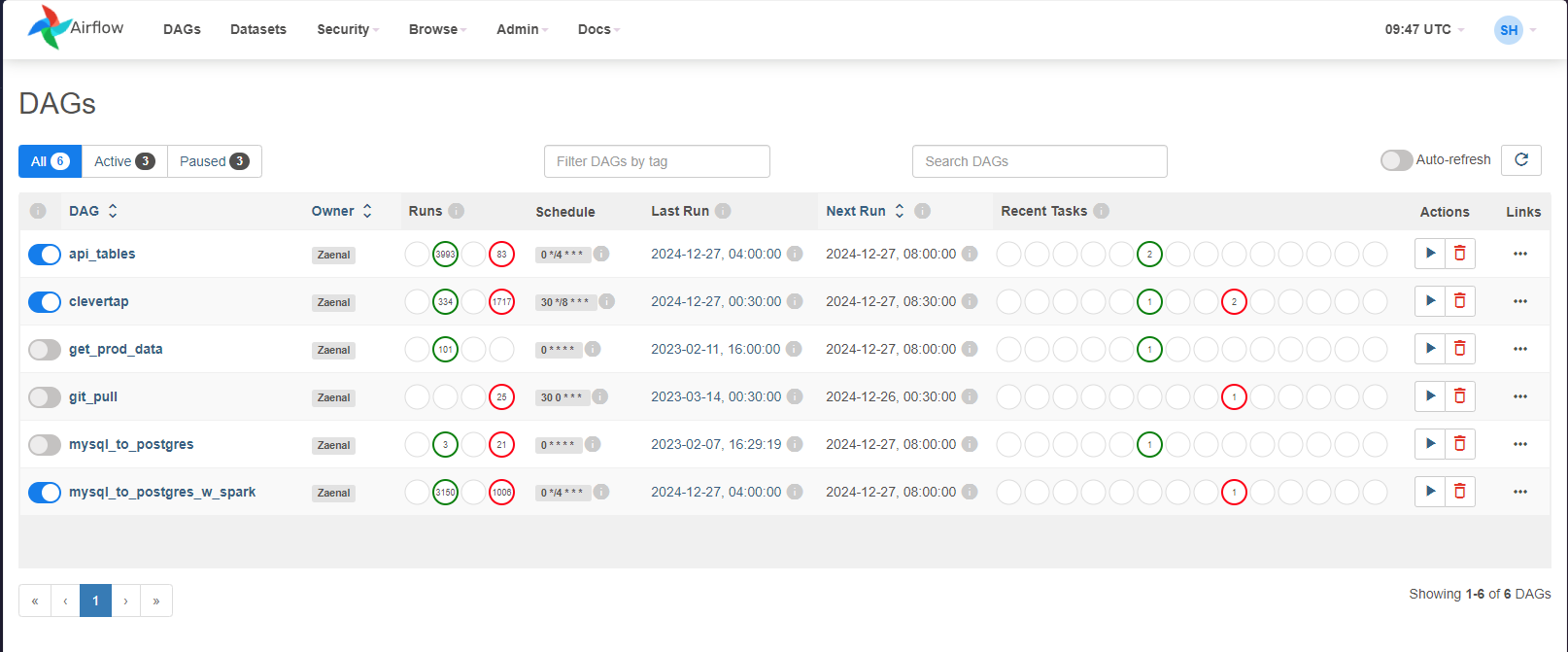
Airflow
login to EC2
ssh ec2-user@18.143.168.136 -i management-server-key.pem
activate the python env for airflow
conda activate airflow-env
create a new account
airflow users create --username saiqulhaq --firstname Saiqul --lastname Haq --role Admin --email saiqulhaq@hungryhub.com
login to localhost:8080 by opening another terminal, and run this command
ssh -i management-server-key.pem -L 8080:localhost:8080 ec2-user@18.143.168.136
now open localhost:8080 in your local