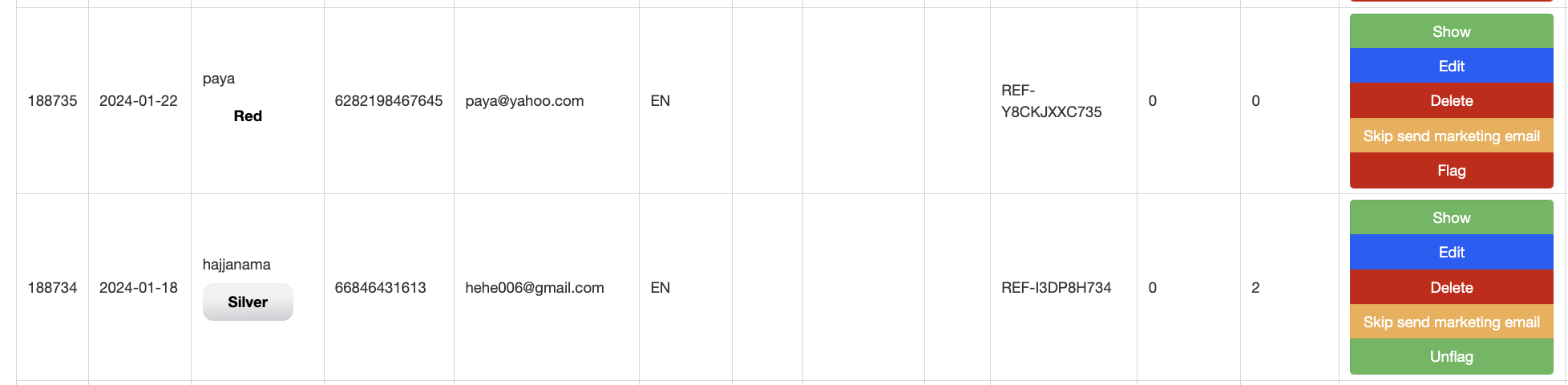
User Flag
Description / Background
The team has identified an issue with some users making fake bookings or no-show bookings to take advantage of the system by earning points or vouchers. This is a significant issue that affects the platform. These users create fake accounts and bookings to earn free points and then use them to purchase packages.
To address this, we propose implementing a user flagging system, similar to the restaurant flagging system, which will prevent flagged users from certain activities. Flagged users can only use prepaid options for pay-now packages.
The Ops team can flag users suspected of engaging in suspicious activity from the User Overview section of the Admin Dashboard. This feature is intended to reduce the occurrence of suspicious activities.
Glossary
Objectives
- Flagged user can book prepaid package
- Flagged users will be forced to use 100% prepaid for option to PayNow package and prepaid less than 100% package
- Flagged user still can book pay on site package if the restaurant does not use prepaid method
- Admin can mark user as flagged in User Overview
- Admin can remove the flag from user
- The system will convert pay-on-site packages to prepaid packages
How to set flag on user
- Open Admin Dashboard
- Open menu Users ➝ User Overview
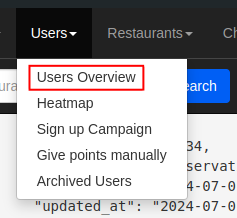
- Search for the user by ID, name, or email.
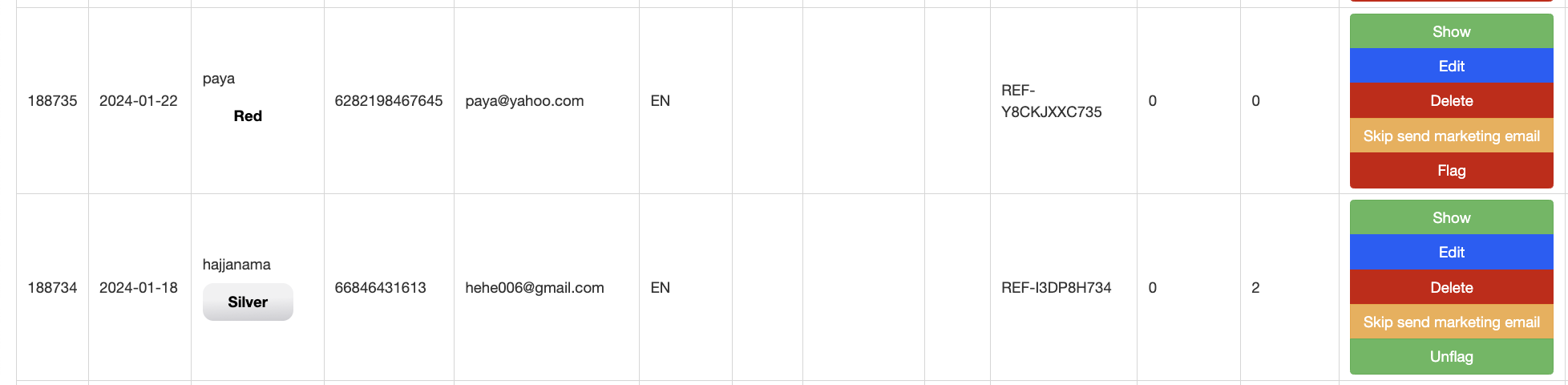
- Click the flag button to mark the user as flagged.
- The button will change to “Unflag,” allowing the admin to remove the flag if needed.
Backend Implementation
- Add a new column
flagon User model (db/migrate/20240228100747_add_flag_to_users.rb) - Add new button flag and unflag on admin dashboard
- Add params flag on User Serializer
Frontend Implementation
- Add validation to ensure flagged users are forced to use prepaid options for pay-now packages.
Design