Group Landing Page Enhancement - Outlet Rank
Description / Background
This enhancement introduces new settings and default sorting options to the Group Landing Page, aiming to align its functionality and user experience with that of the search page. This change is expected to improve user navigation and filter capabilities.
Glossary
N/A
Objectives
- Users can see list of Group Restaurant
- Users can see filter section on Group Landing Page
- Users can see promotion section
- Users can filter the restaurant within those Group
- Users can see same filter as on the search page
- Users can filter restaurant by people, date and time
- Users cannot sort/filter the blogger post and review
- Admins can add more than 1 tag (group type and tag group) on restaurant group landing
- Admins can add priority on each tag setting
- Admins can pick the rank sorting (default or rank manually)
Scope
- Admin dashboard menu Restaurant Group Landing Page
- Web and Mobile on Restaurant Group Landing Page
Location
- Restaurant Group Landing Page
How to find this feature
Admin :
- Open Admin Dashboard ➝ Restaurants ➝ restaurant Group Landing Page

- Pick the restaurant landing page
- Click Edit
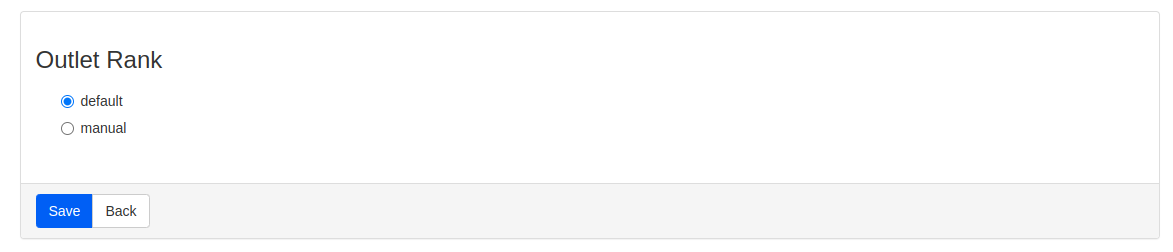
- Find the Outlet Rank section
User :
Pick restaurant that have outlets  ➝ if the restaurant have landing page, it will redirect to new restaurant group landing page
How to set outlet rank on Restaurant Group Landing Page
- Open Admin Dashboard
- Click menu Restaurants
- Pick Restaurant Group Landing Page

- Pick the restaurant landing (Click edit) or create new one and fill all the data
- On Outlet Rank section there’s 2 options
- Rank by Default setting ➝ it will rank by GMV
- Rank by Manually ➝ you can manually add the restaurant name and the rank
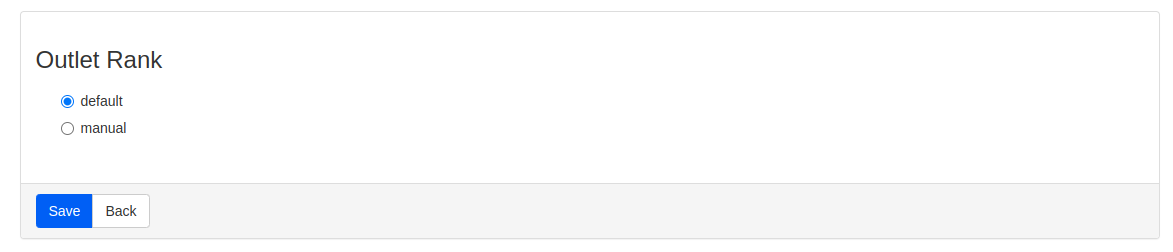
- Click SAVE
Sequence Diagram / Flow
N/A
ERD
N/A
Backend Implementation
N/A
Frontend Implementation
N/A
PRD & Task
https://app.clickup.com/t/860rbkkxt
Design
Group Landing Page Enhancement
API Blueprint
N/A
New Query
N/A
DB Schema / Database Migration
N/A