Clevertap
Clevertap is a third party system to track our user behaviors
clevertap.sendEvent('event name', { restaurant_id: 222 })
clevertap.sendEvent('userLogin', userProfile)
We can send any campaign type to specific users based on their behavior For example, suppose there is a user who opens an XX restaurant. The marketing team can send promotions to that user by logging into the Clevertap system, creating a new campaign, and targeting users who have the View Restaurant event with the property restaurant_id = XX. Another explanation:
CleverTap Usage In Our System
https://app.clickup.com/9003122396/docs/8ca1fpw-17482/8ca1fpw-21282 https://app.clickup.com/9003122396/docs/8ca1fpw-17482/8ca1fpw-21302 https://app.clickup.com/9003122396/docs/8ca1fpw-17482/8ca1fpw-21322 and many more
Clevertap Environments
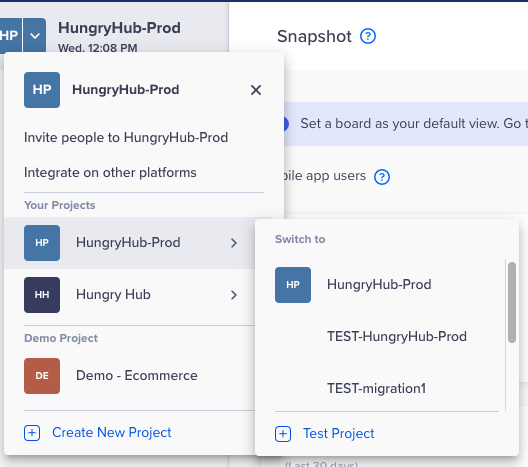
There are 2 Clevertap environments
- production, as default you will see the production after logging in
- staging, click the arrow as in the image below
Loyalty level in Clevertap feature
Screen Recording 2022-09-28 at 16.42.31.mov
Available Clevertap Rake Tasks
See lib/tasks/clevertap.rake currently there is a script to upload all users data to Clevertap https://app.clickup.com/9003122396/docs/8ca1fpw-17482/8ca1fpw-21342
How to Use
https://app.clickup.com/9003122396/docs/8ca1fpw-17482/8ca1fpw-21362 https://app.clickup.com/9003122396/docs/8ca1fpw-17482/8ca1fpw-21382
1. Clevertap Home page
Restaurant Slider Tracking
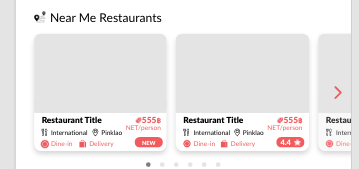 For each restaurant on the slide, give the order 1, 2, 3, and so on.
then dispatch the following event:
For each restaurant on the slide, give the order 1, 2, 3, and so on.
then dispatch the following event:
event name: Click Near Me Section
event name: Click Top Restaurants Section
event name: Click New Restaurants Section
properties:
  index: 1 // example if index is 1
  restaurant_id: 123
  restaurant_name: Copper
event names are:
- Near Me Section
- Top Restaurants Section
- New Restaurants Section
2. Clevertap Restaurant page
when user opens restaurant page, use Restaurant Viewed event
3. Booking Page
The system will send “Purchase” event
How to Create Dynamic Voucher for User
Easy way (suggested by Surasit)
- create a voucher in the admin dashboard with 1 month expiry date
- create a campaign on CleverTap to announce the voucher to the users and say that it will expire within X days
Correct way (Waiting for tech team to build)
Marketing team has to create a journey on CleverTap. Add a webhook Engagement
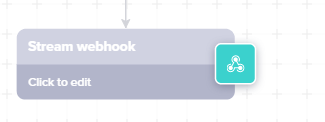
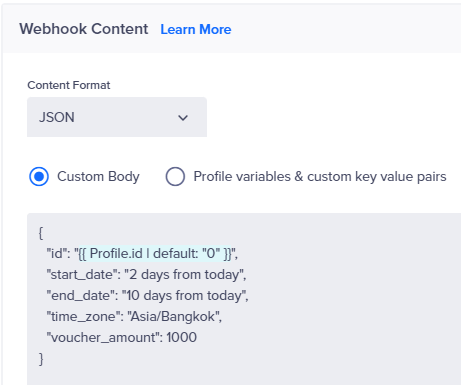
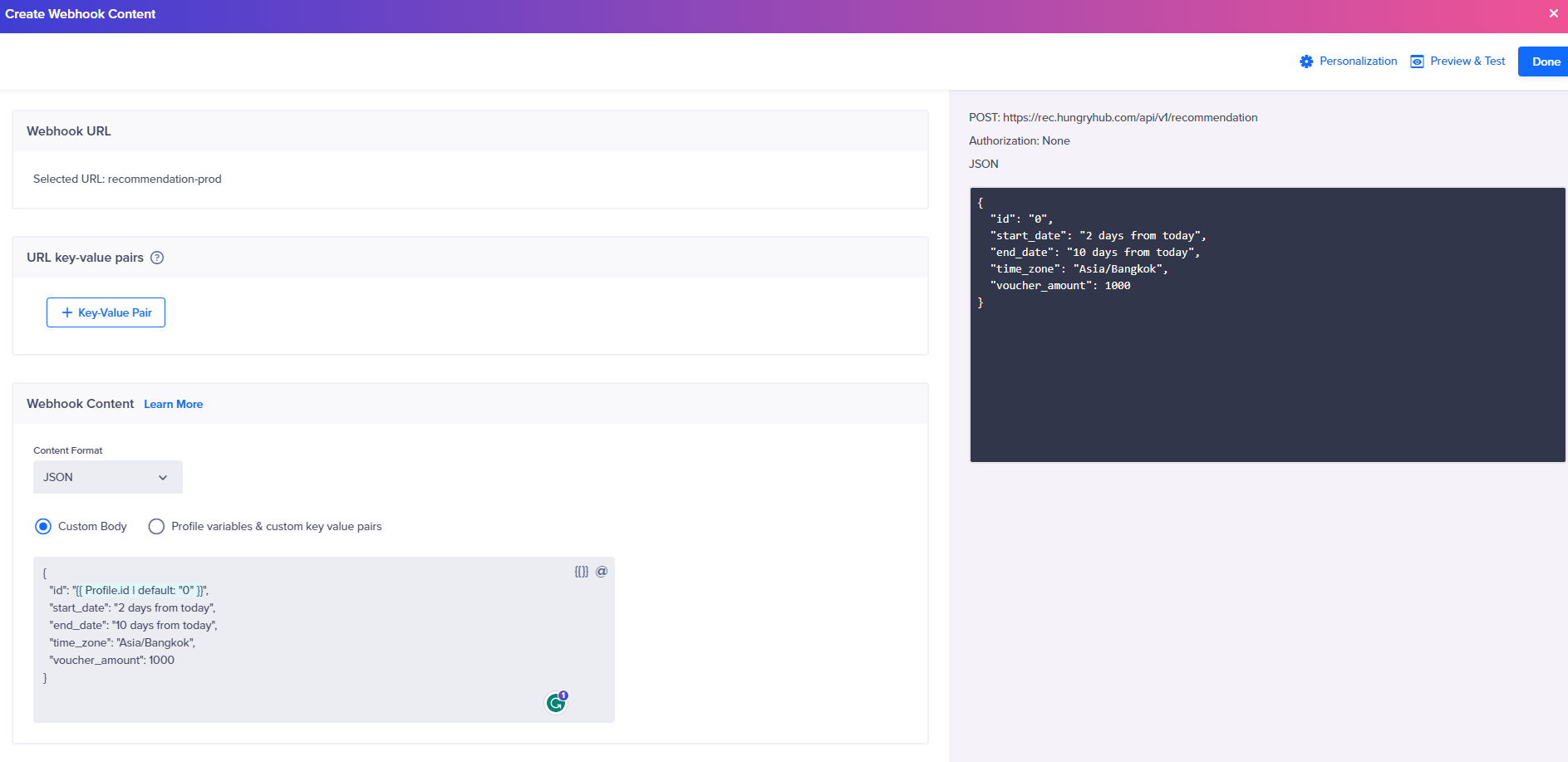
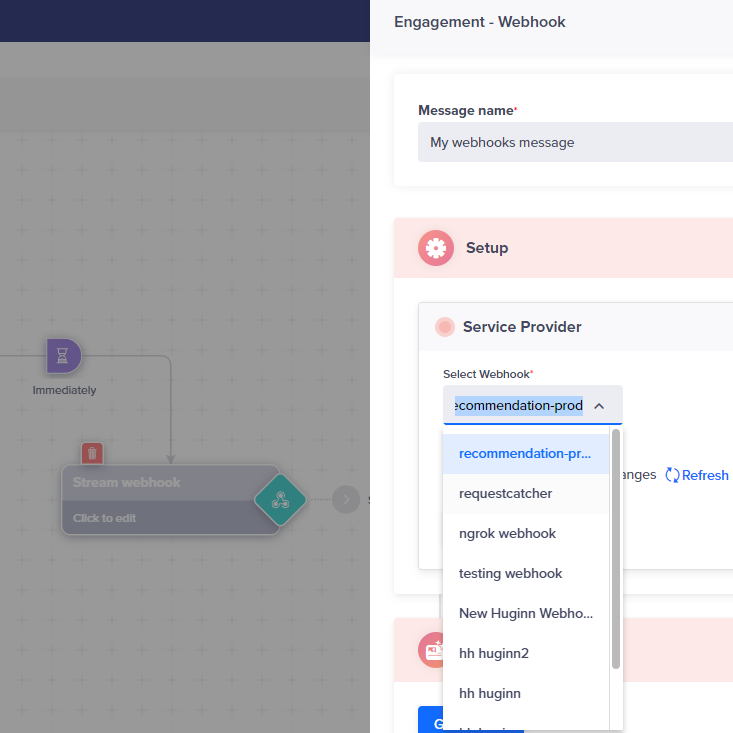 then use following JSON on Webhook Editor page
{
  "id": "0",
  "start_date": "2 days from today",
  "end_date": "10 days from today",
  "time_zone": "Asia/Bangkok",
  "voucher_amount": 1000
}
How to check Clevertap event
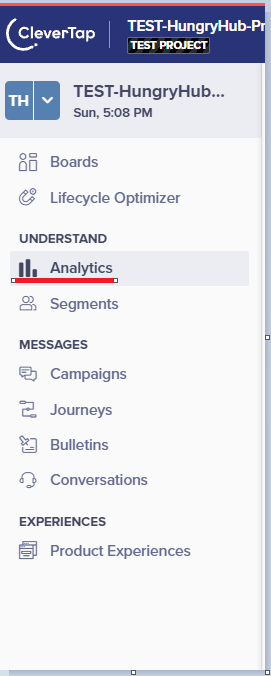
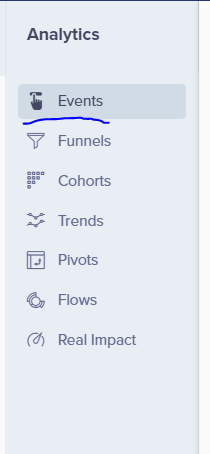
- Login to clevertap dashboard and select Analytics Menu
- Choose events
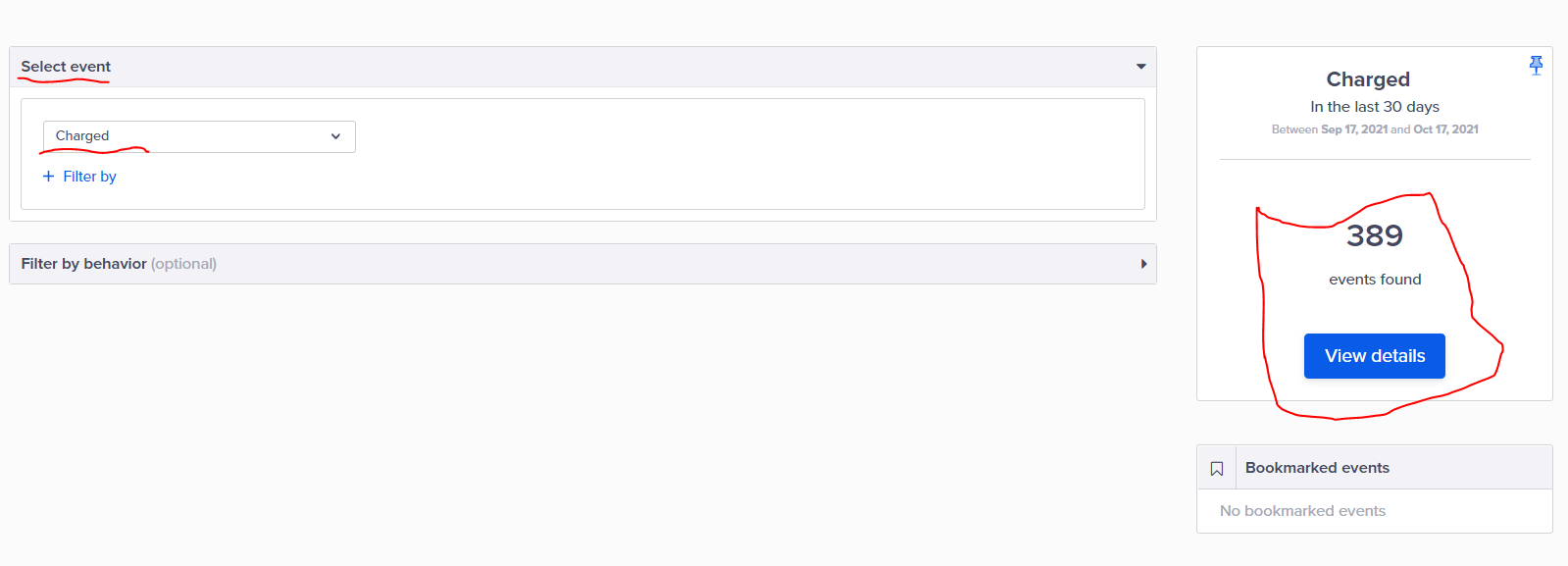
- Choose event that want to inspect, then select View Details
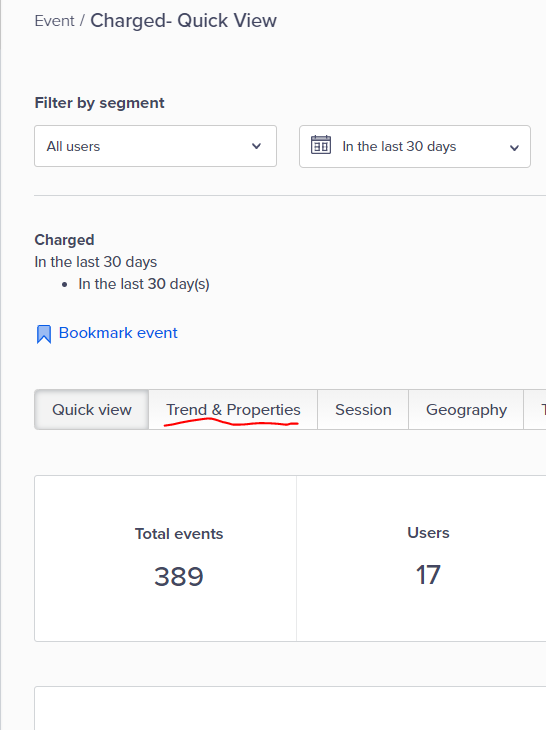
- After pressing the view details button, this screen will appear. Then select Trends & Properties
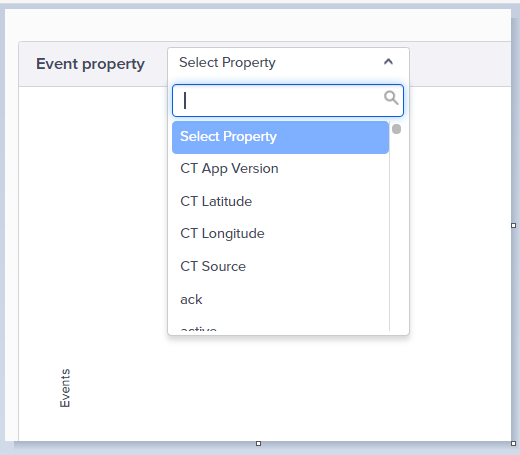
- Scroll down and select event property that you want to inspect
How to send Push Notification to Yourself
- Login to clevertap
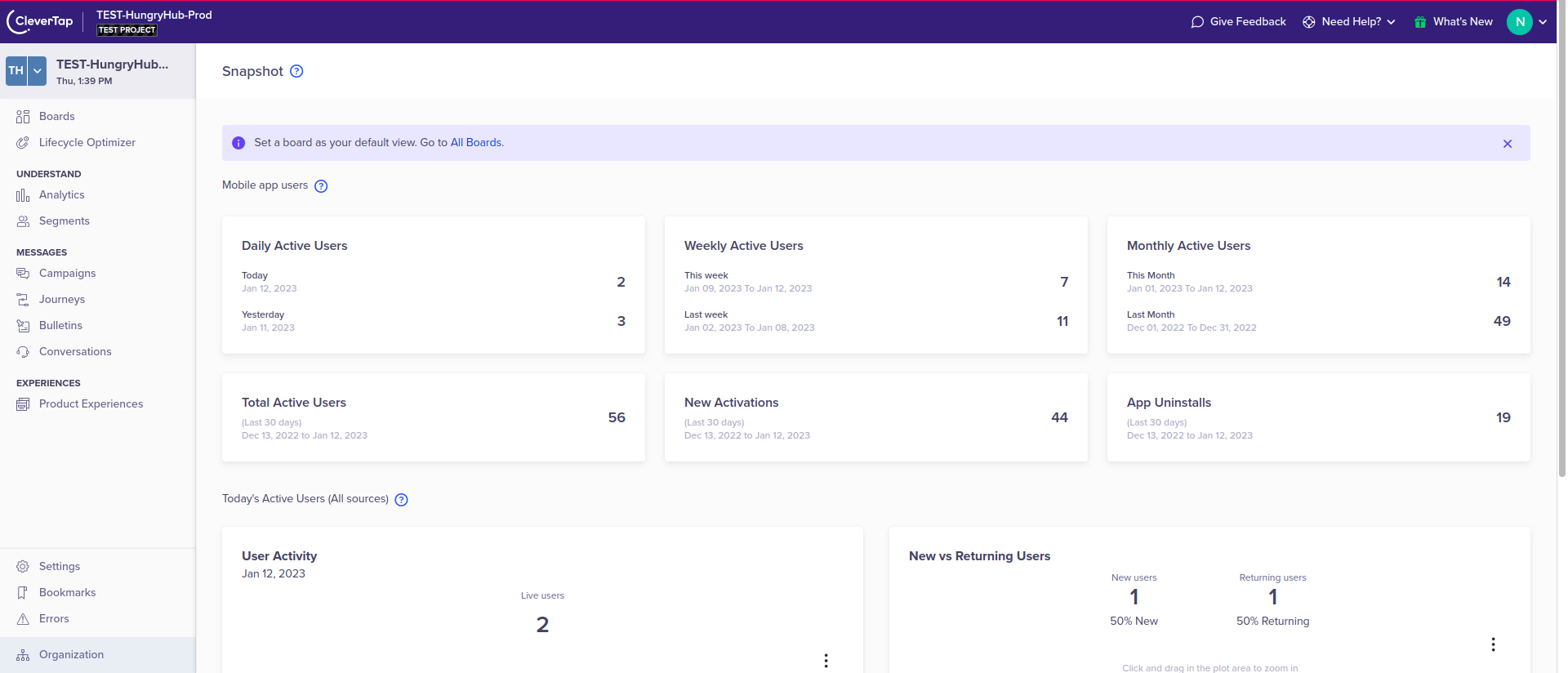
- You’ll find this dashboard
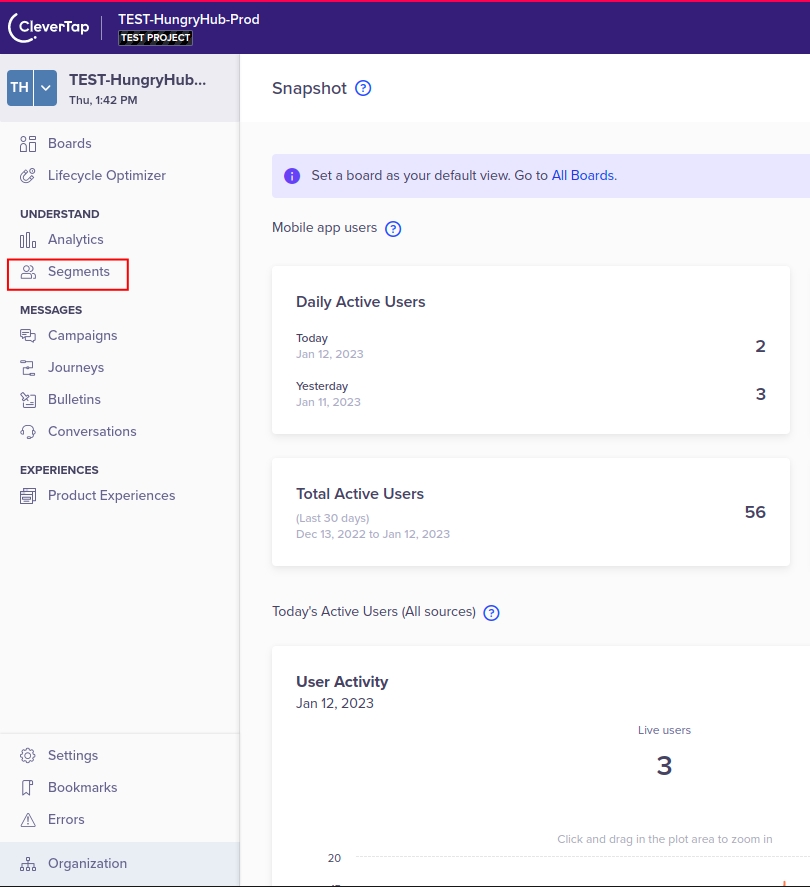
- Click Segments
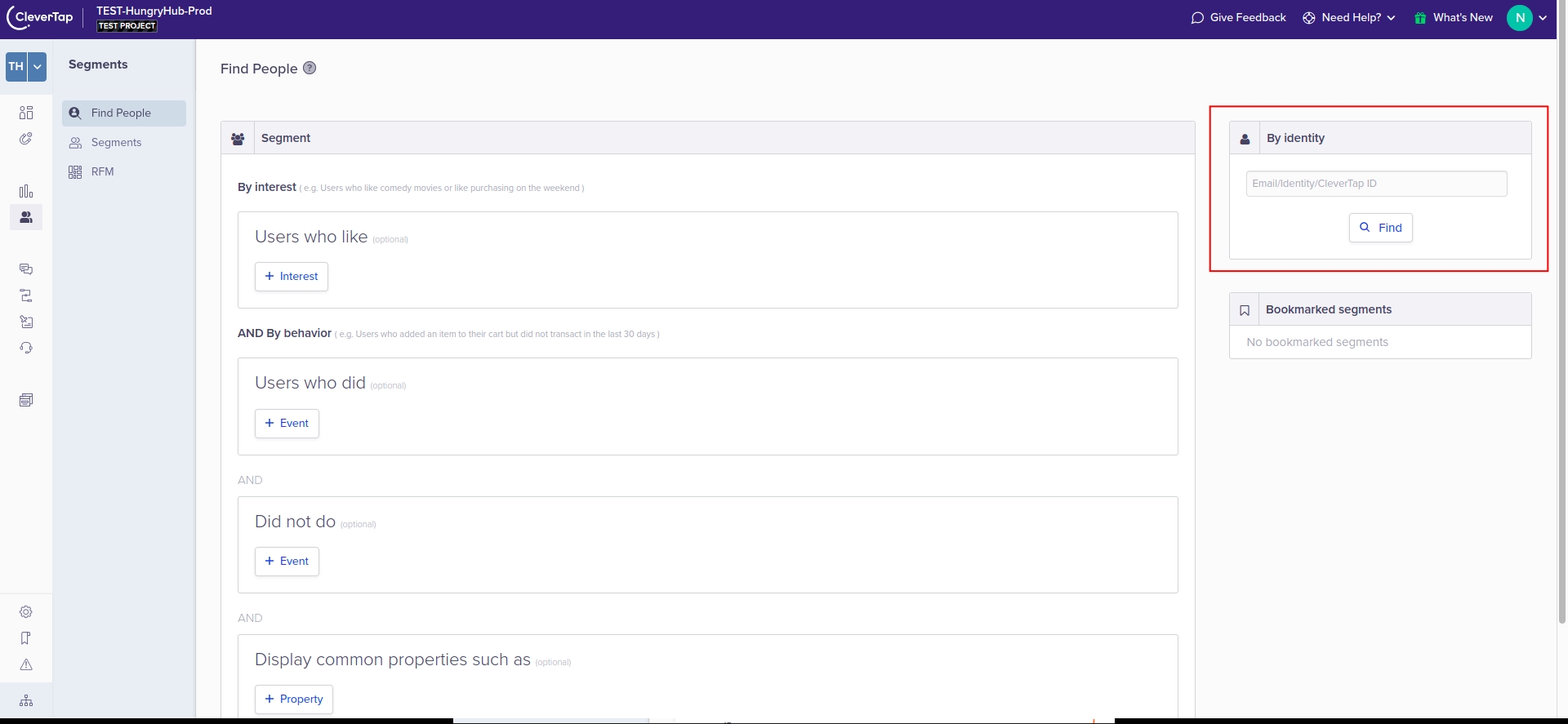
- Type your email here
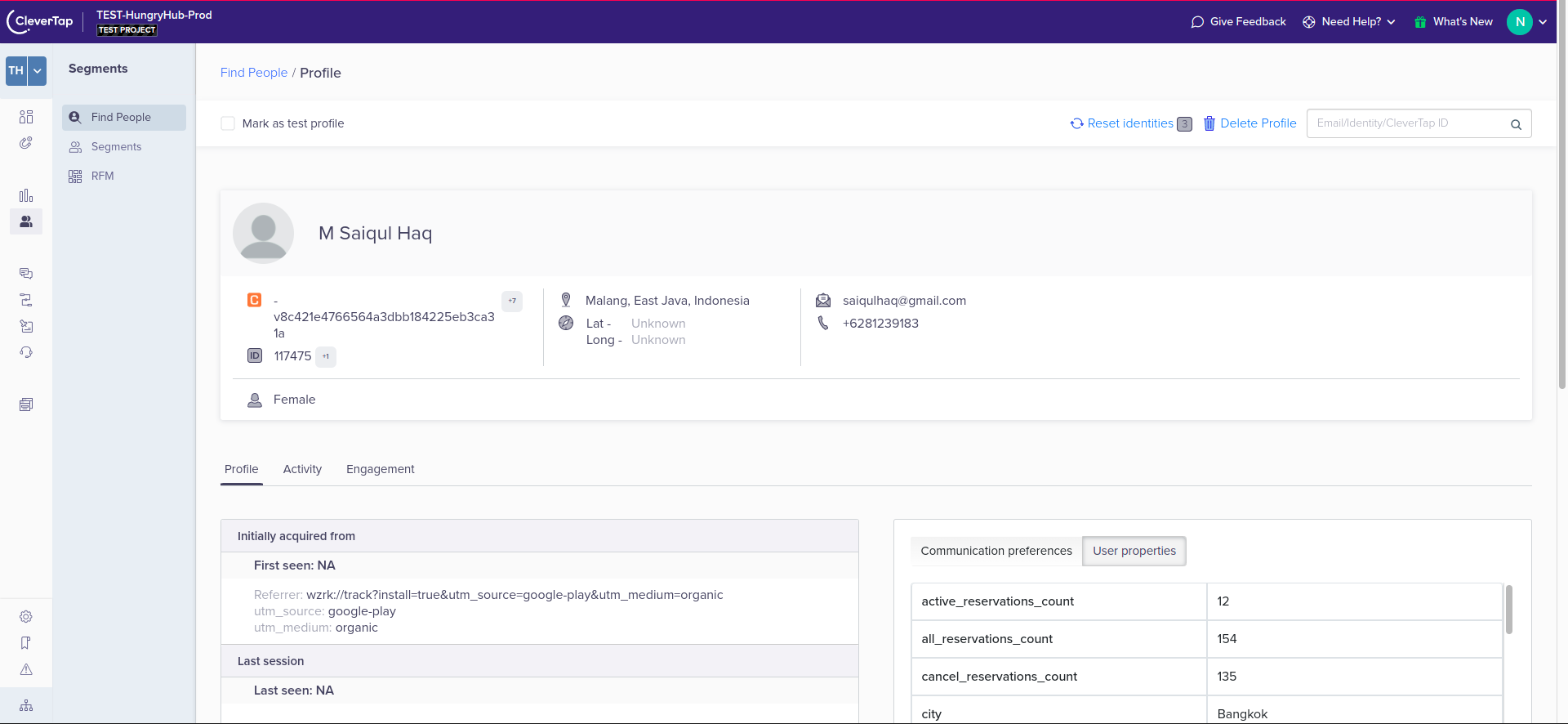
- It will show like this
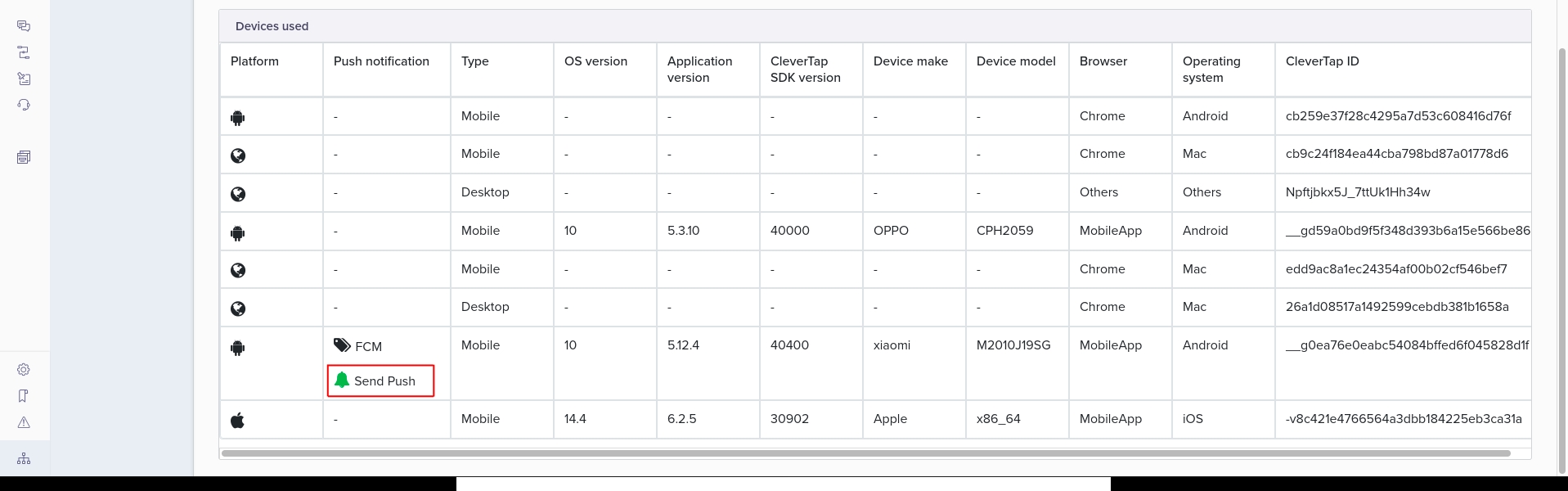
- Scrolldown, till you find Devices used, and click send push
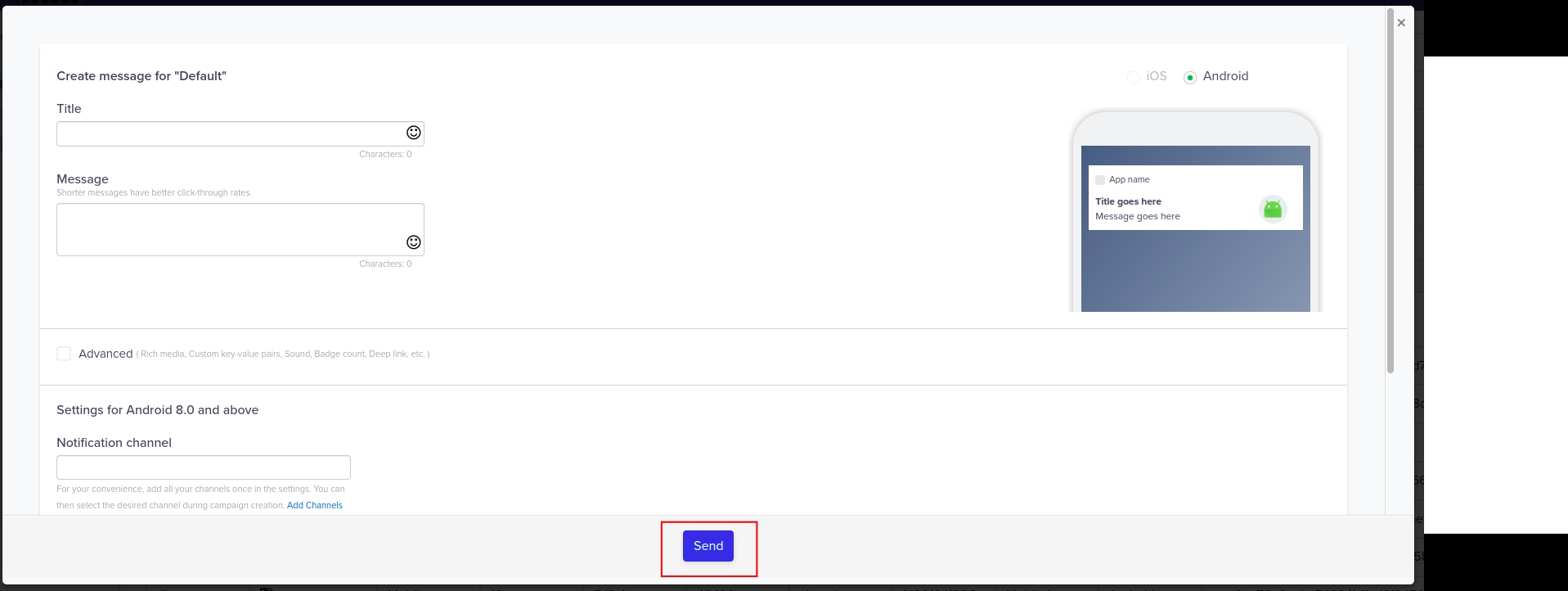
- Fill the form, and click send