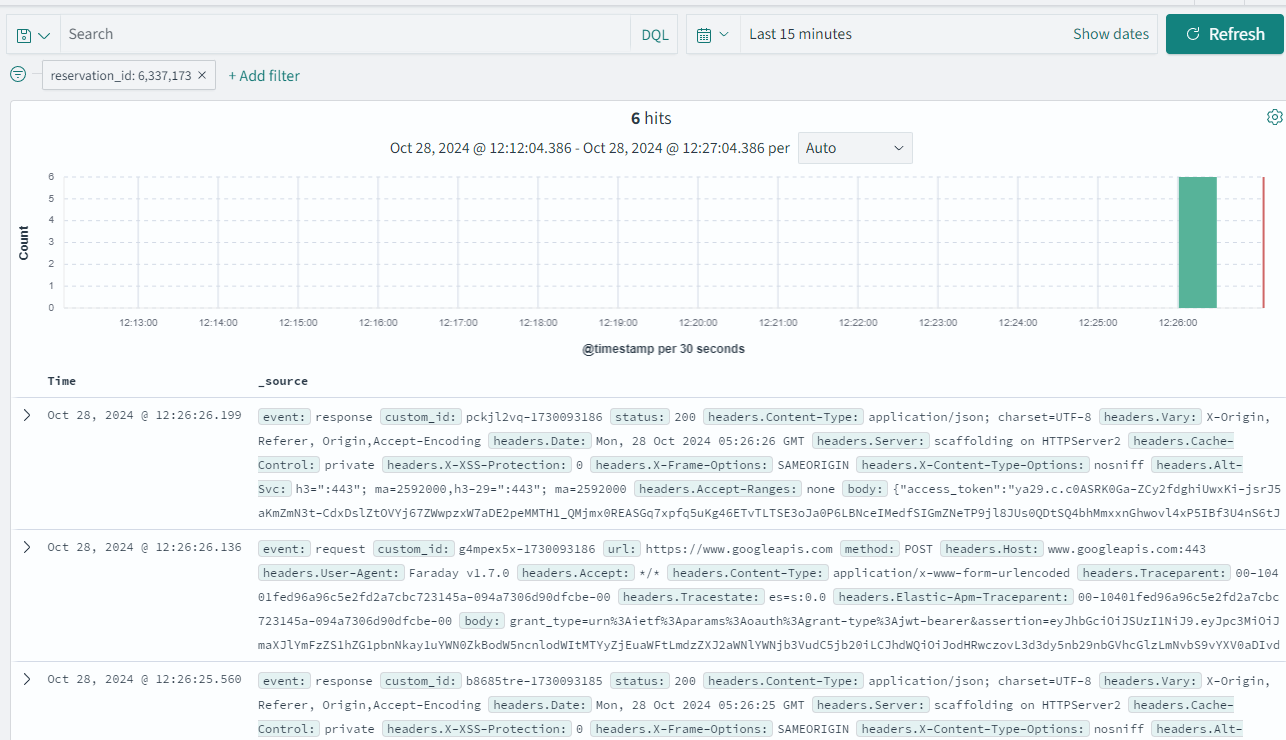
How to Make ElasticSearch/OpenSearch Attribute Searchable
Elasticsearch has an EXPLICIT AND IMPLICIT index mapping feature.
How to do IMPLICIT MAPPING
go to dashboard management/index pattern page https://logs.hungryhub.com/app/management/opensearch-dashboards/indexPatterns
click “refresh field list” button
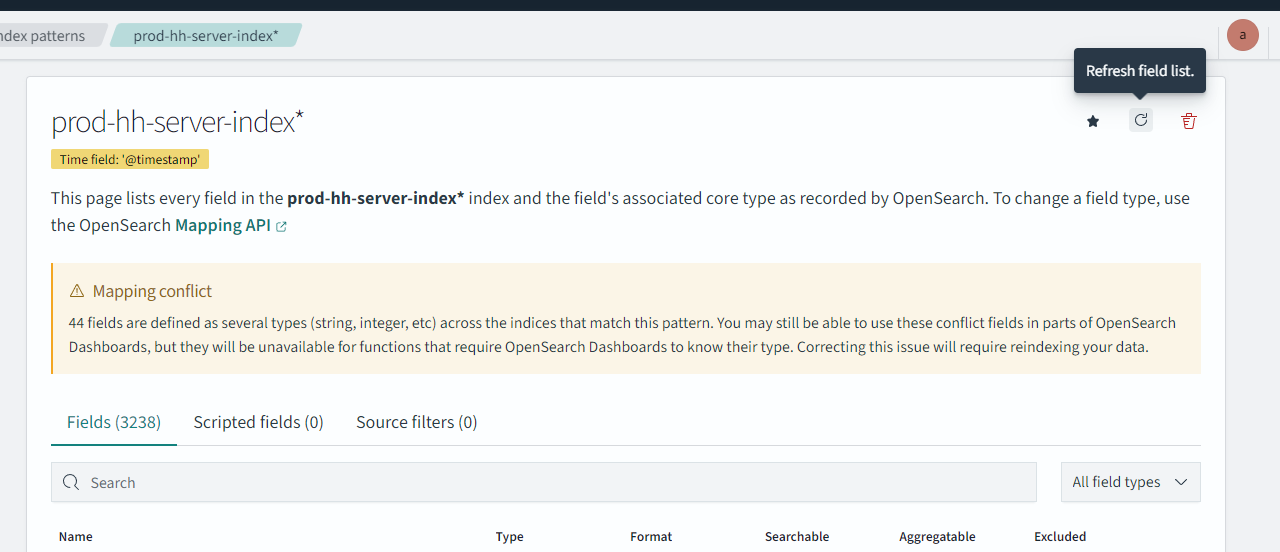 then the available list should be updated
Elasticsearch has a limit of 1000 fields, so if more than that, it will crash, many fields will not be searchable, so we need to use EXPLICIT MAPPING, to make elasticsearch do search on specific attributes only
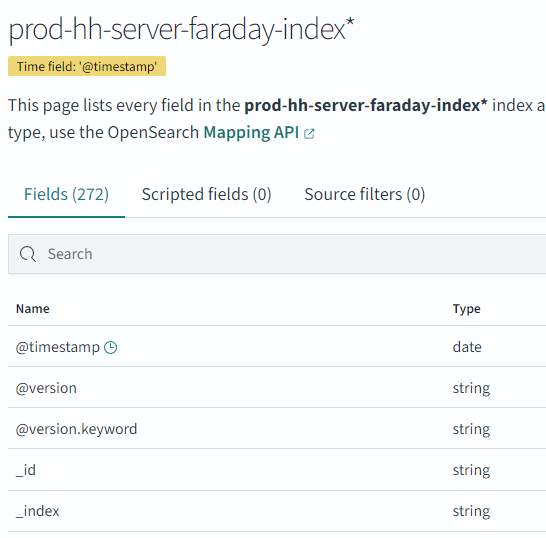
Implicit mapping is good when the fields are less than 1000 fields, example for the faraday index
How to do EXPLICIT MAPPING
if we can’t search a field in logs.hungryhub.com because it has a yellow icon like this:
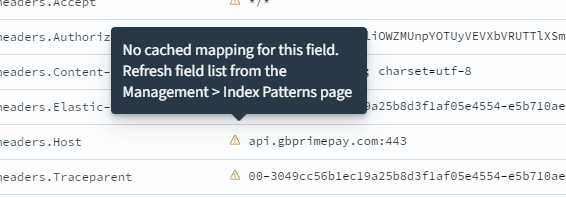 it means we need to update the index schema
first find out the index name
 then log in as admin
avnadmin
AVNS_zT0DkdvOEvHfWHU6CPo
then open templates https://logs.hungryhub.com/app/opensearch_index_management_dashboards#/templates?dataSourceId=&from=0&search=&size=20&sortDirection=desc&sortField=name
in our example scenario, we want to fix Faraday log
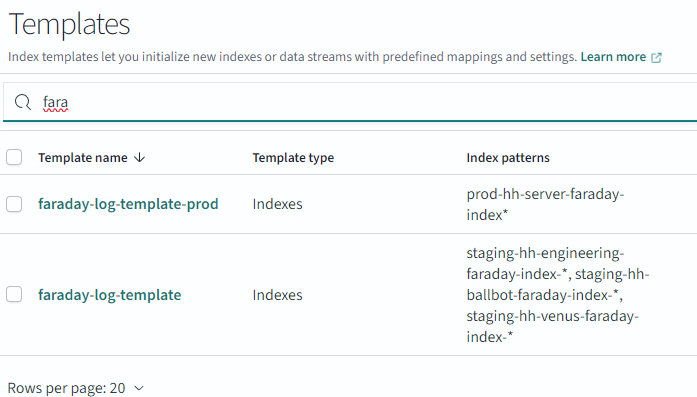
then open the configuration
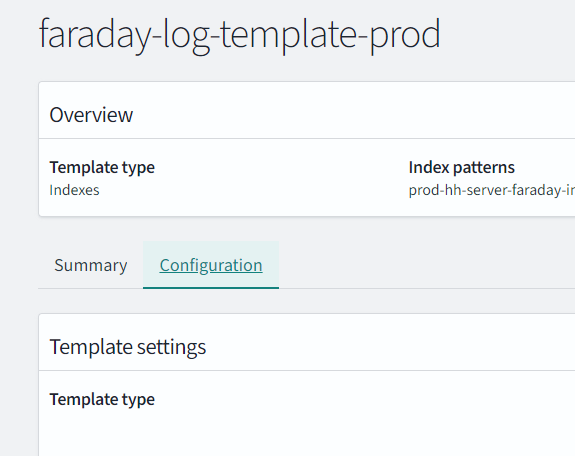
then open the INDEX MAPPING
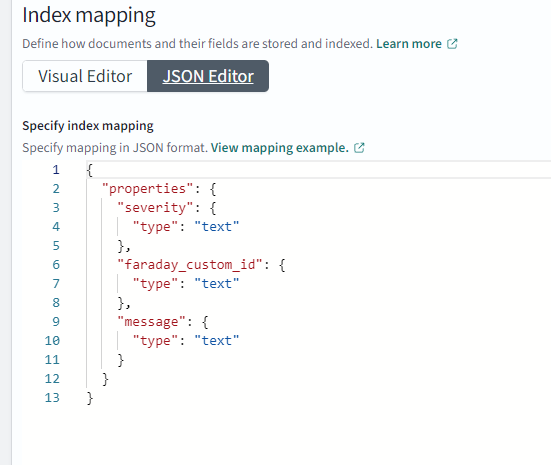
and add the required field to search in this mapping
as an example, if we need to search by reservation_id and restaurant_id attribute
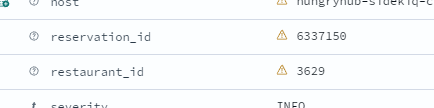 then update the mapping like this:
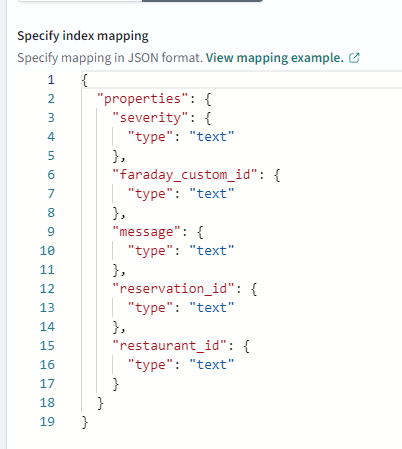
READ ELASTICSEARCH DOCUMENTATION ABOUT THEIR DATA TYPES!
then close the text editor
and click save

after that go to Indexes page
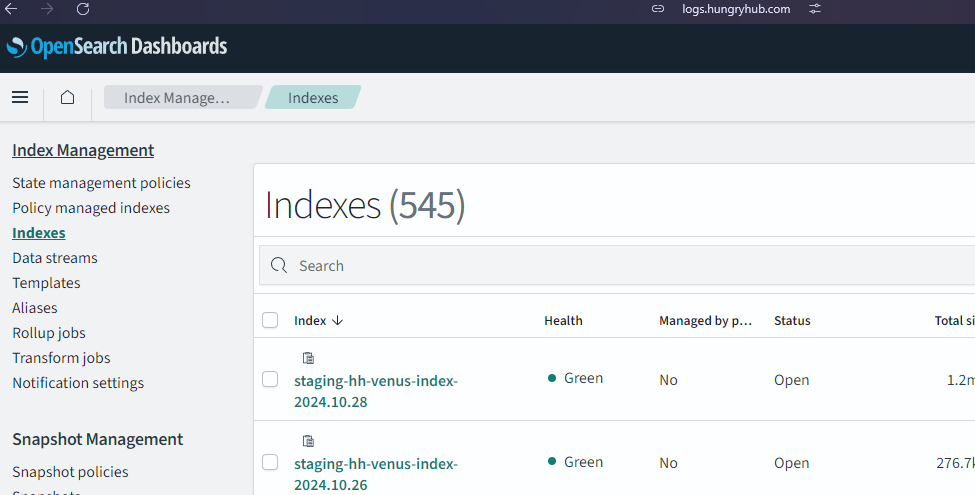
search for the index that uses that template
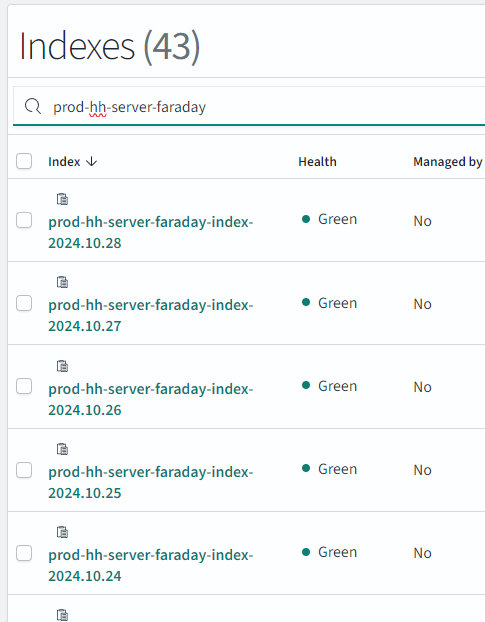
then check all
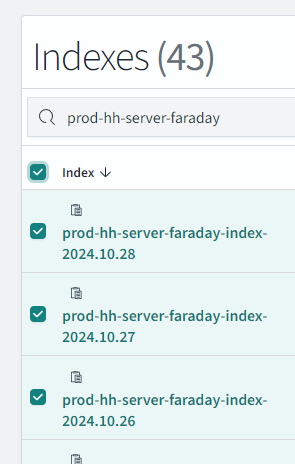
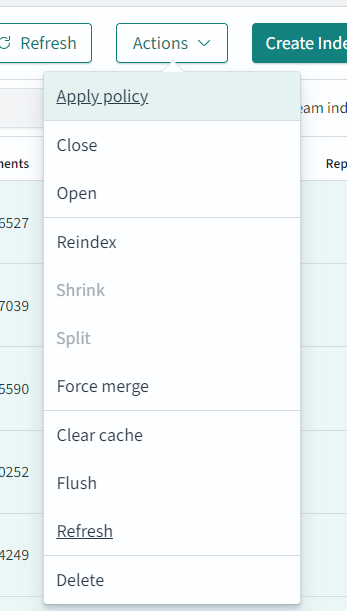
then choose REFRESH in the ACTIONS dropdown
then log out and log in to STAGING or PRODUCTION logs.hungryhub.com account
then open Dashboard management/index patterns
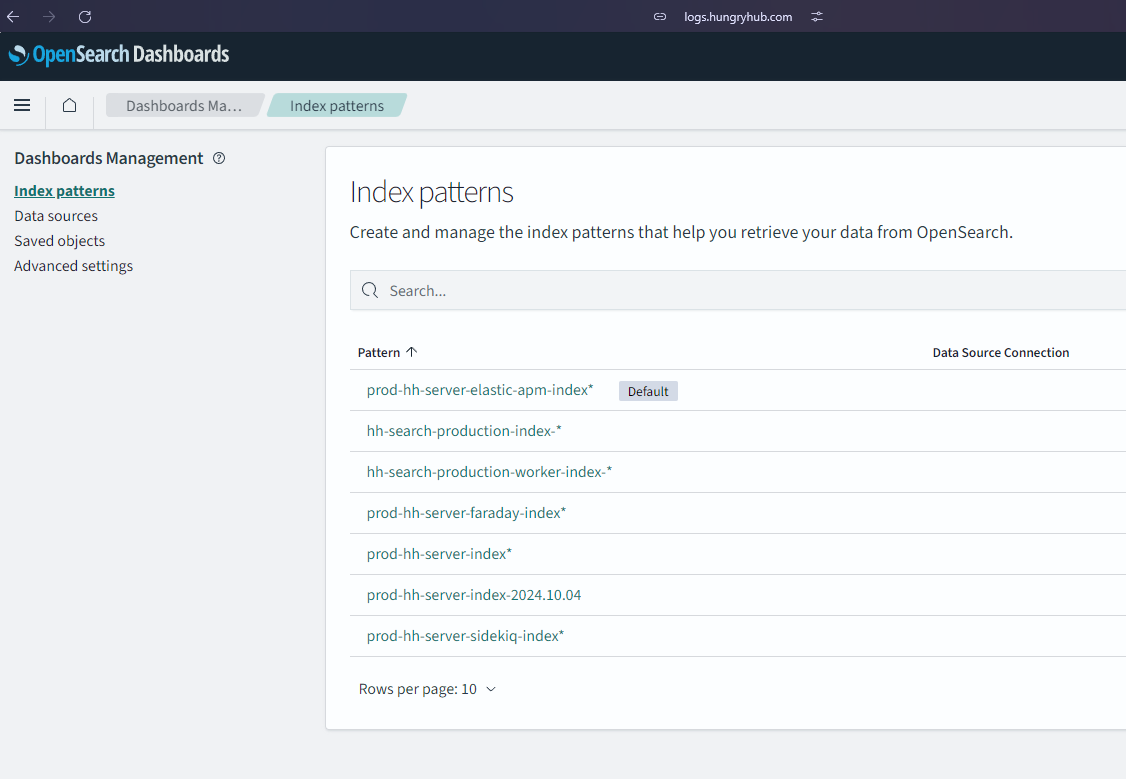
then open index pattern
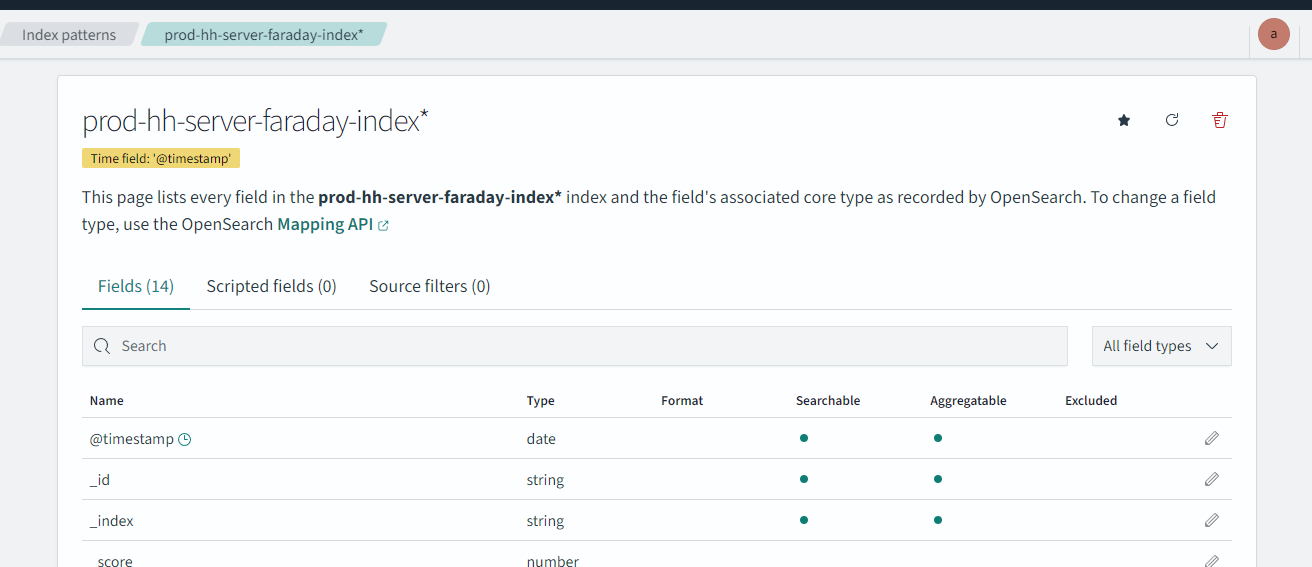 and click refresh
 the middle one
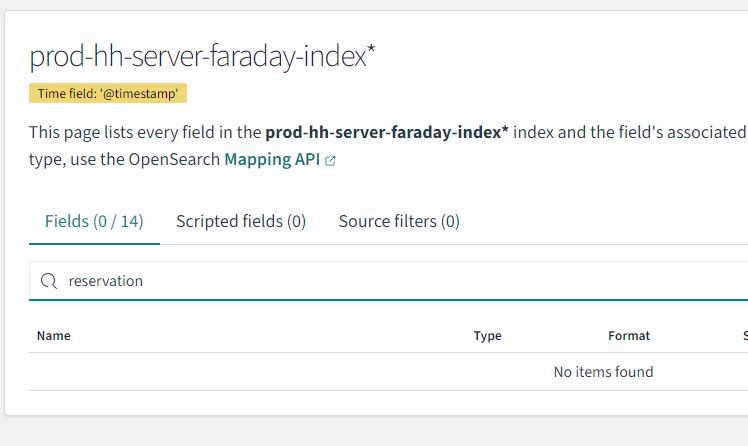
BEFORE REFRESH
AFTER REFRESH
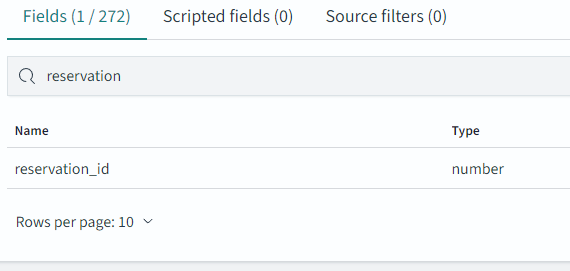
the field should be searchable within seconds, minutes, or hours depending on the index size or mapping complexity
example result