How To Check Log Server
We store all request logs to Elasticsearch for the following apps:
- hh-server
Note: Other apps are not yet supported.
How to do it?
staging AWS: visit logs.hhstaging.dev staging DO: visit logs.hh-engineering.my.id new staging DO: visit hh-staging01-hungryhub-staging.j.aivencloud.com production: visit logs.hungryhub.com
Access New Staging Logs on Kibana
How to find the request log
- Go to https://logs.hhstaging.dev
- Login with user: elastic and pass: abc123
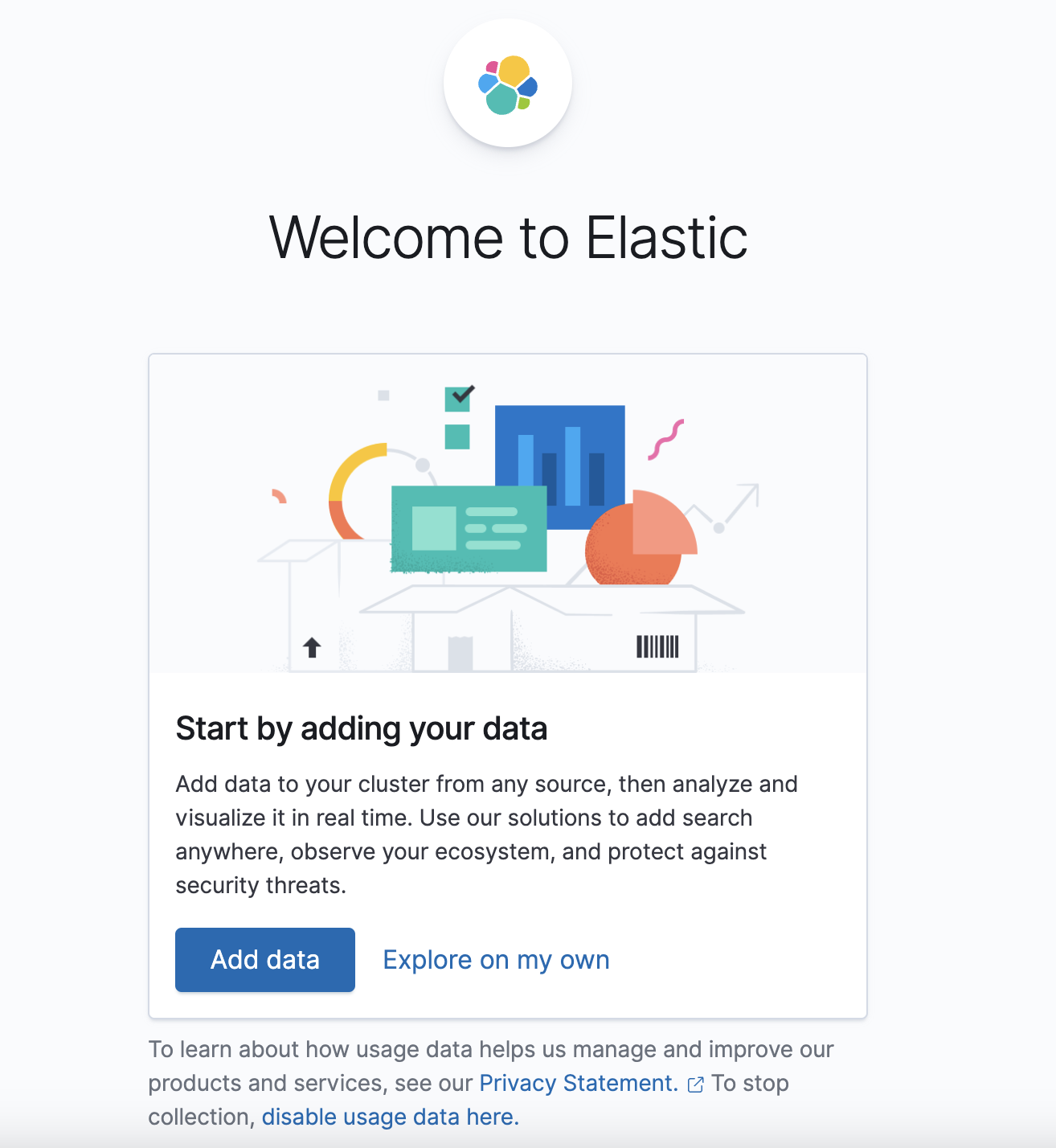
- Then click Add Data
-
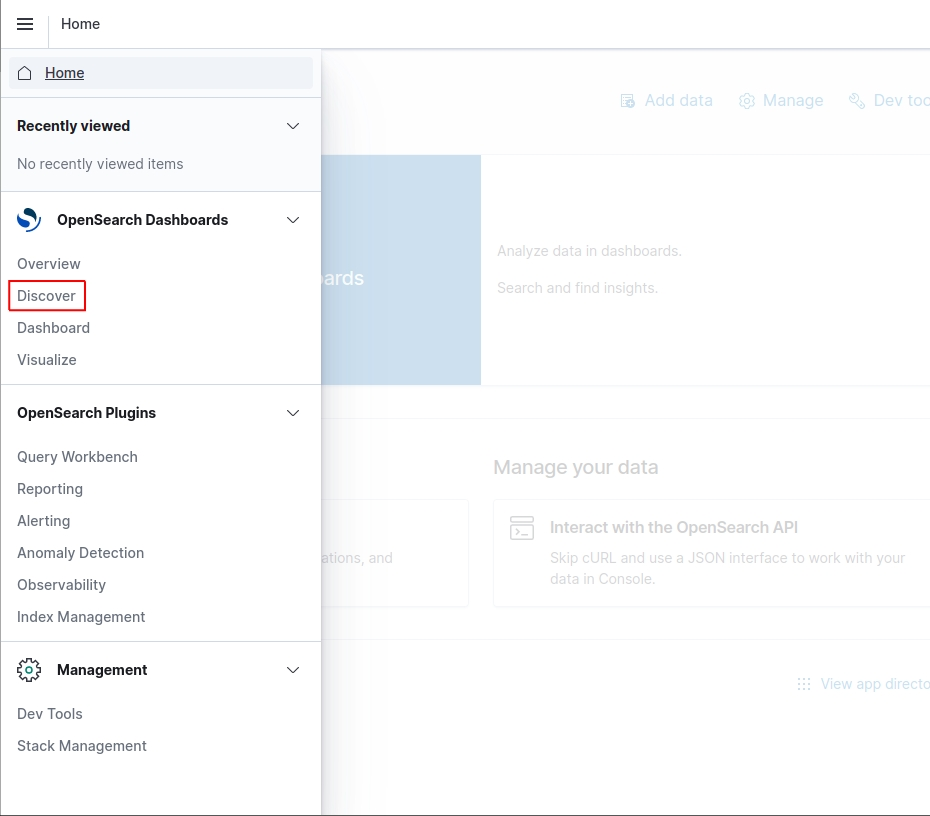
Then go to the Discover page
-
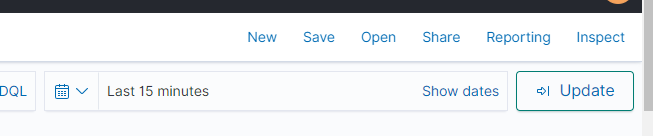
Change the time range to adjust the log period
-
Use this filter to view logs from hh-server and Sidekiq servers
-
then add the keyword in the search field
What should you do when there is no data in Discover page
- Go to index pattern page
- Create a new index pattern if it hasn’t been created yet
- Type the log name (usually
logstash-*) and @timestamp
- Then go to kibana
- Then search the app name or the API endpoint
How To Open Elasticsearch
setup the index if it’s missing https://hungryhubgroup.slack.com/archives/C03PCB3PTUH/p1691663839177939?thread_ts=1691662164.135359&cid=C03PCB3PTUH
- Open Elasticsearch url access logs.hhstaging.dev or logs.hungryhub.com username: elastic password: abc123
- Pick Global
- Open menu, and pick discover
example:
- find based on controller
- click filter
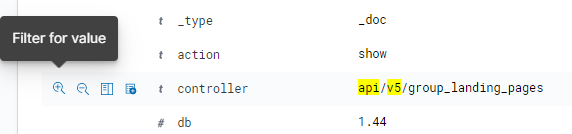
- it will show up on the filter form
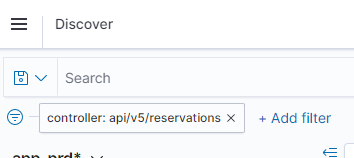
- click to edit to any value
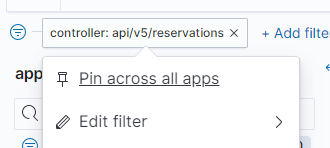
- click filter
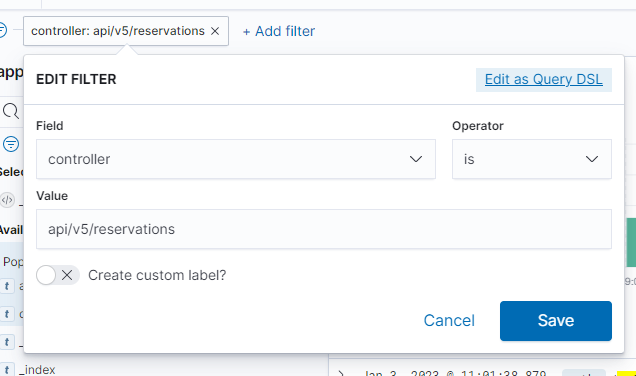
-
* **don't forget to update the timerange too**