How to Create a Reservation on Restaurant Testing Production
Introduction
This guide provides a concise walkthrough for the Engineering team to create a reservation on the restaurant testing production. This concise guide is designed for the Engineering team to implement measures preventing customers from creating bookings on the restaurant's testing production environment. This helps maintain the testing environment's integrity and ensures that reservations created are purely for engineering and testing purposes.
Steps
1. First of all you need to check which restaurant IDs that used for restaurant testing on production by accessing the admin settings page ➝ https://hungryhub.com/admin/settings?locale=en and find for Restaurant Ids For Testing key.
 2. For example, I want to use restaurant ID 1352 for testing the create reservation feature on production
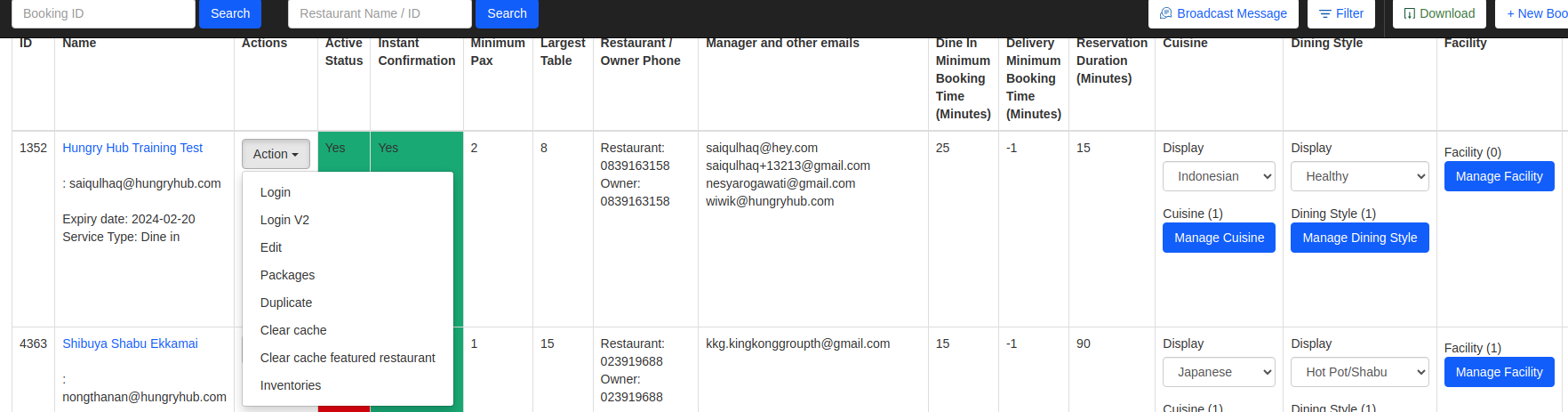
3. Go to the restaurant list page (https://hungryhub.com/admin/restaurants?locale=en) and find restaurant ID 1352, then put the ID on the Filter By ID field and click the Submit button to filter the restaurant.
4. If the restaurant's active status is equal to Yes it means the restaurant is already active, if No you need to edit the restaurant to be active by clicking the Action ➝ Edit button.
2. For example, I want to use restaurant ID 1352 for testing the create reservation feature on production
3. Go to the restaurant list page (https://hungryhub.com/admin/restaurants?locale=en) and find restaurant ID 1352, then put the ID on the Filter By ID field and click the Submit button to filter the restaurant.
4. If the restaurant's active status is equal to Yes it means the restaurant is already active, if No you need to edit the restaurant to be active by clicking the Action ➝ Edit button.
 5. If the restaurant is already active then you can access the restaurant on the web client or apps (Android or iOS) ➝ https://web.hungryhub.com/restaurants/hungry-hub-training-test?locale=en
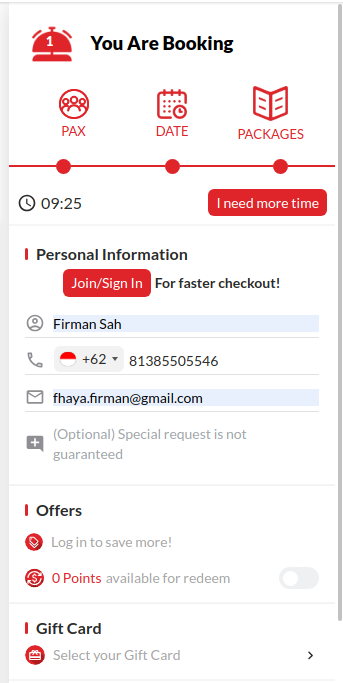
6. Create a new booking and follow the booking process until you are on the checkout page
5. If the restaurant is already active then you can access the restaurant on the web client or apps (Android or iOS) ➝ https://web.hungryhub.com/restaurants/hungry-hub-training-test?locale=en
6. Create a new booking and follow the booking process until you are on the checkout page
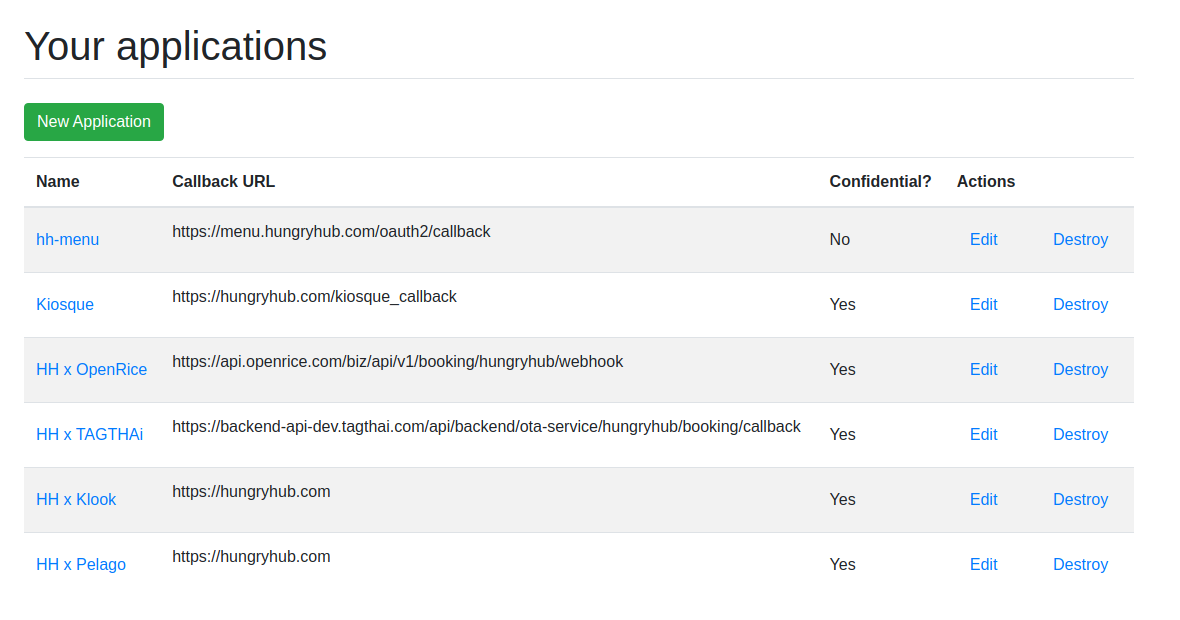
 7. You need to put an Application Id from https://hungryhub.com/oauth/applications to bypass the validation. You can use any Application Id to bypass the validation. In this example, I will use HH x OpenRice.
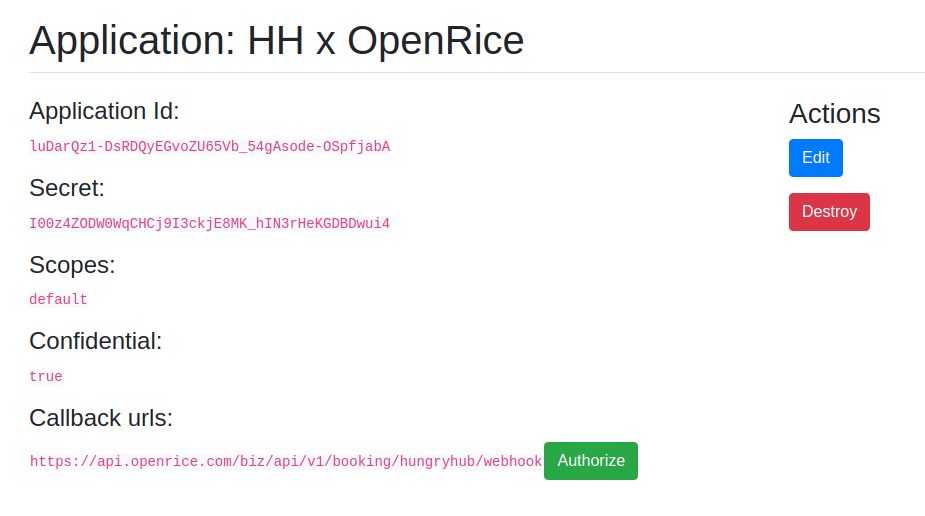
 8. Click the HH x OpenRice application then copy the Application Id and put in the special request field on the checkout page. You only can put the Application Id in the special request field without any additional characters.
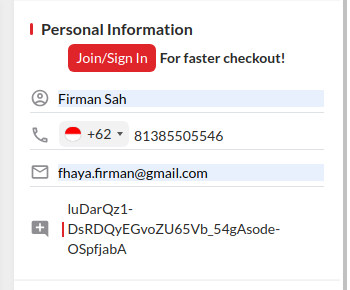 9. Finally you can create a new reservation and successfully bypass the validation. If you do not put the Application Id in the special request field and click the Confirm button you will get an error with message "This restaurant is for hungryhub internal team only"
Notes
Keep in mind that this validation is solely for restaurant testing and does not affect real restaurants on the production system.