Optimizing Application Performance with Cloudflare and Browser Caching
This document outlines our strategy for leveraging Cloudflare and Browser caching to improve our application's performance.
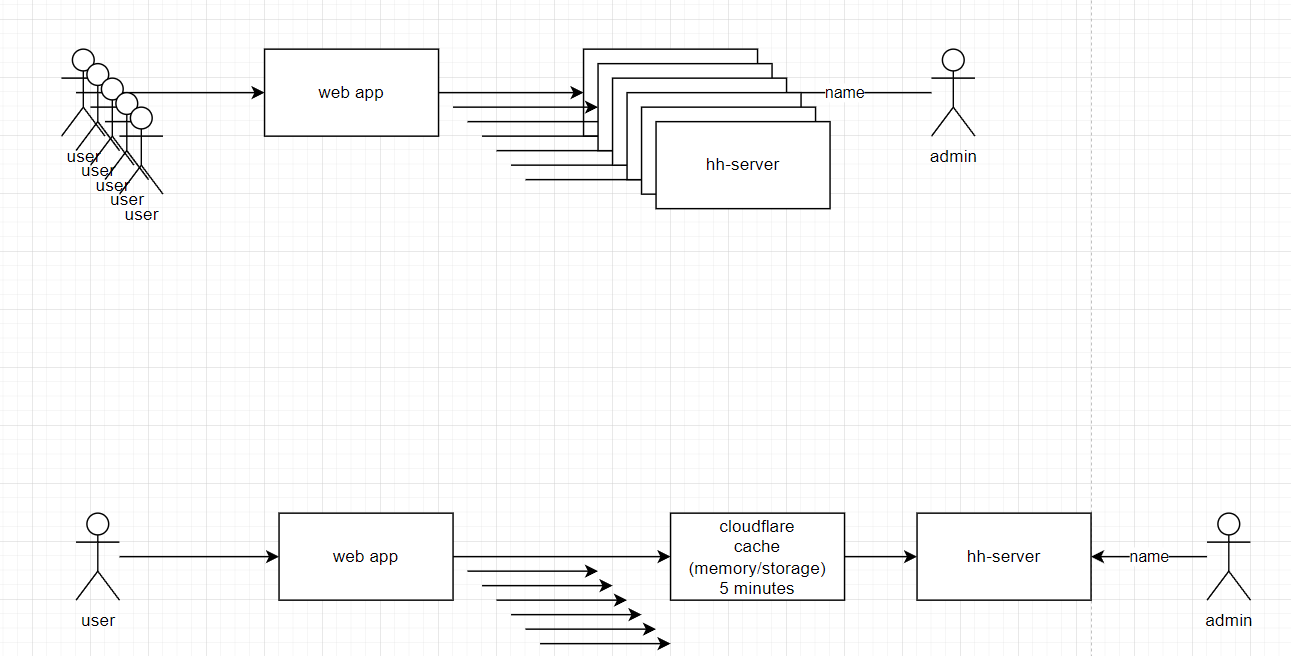
Cloudflare Edge Cache
Cloudflare Edge Cache stores our content copies at Cloudflare's global data centers, reducing the distance between users and content and thereby improving load times.
Link test: https://deploy-preview-2692--hungryhub-build-staging.netlify.app/?env=ballbot&locale=en
Cached API: config.json
Cache Rules
We have to set up specific rules:
- When incoming requests match…
URL Full > starts with > https://hh-ballbot.my.id/api/v5/config.json
- Cache eligibility (required): Eligible for cache
- Edge TTL (required): 1 hours
NOTE: This is the time that the content remains in the Cloudflare cache before it is refreshed.
This setting is necessary as the origin API (hh-server) cache control is always: max-age=0, private, must-revalidate__.
This setting overrides the origin cache-control header from the hh-server.
- Browser TTL (optional): default
NOTE: This is the time that the content remains in the browser's cache.
It's optional, and if not set, it will use the default Browser Cache TTL value from the Caching > Configuration Page.
- Keep the rest of the settings as default.
Result

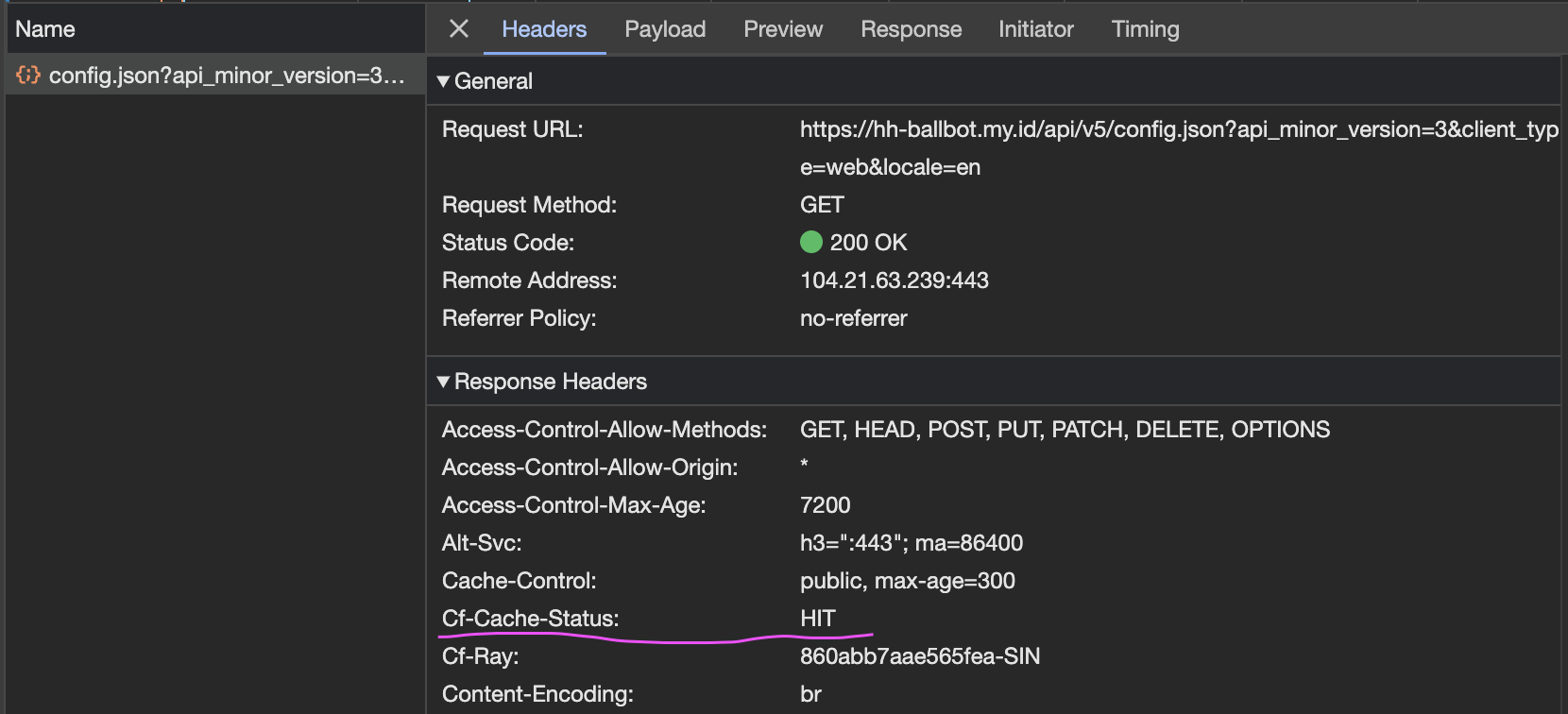
Limitations
With the Pro Plan, there are some limitations:
- We can't use a custom cache key, so we can't cache based on the header
X-Hh-Language. Therefore, we should include the language in the URL query string. - The minimum Edge Cache TTL is 1 hours.
- The minimum Browser Cache TTL per rule is 1 hour.
Question
Is it okay to include the language in the API URL query param for every request? This wouldn't cause any backend issues, correct?
Browser Cache
No additional configuration is required for the browser cache.
The browser cache stores server responses based on the `Cache-Control` header from the Cloudflare Browser TTL.
If a response is cached in the browser, the browser won't request the server until the cache expires, improving performance and reducing server load. The response times can be as quick as 2ms .

Heads up: The default Browser Cache TTL is currently set to 5 minutes. This seems to be a logical choice, considering we can't manage the client's browser cache.
Limitations
With the Pro Plan, there are some limitations:
- We can't use ETag to validate the cache. We can only use the max-age rule from the cache-control header.
- We can't control the client browser cache, so we should set the Browser TTL to a reasonable value.
Additional Information
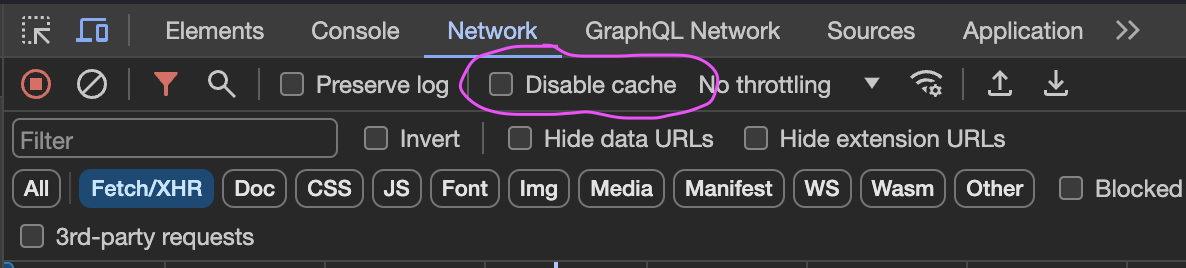
- To see how cache works in the browser, uncheck the "Disable cache" option in the devtool network tab.
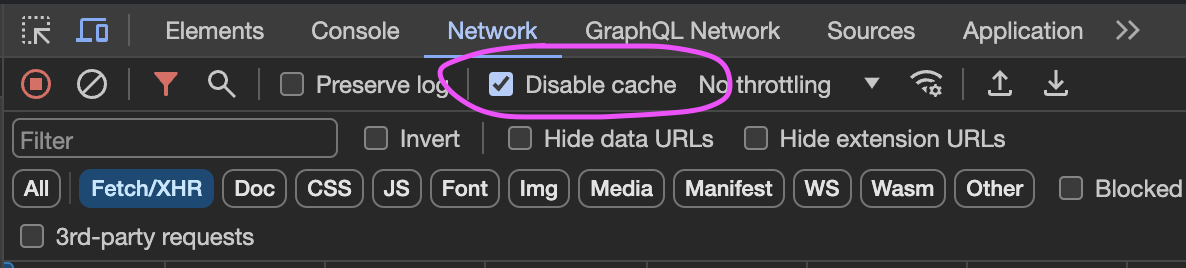
- To see the cache status in the Cloudflare dashboard, check the "Disable cache" option in the devtool network tab, refresh, and then check the "Cache Status" in the response header.
Other Considerations
- We can use the Cloudflare API to purge the cache when we update the content, eliminating the need to wait for the cache to expire.
- If we want to cache the API more dynamically, we need to fix the cache-control header from the server, which is always
max-age=0, private, must-revalidateThis may happen because of MiniProfiler Gem [stackoverflow].
To do list
-
Include the language in the URL query string. \[[PRs](https://app.clickup.com/t/86cut5r87)\] -
Identify which APIs are suitable for caching (e.g., content that doesn't change frequently). -
Configure the cache rules for production in the Cloudflare dashboard. -
List cached API by Cloudflare -
Add purge cache functionality in the Admin dashboard (TBD).
Affected API: